
Mote: one personal AI that lives in four small robots
Book a call, get a price rangeMote is one personal AI that lives in four small robots and wakes up in whichever one you need, with its eyes and a lime light on the one that is listening. We made the brand, the app, the face on each robot, the website and the launch.
- Project
- An Alterra Studio project
- Stage
- Consumer AI hardware, seed stage
- Services
- Naming, identity, UX and design system, iOS app, robot face, product films, website, launch
- For sale
- On Brandbooked, from $2,500
One AI, four small robots
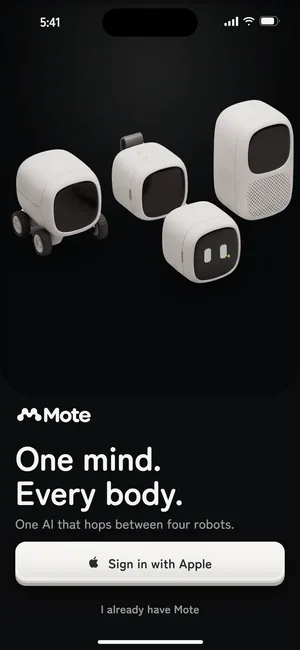
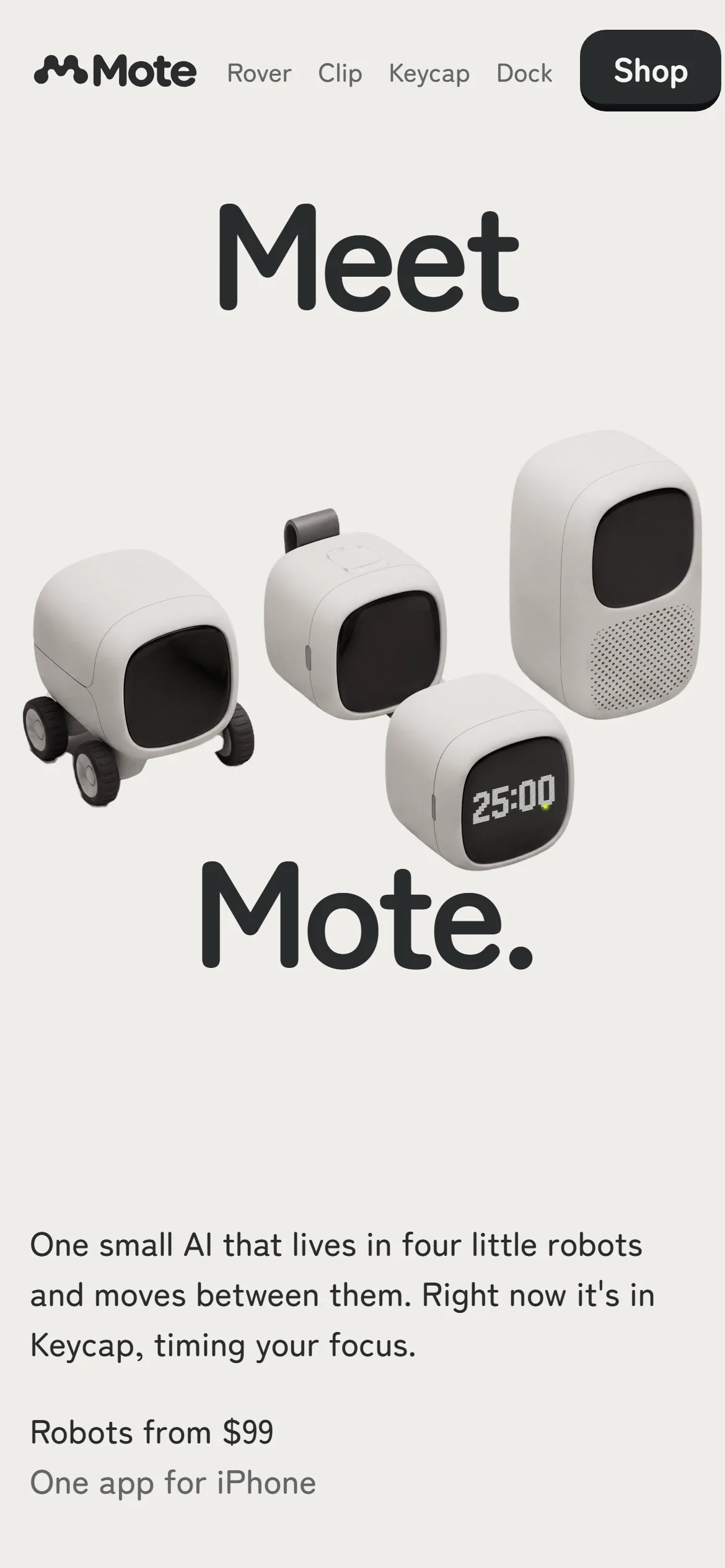
Mote moves the assistant out of the browser tab and into the room, awake in whichever robot you need.
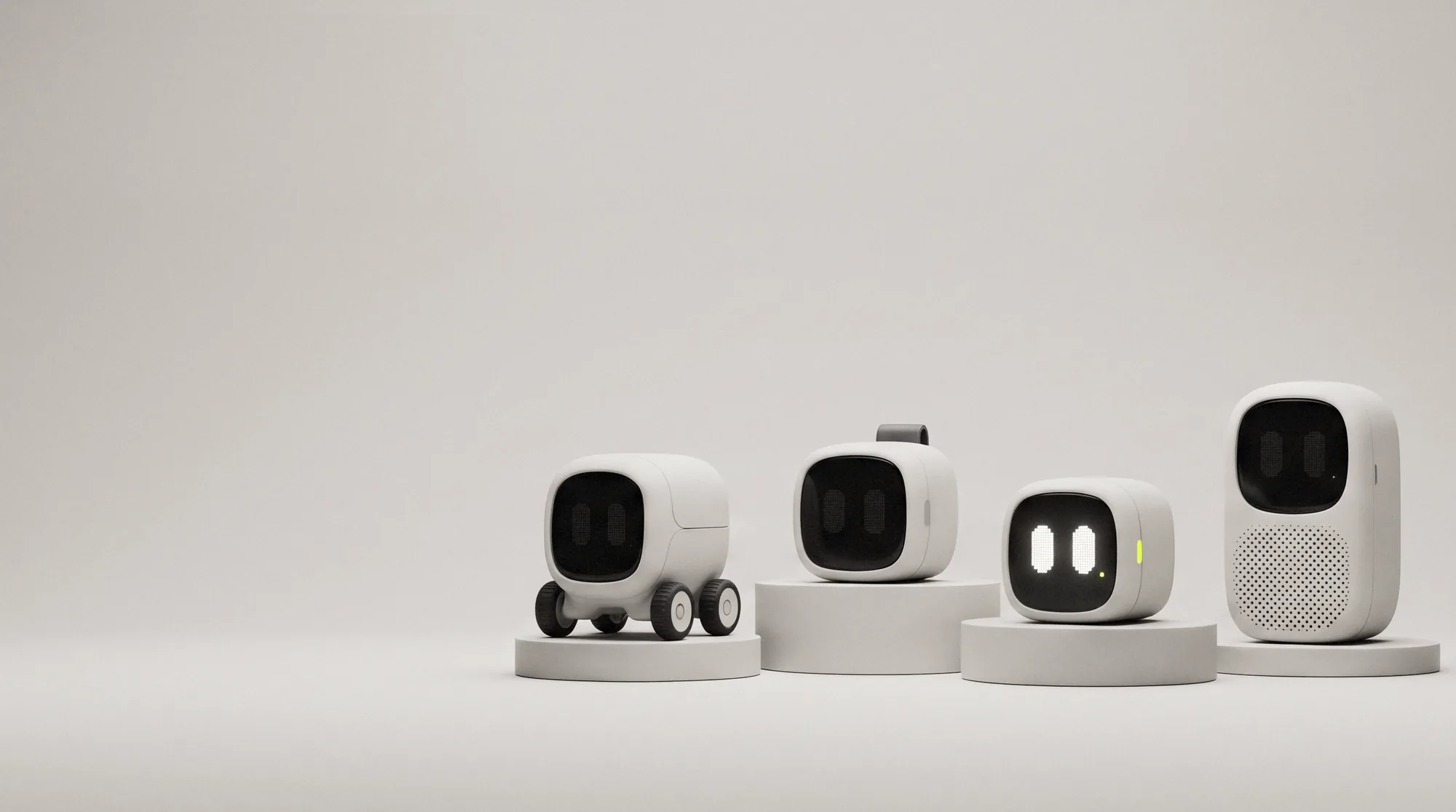
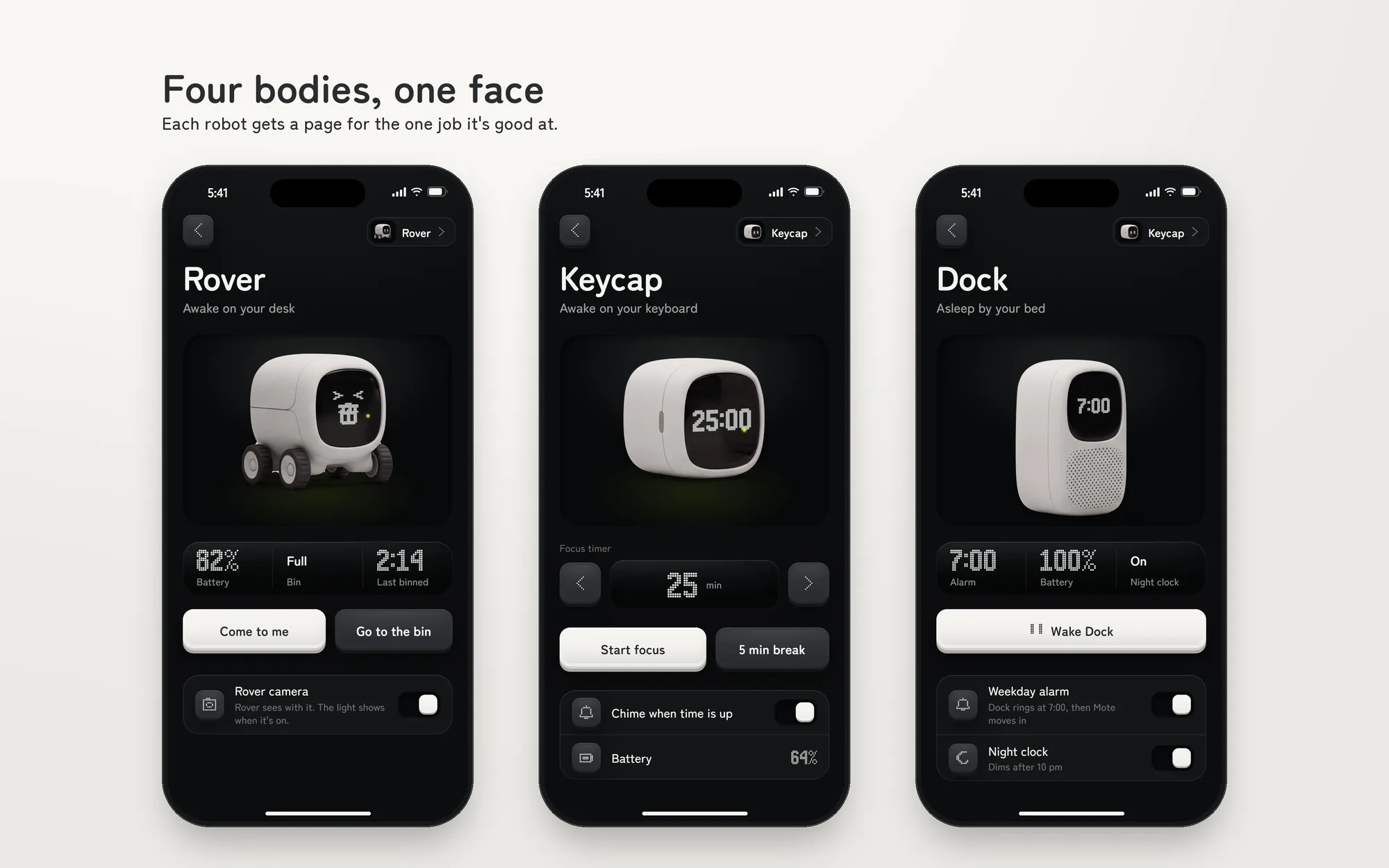
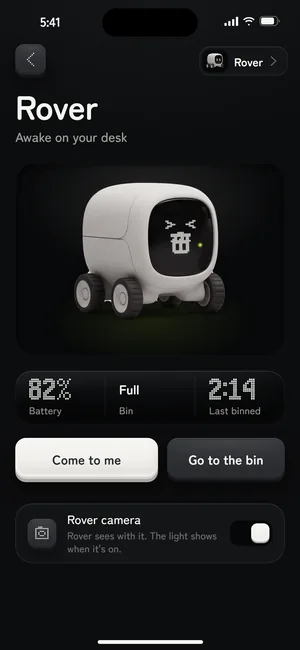
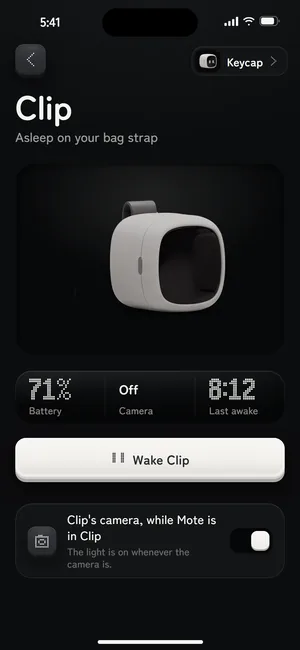
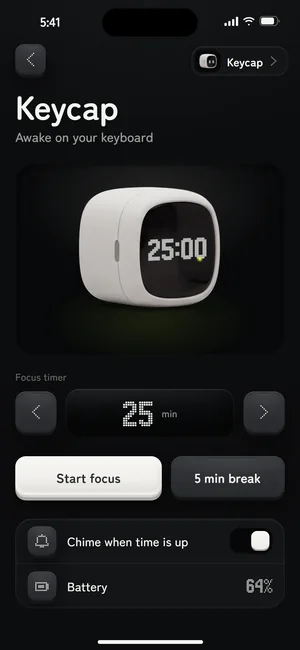
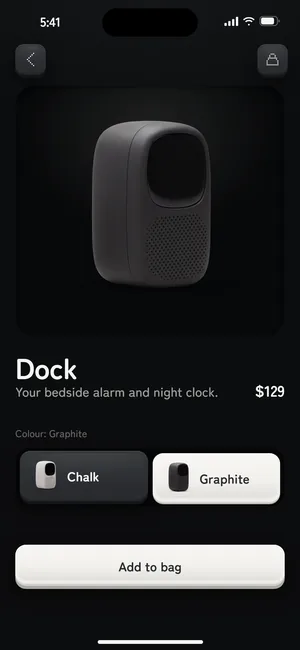
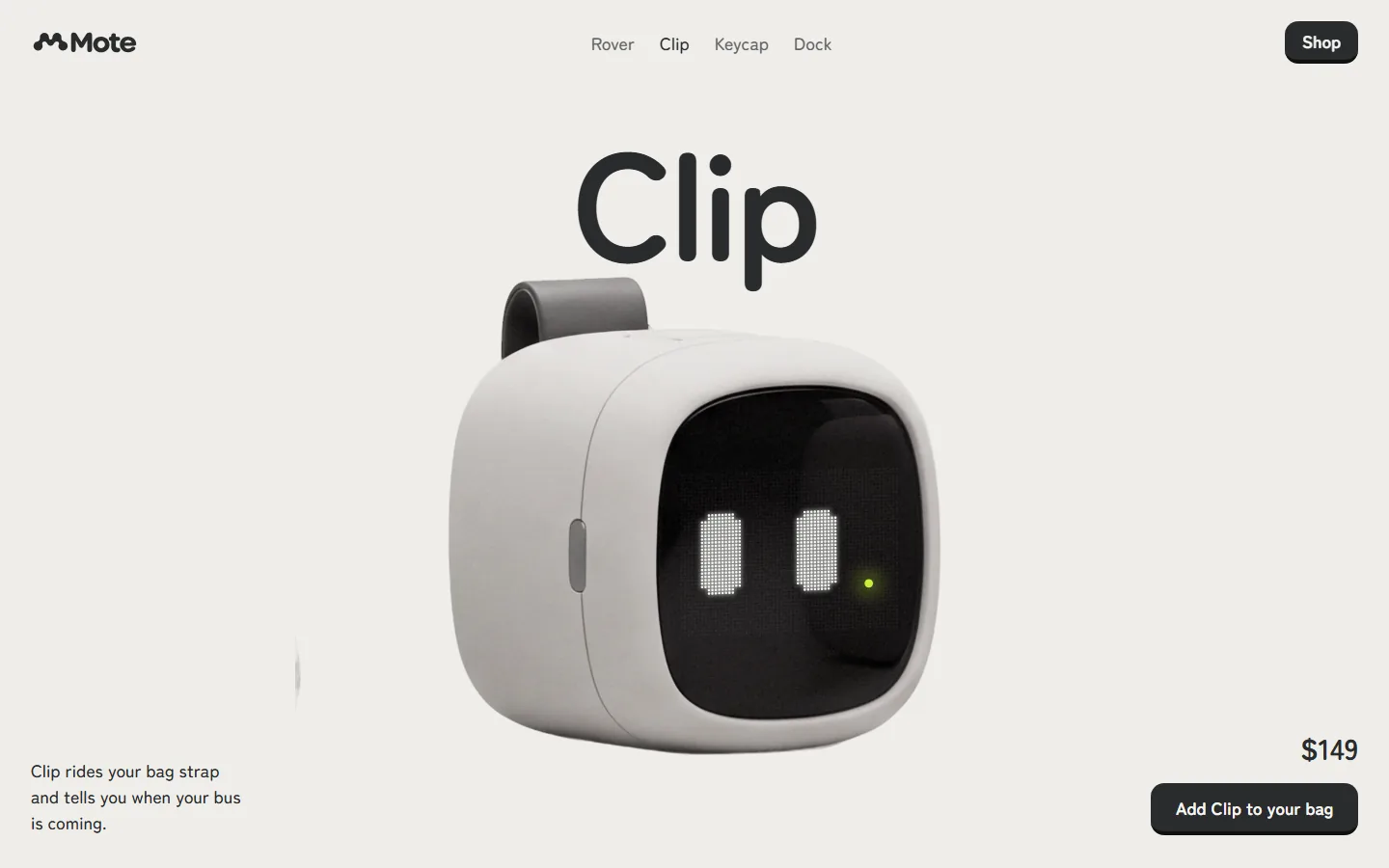
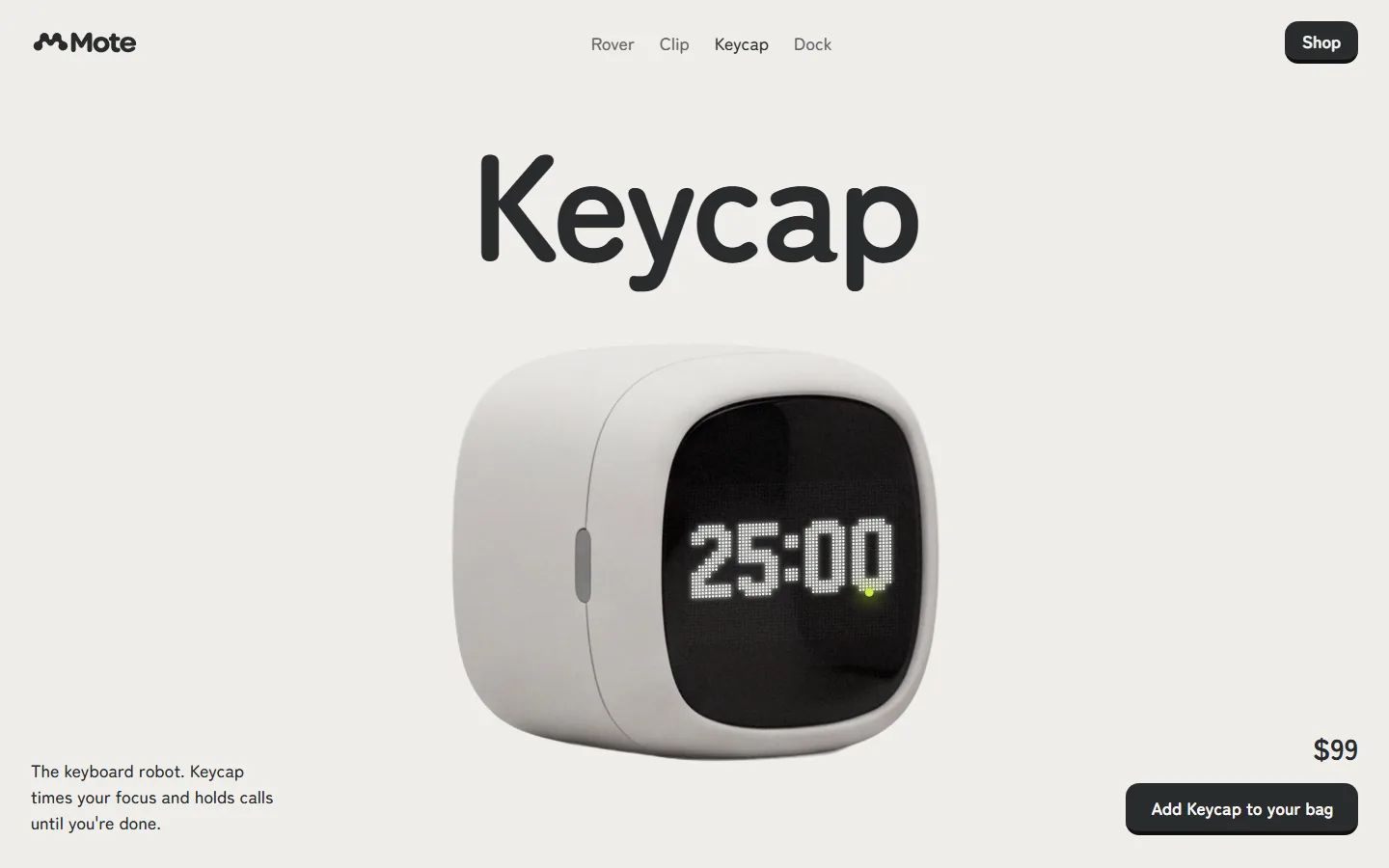
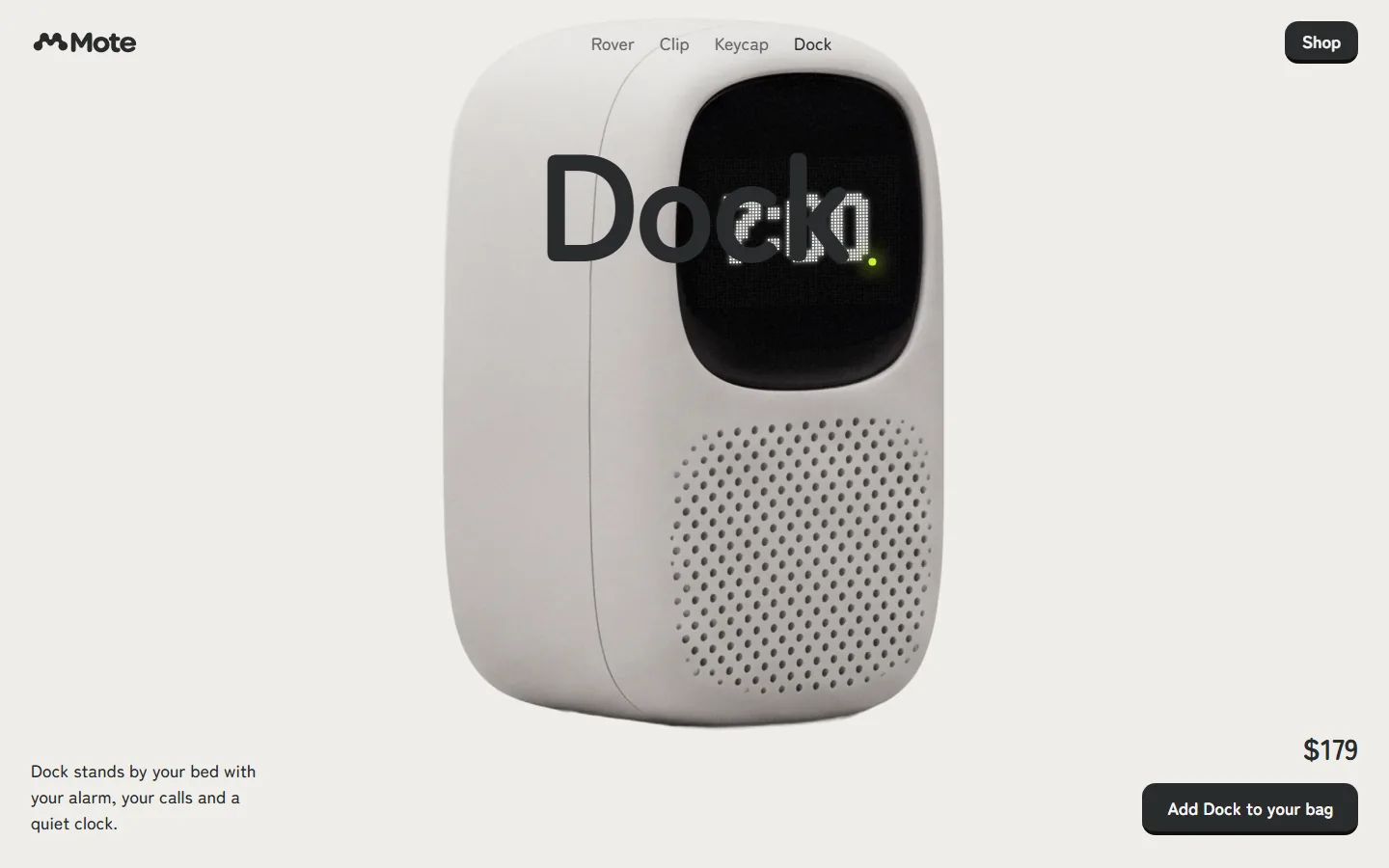
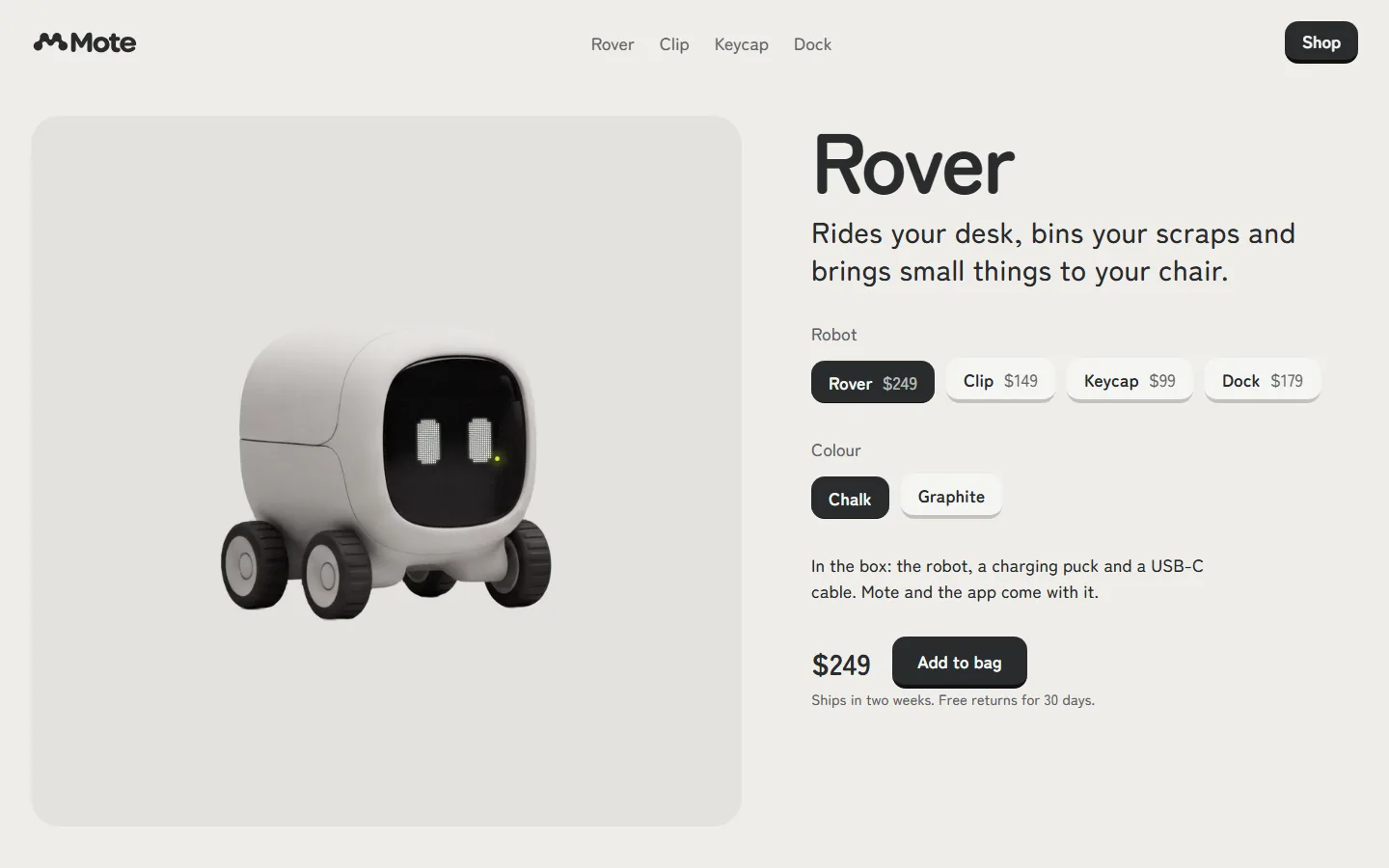
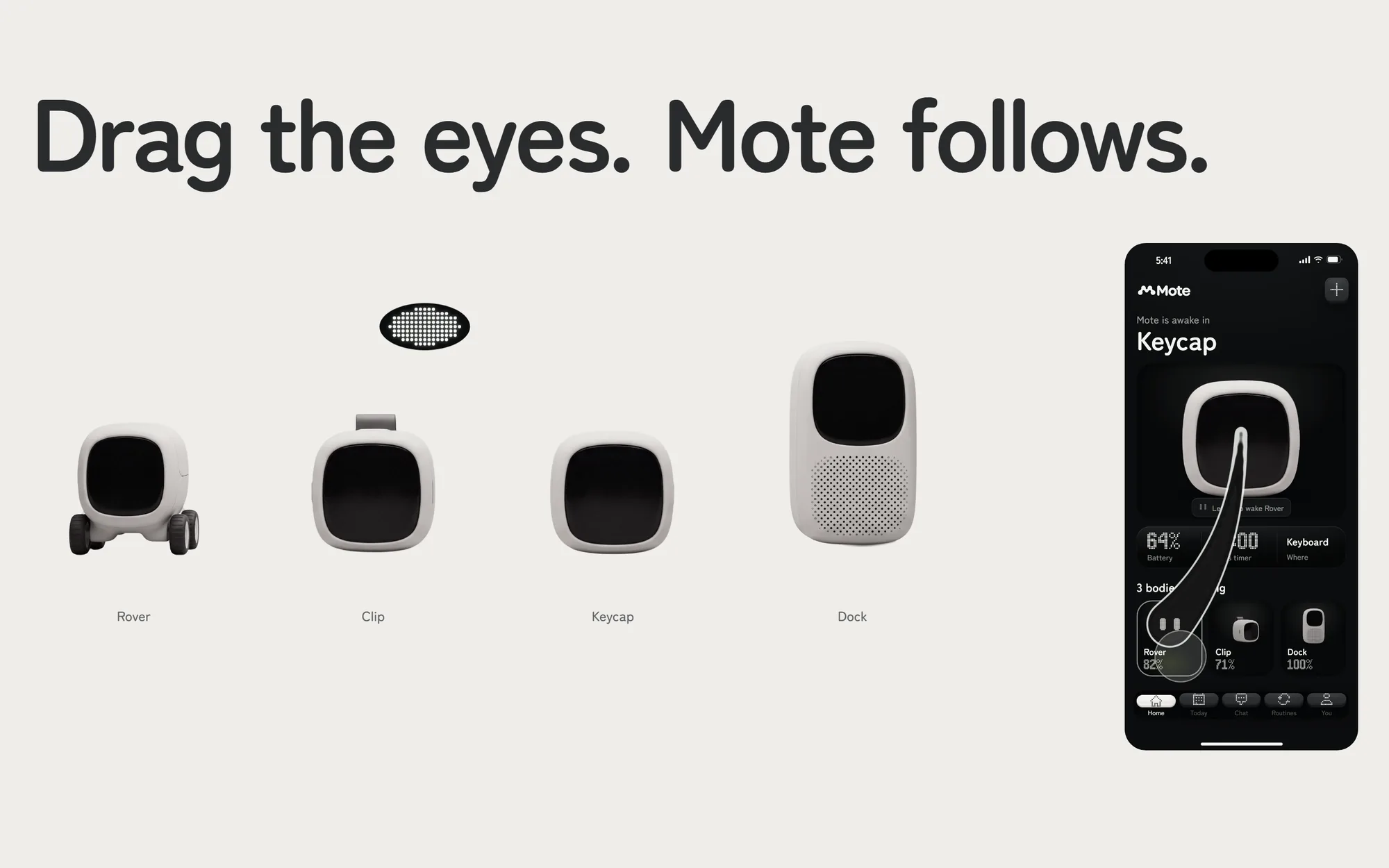
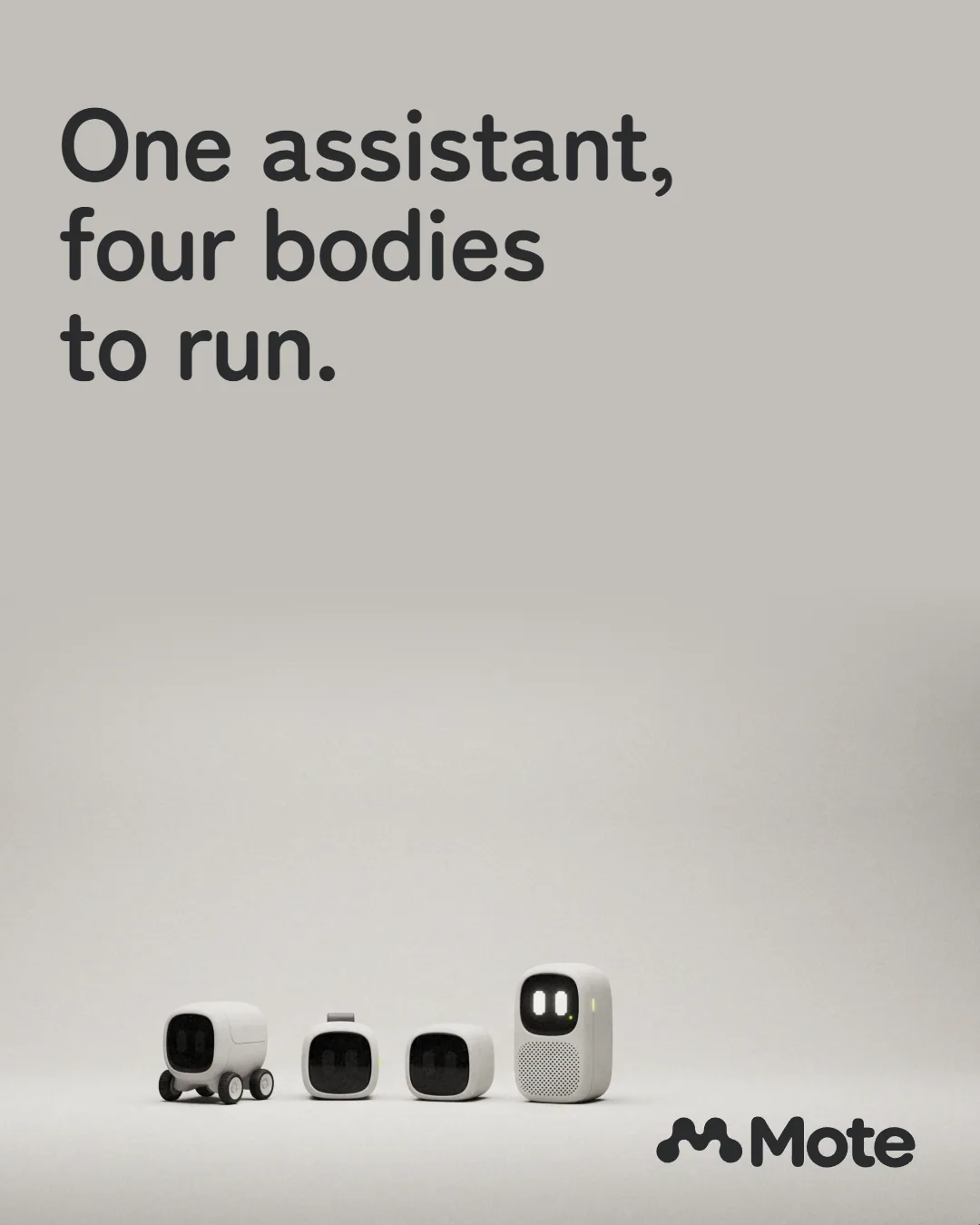
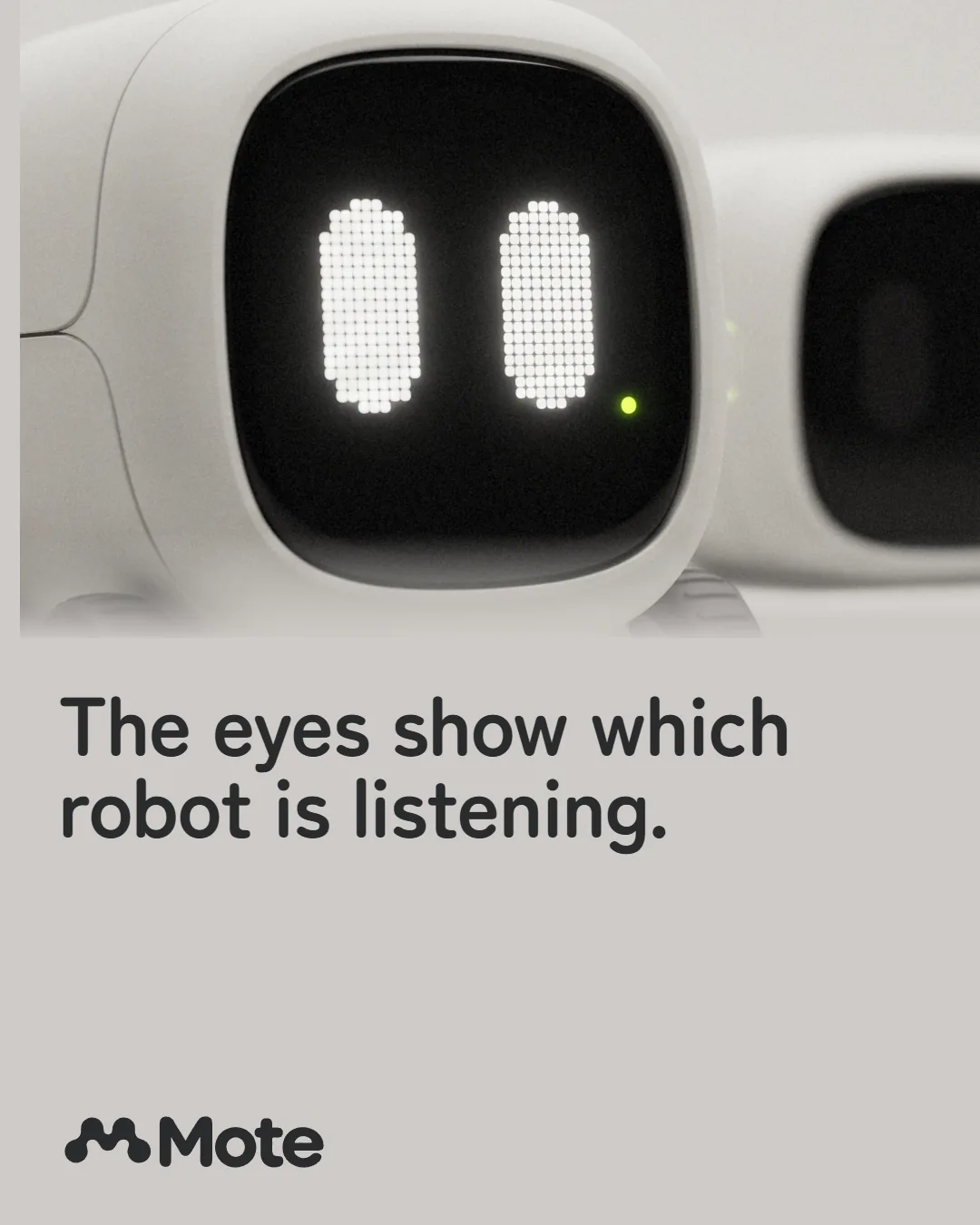
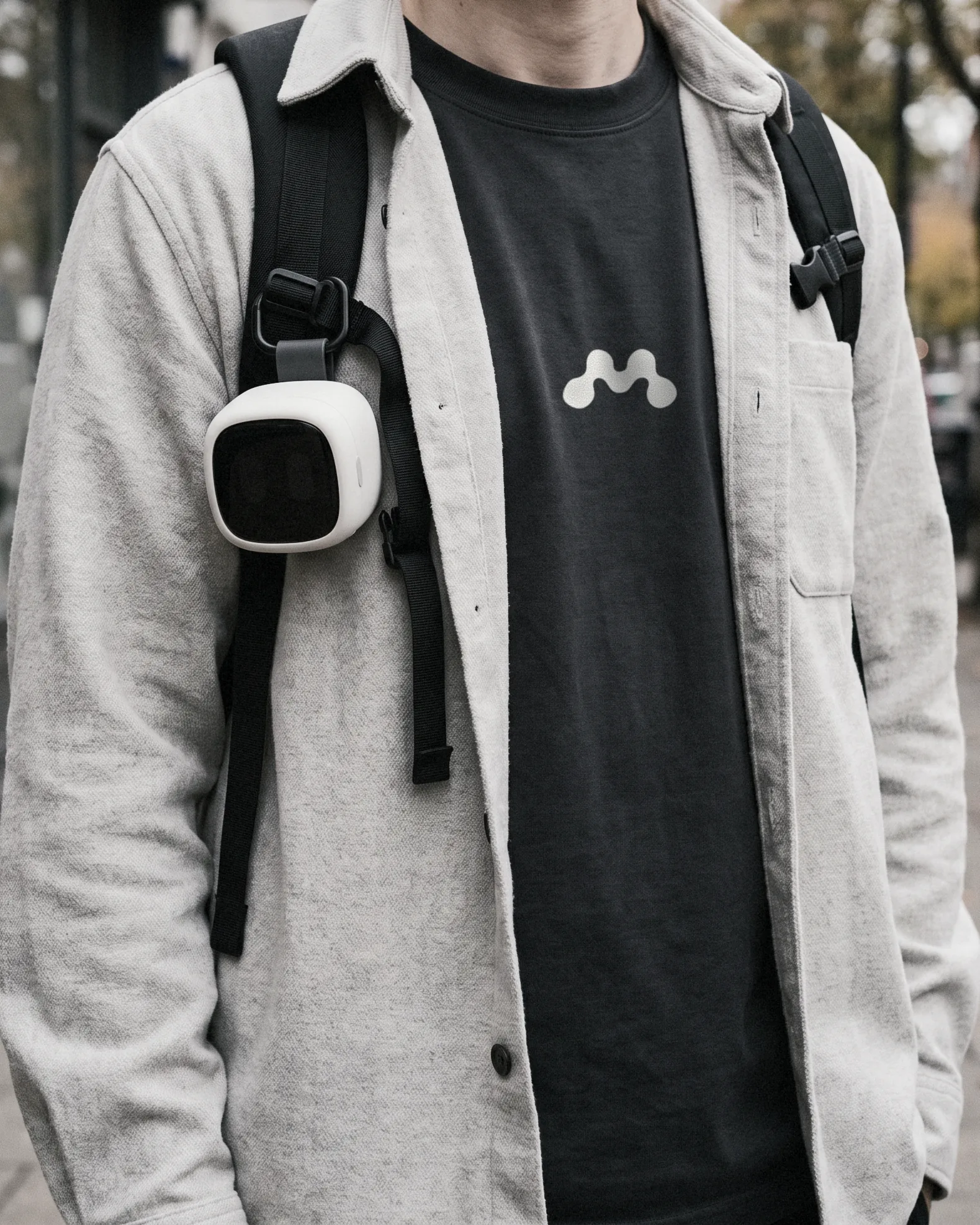
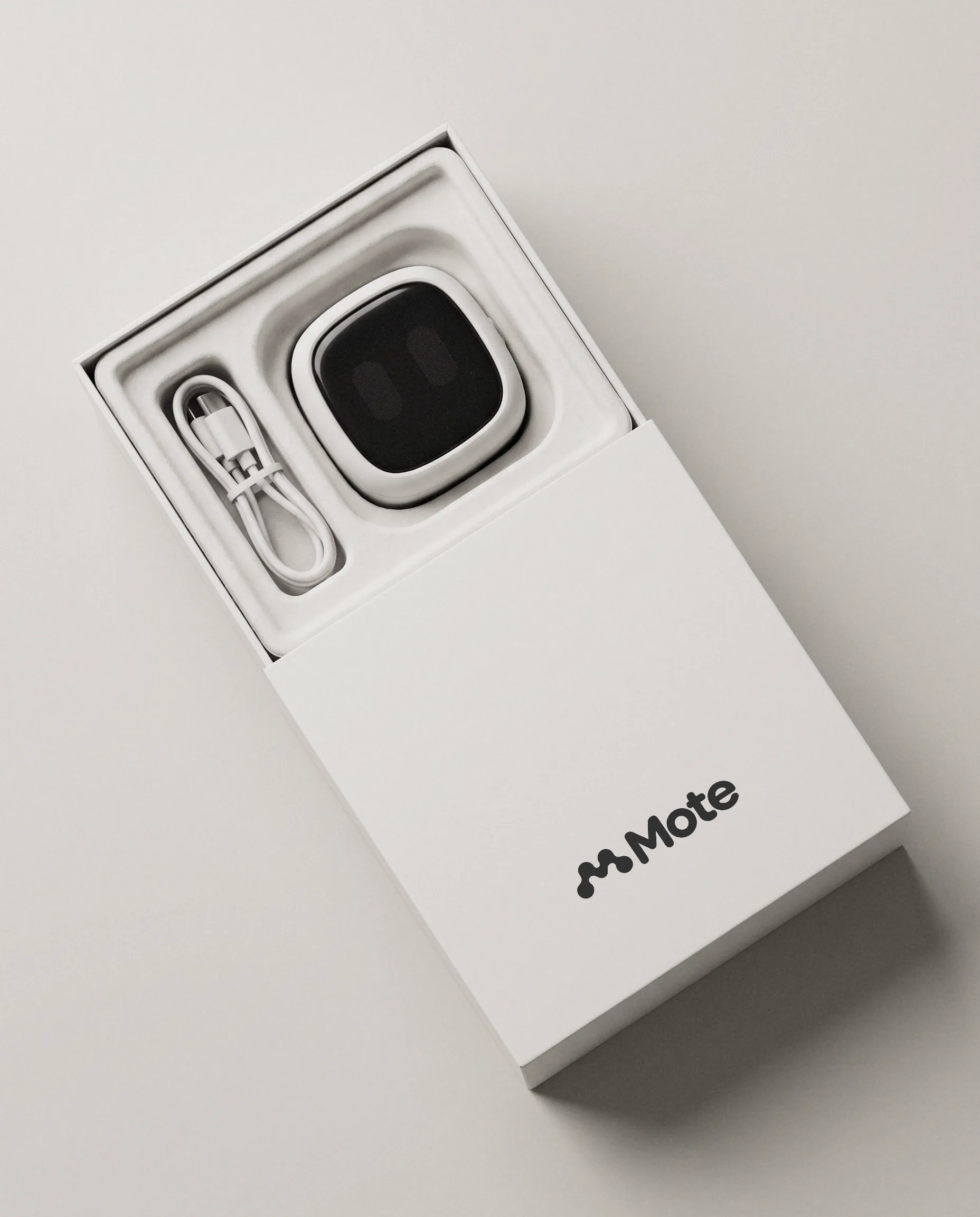
A desk rover that carries and bins, a clip-on camera for a bag strap, a keycap for the keyboard and a bedside dock. Only the robot Mote is in shows its eyes and a small lime light, so you can see which one is listening from across the room.
of about 10,000 AI pins sold were still with their buyers by August 2024. Between May and August, more were returned than bought.
of people who use consumer AI pay for it.
Source: Menlo Ventures, 2025
of US adults say more AI will make their personal information less secure.
Source: Pew Research Center, 2026
Four rules every screen and robot follows
- One face, always
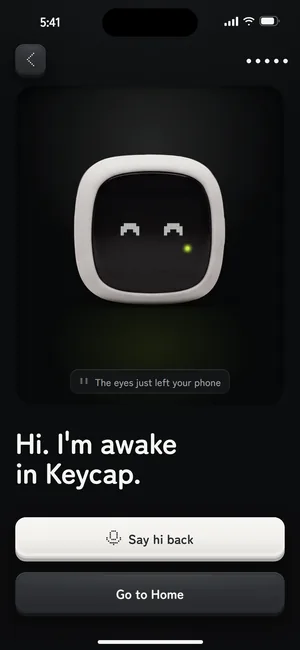
- The same two pixel eyes on every robot, in the app, on the Lock Screen and in a widget.
- You can always see where Mote is
- Lime marks the one awake robot, on the object and in the app. It is never in two places.
- Nothing remembered that you can't see
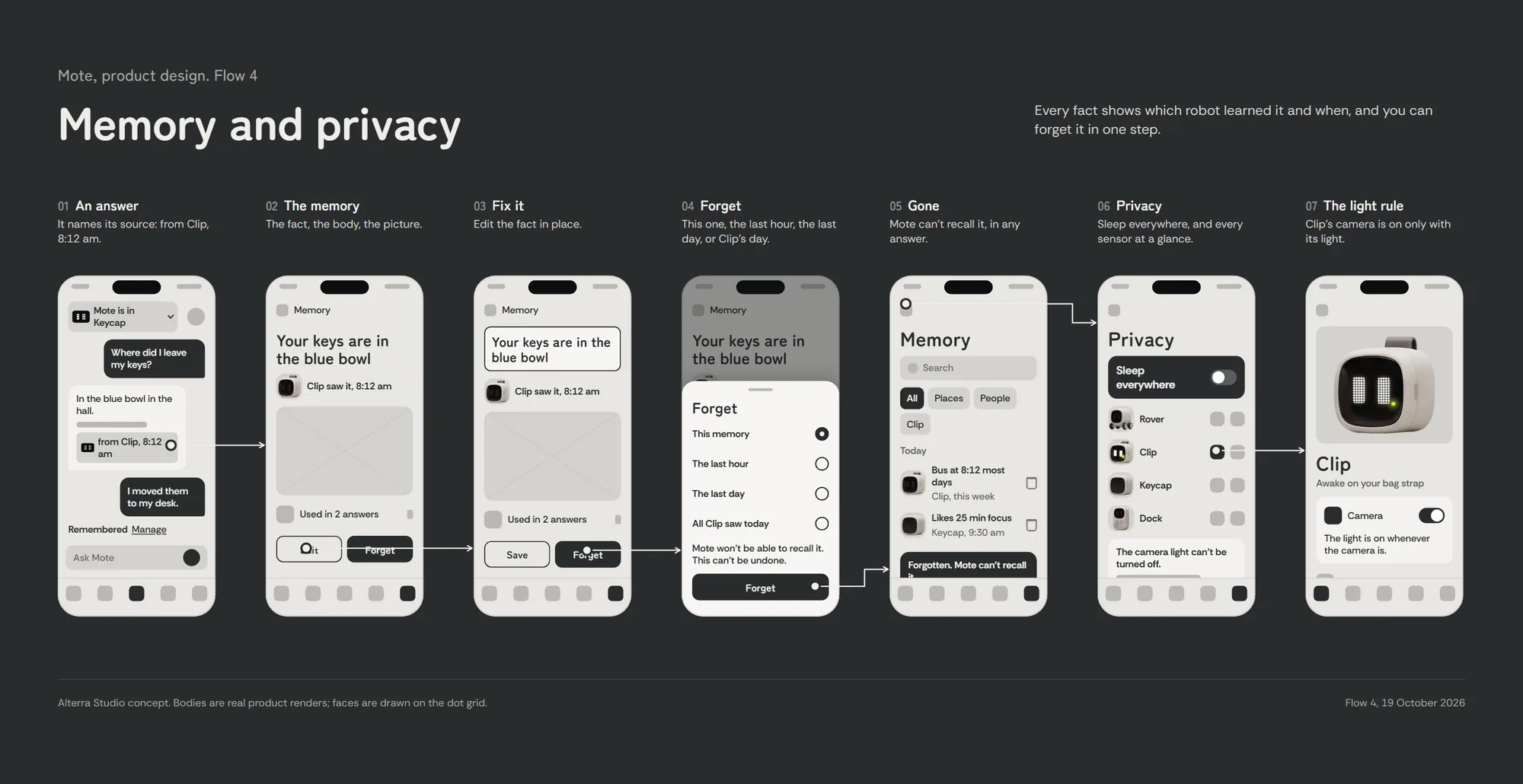
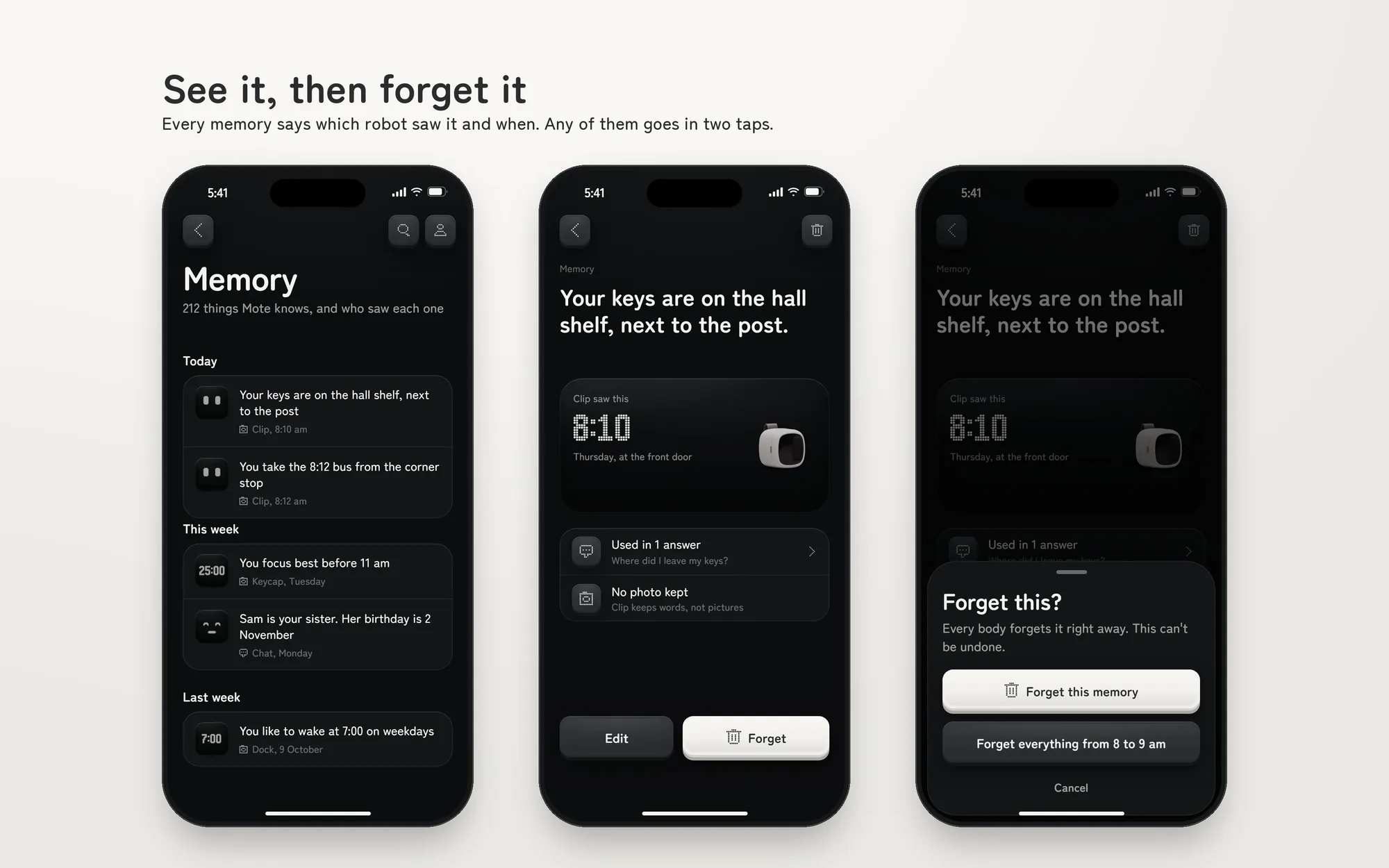
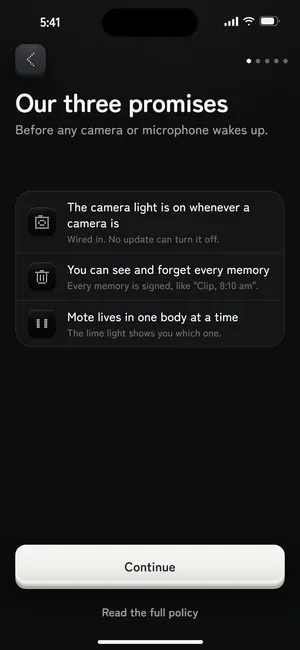
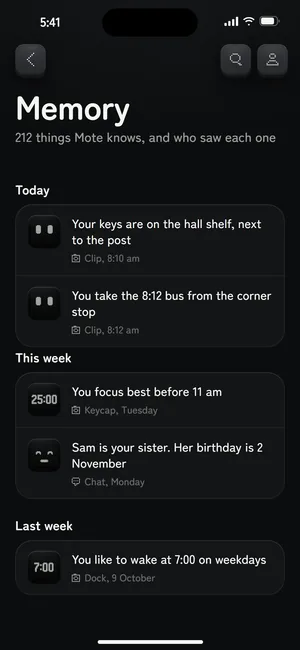
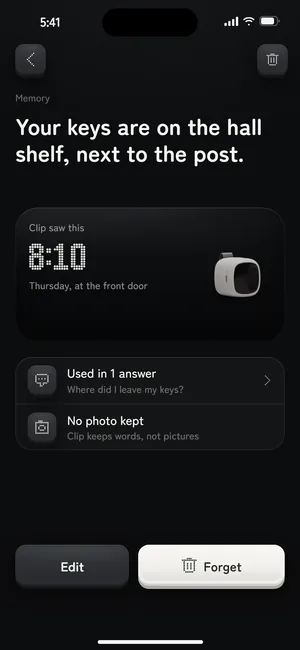
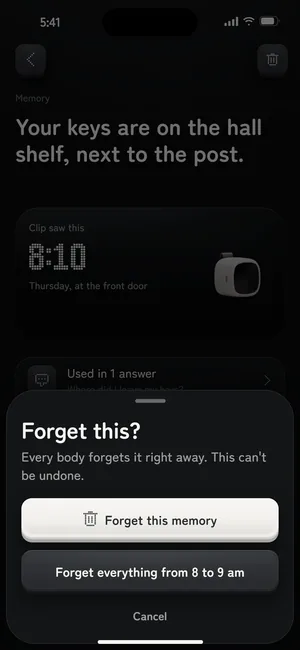
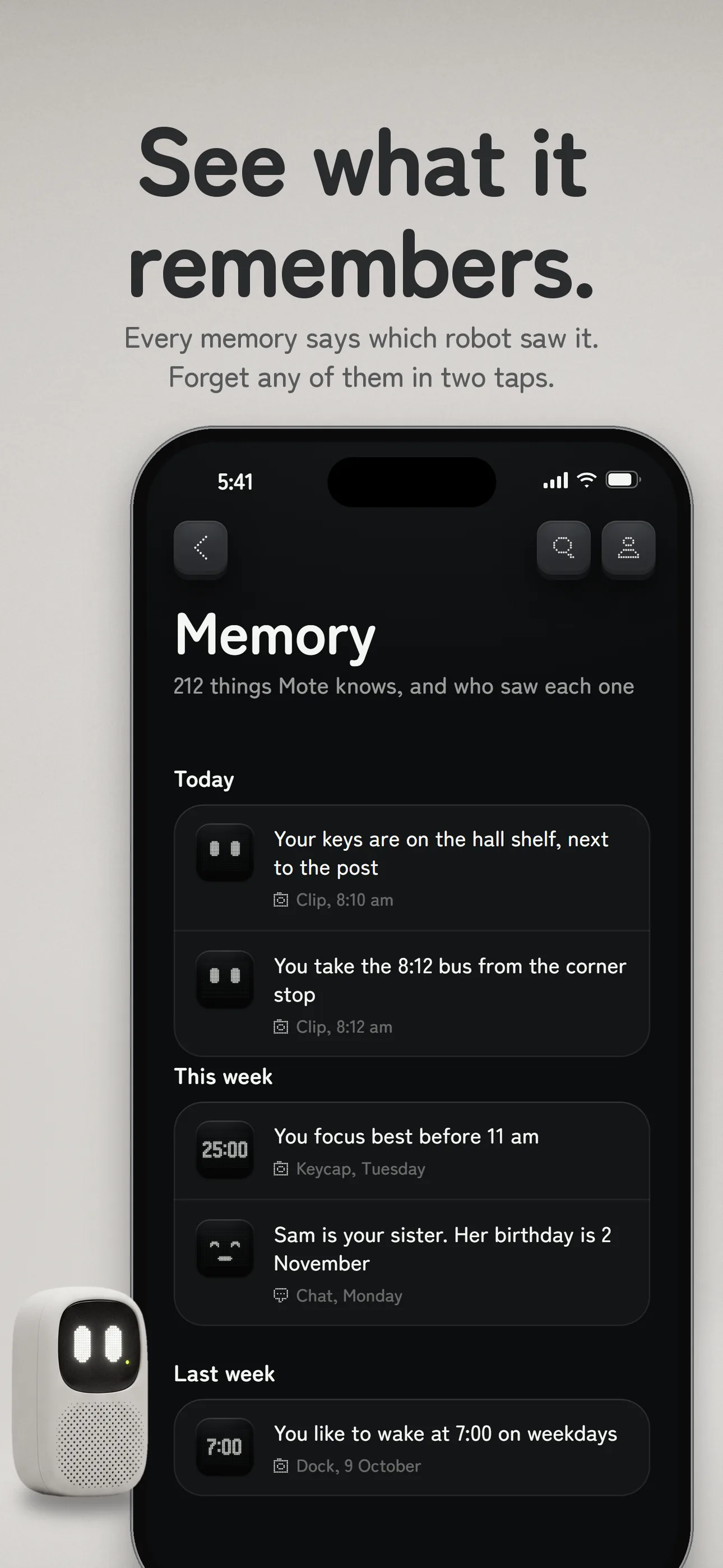
- Every memory shows which robot learned it and when. Forget means gone.
- The light tells the truth
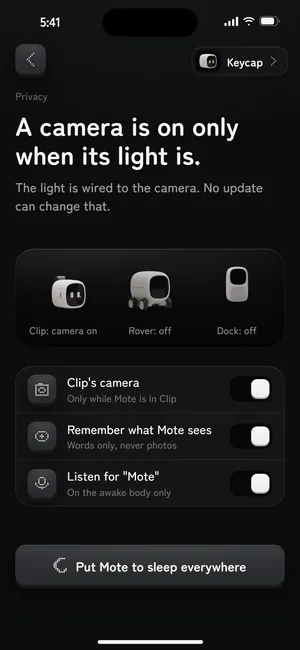
- A camera is on only when its light is, and no setting can change that.
A studio of chalk-white robots
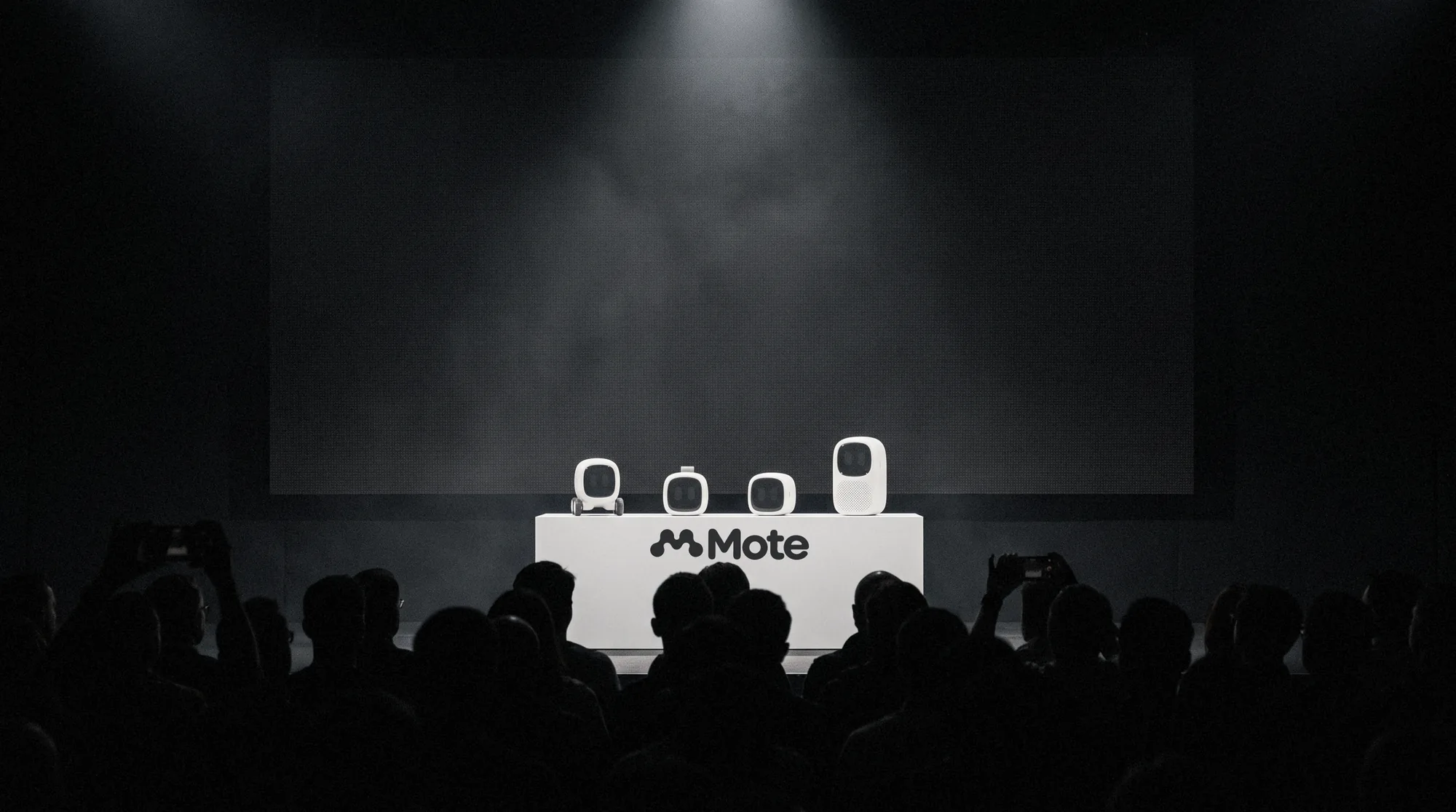
Four robots on plinths, and only the awake one has eyes.
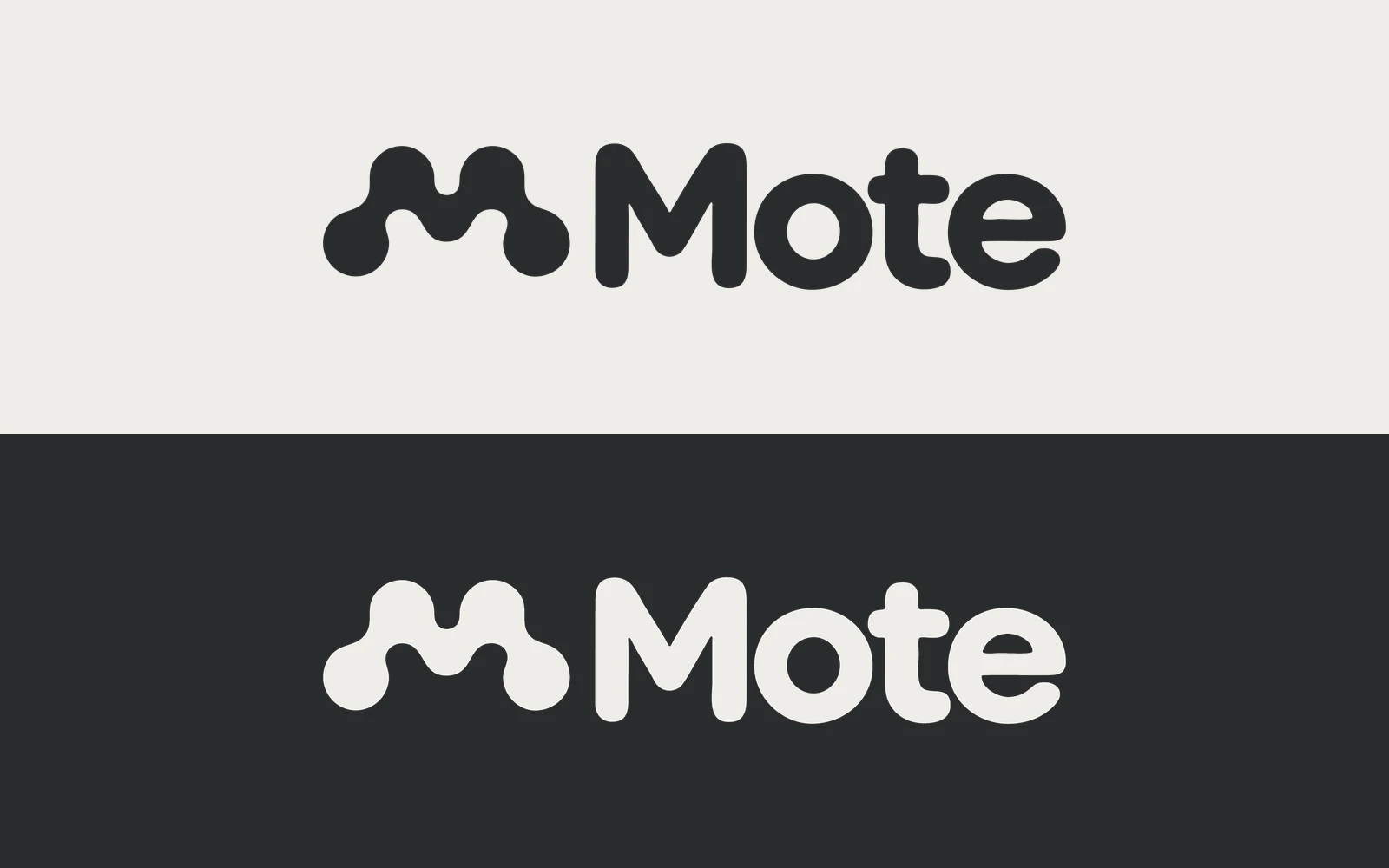
Five dots that fuse into an M
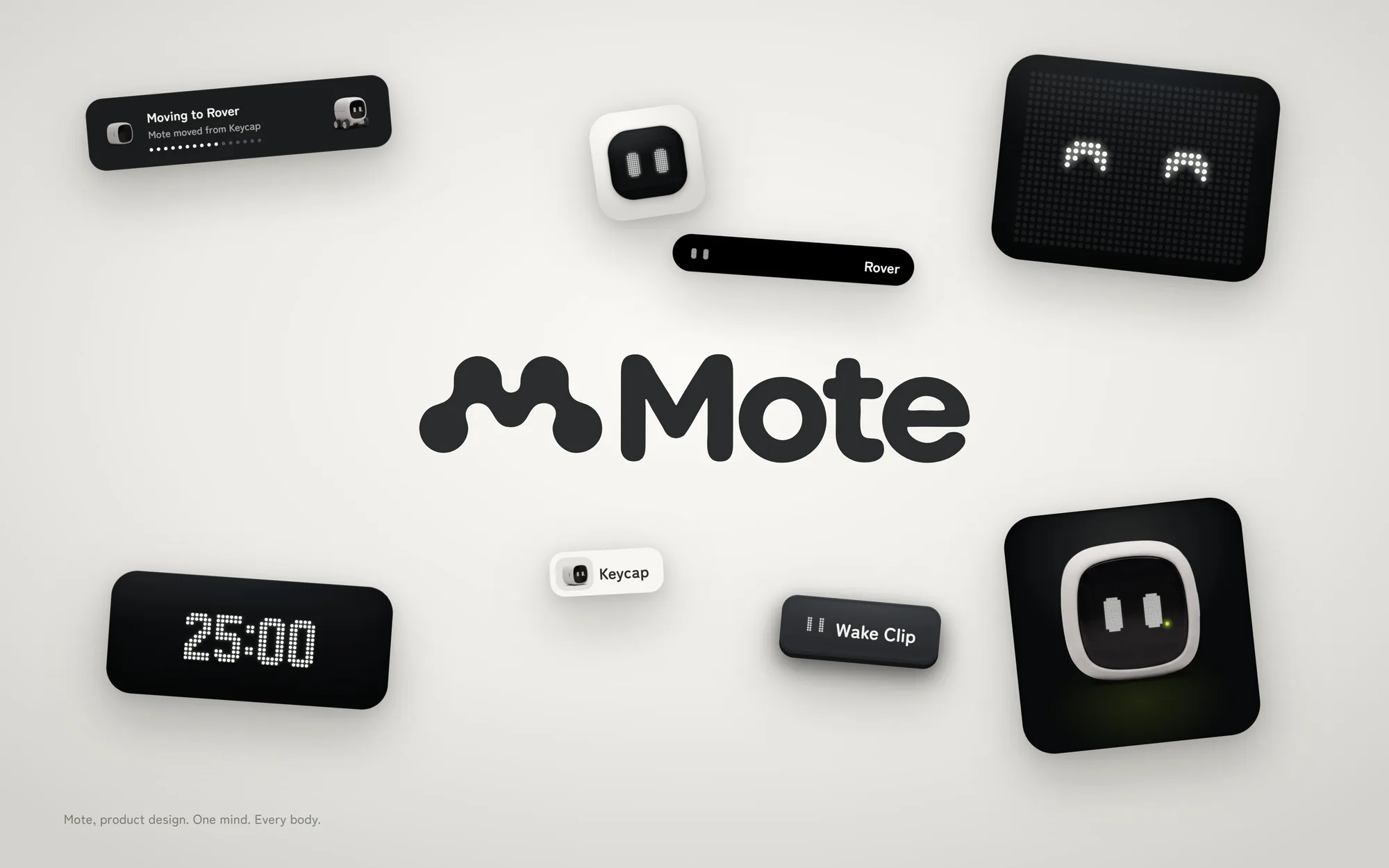
The mark is made like the eyes: round dots that fuse, the way Mote travels from one robot to the next.
An M of fused dots beside the word. It still reads at 16 pixels.
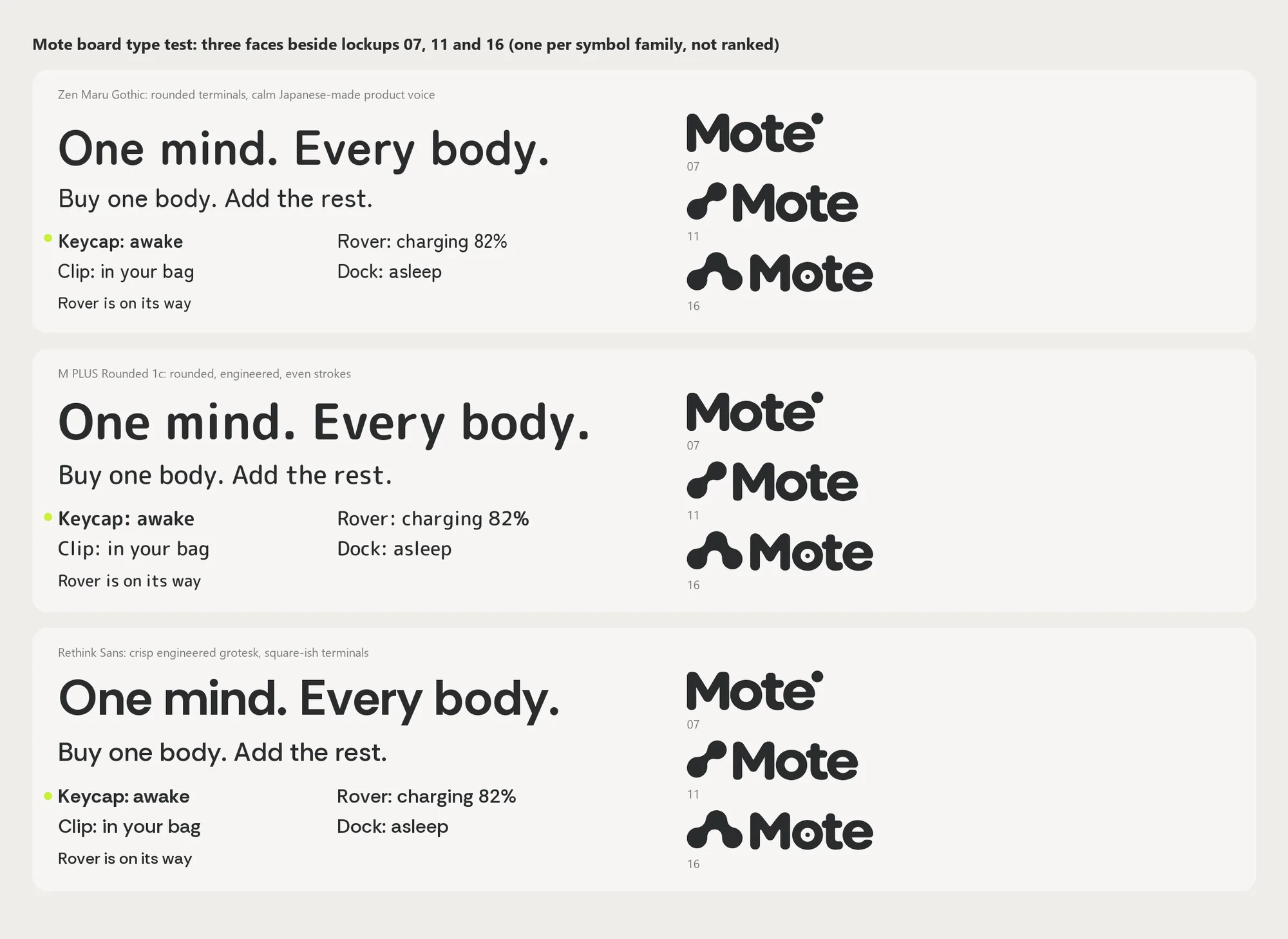
The identity board
One robot is awake at a time, and every few seconds its eyes close, fly across and wake the next.
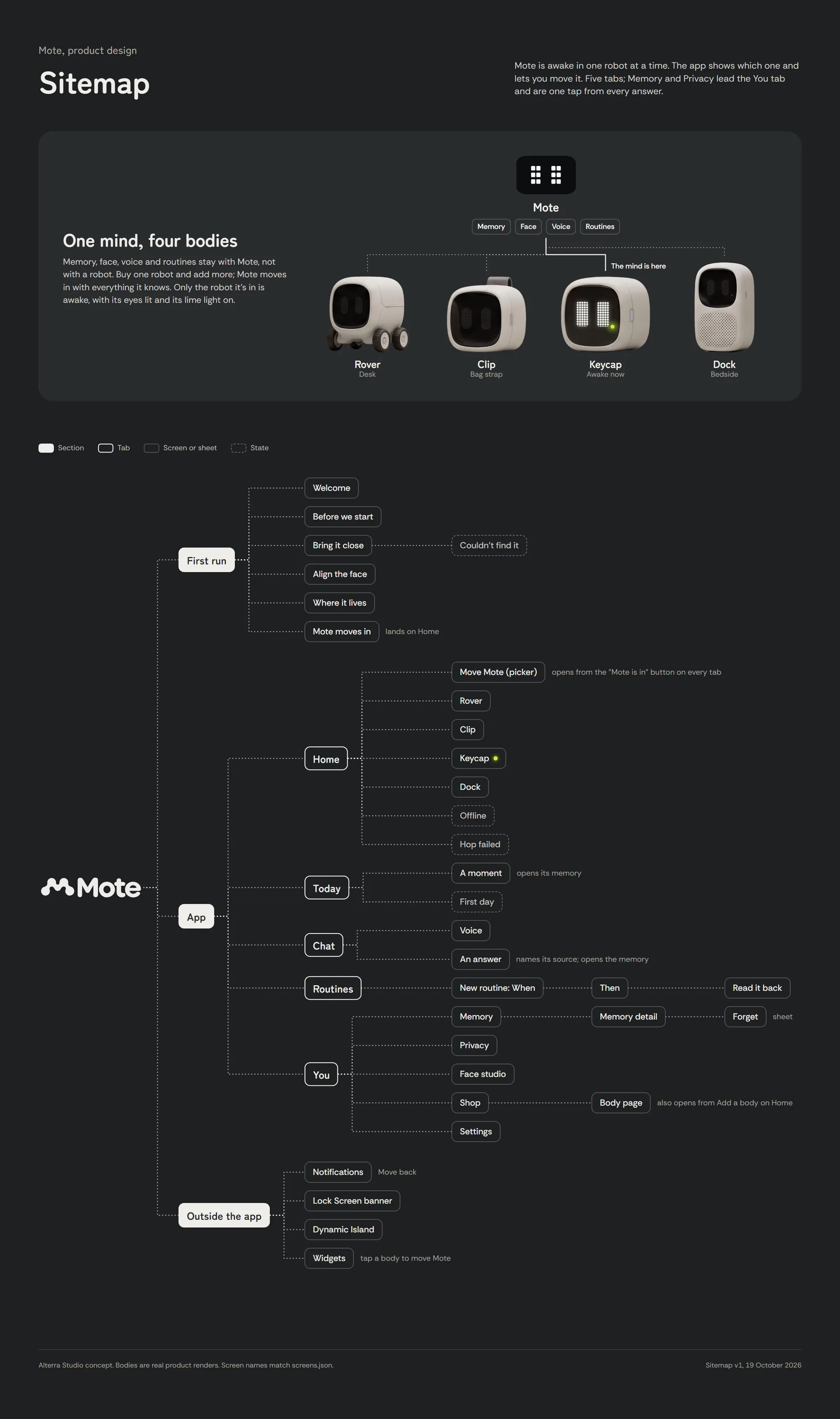
Five tabs, four flows
Memory and privacy sit one tap from every moment in the app.
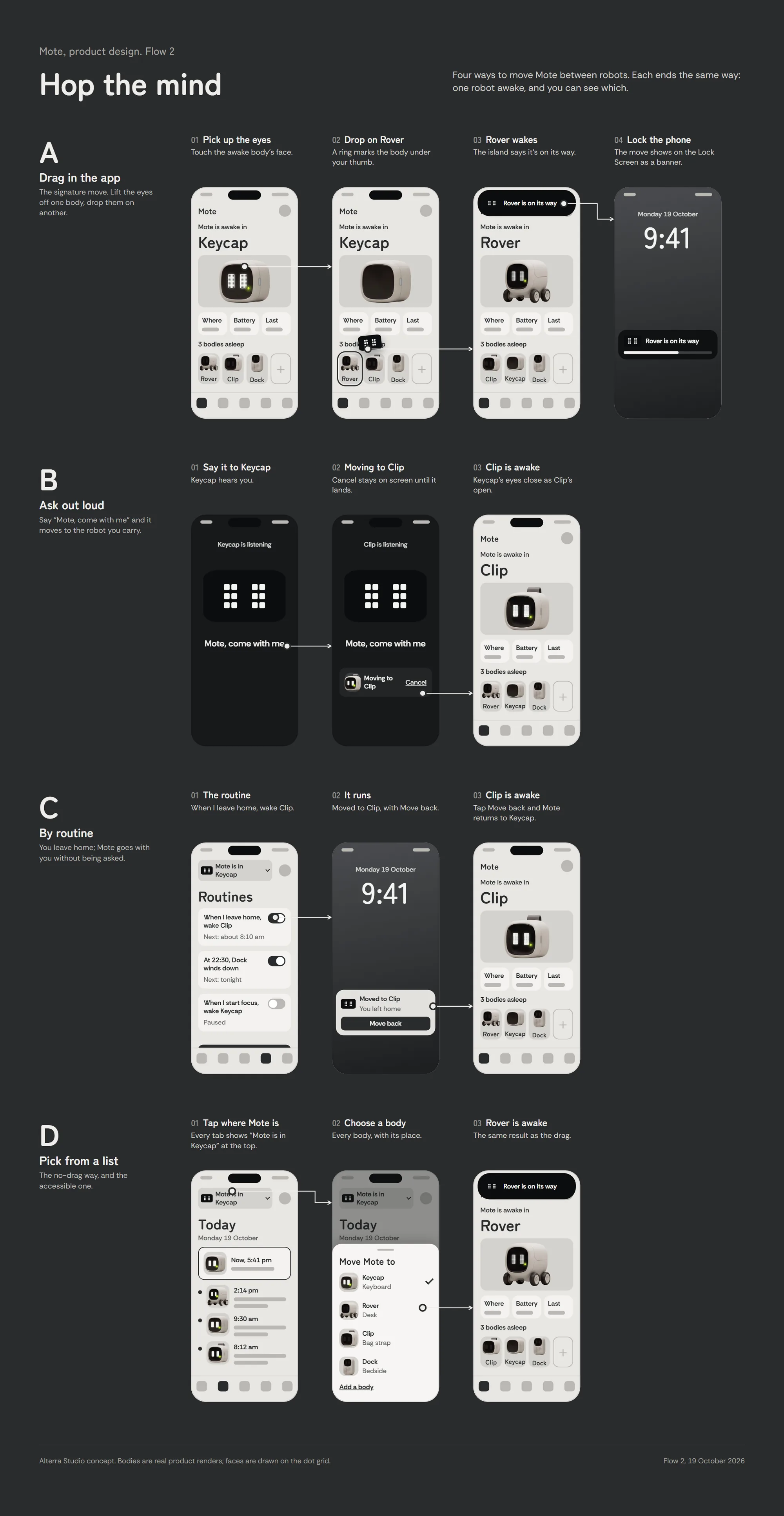
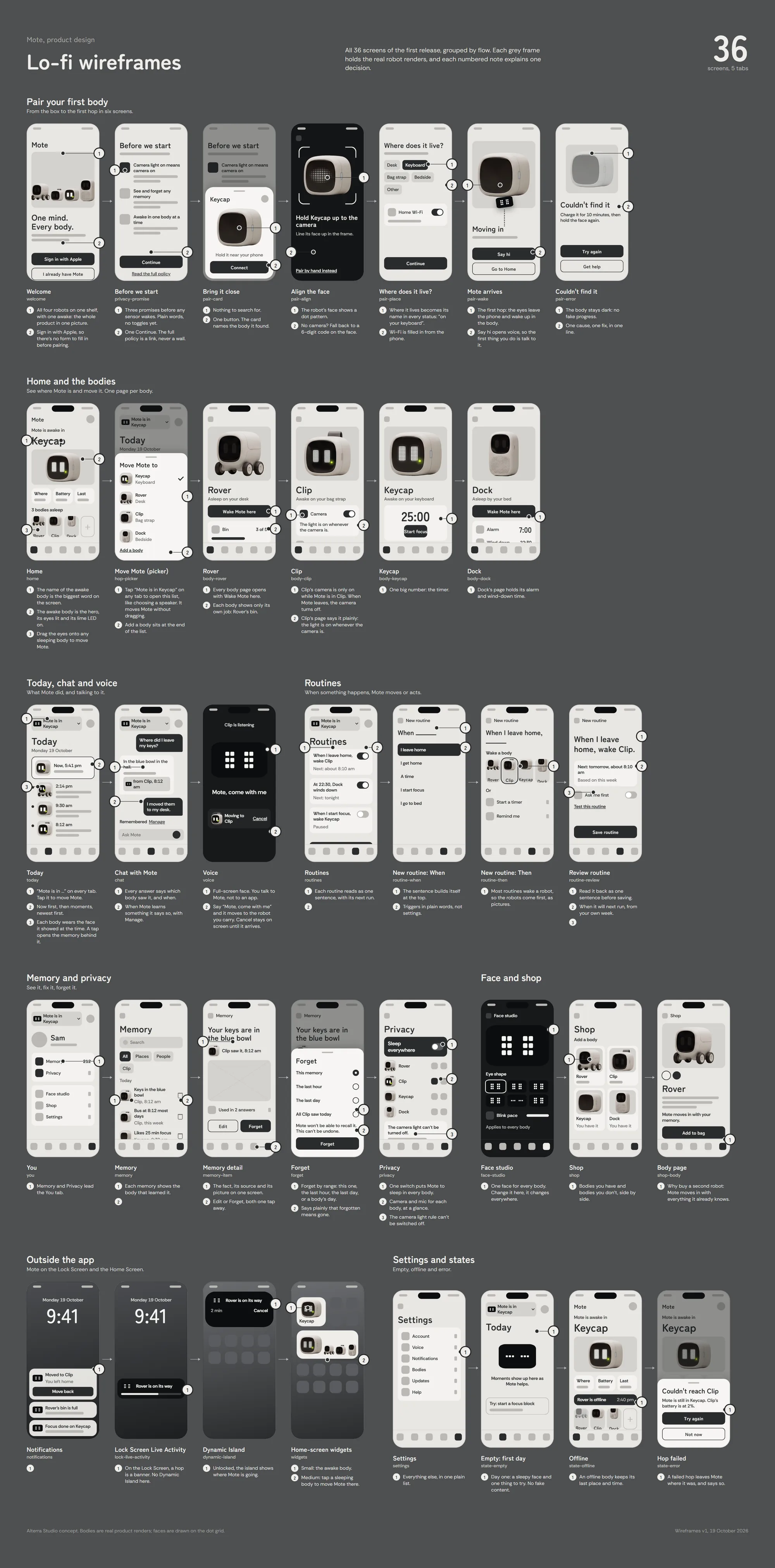
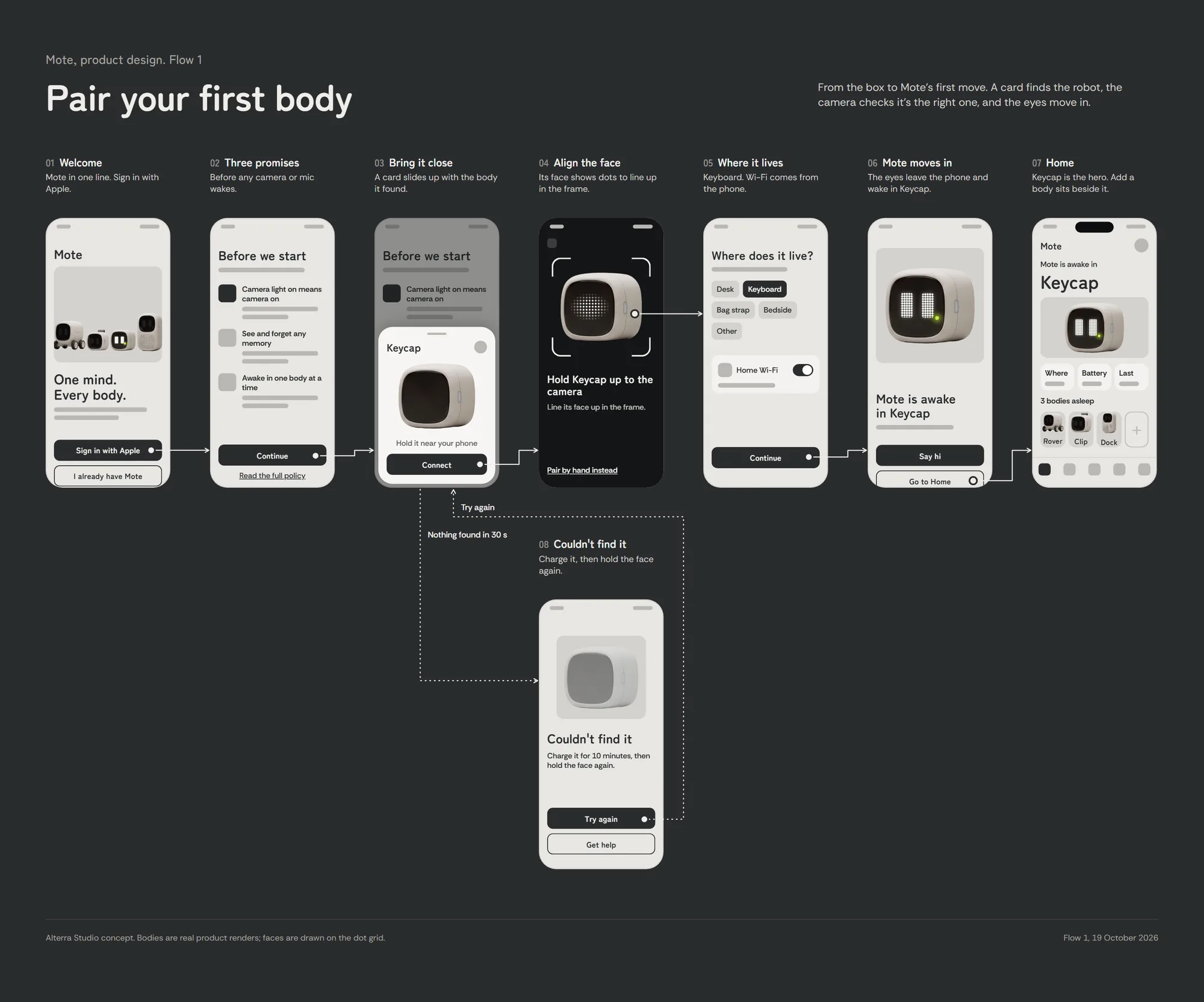
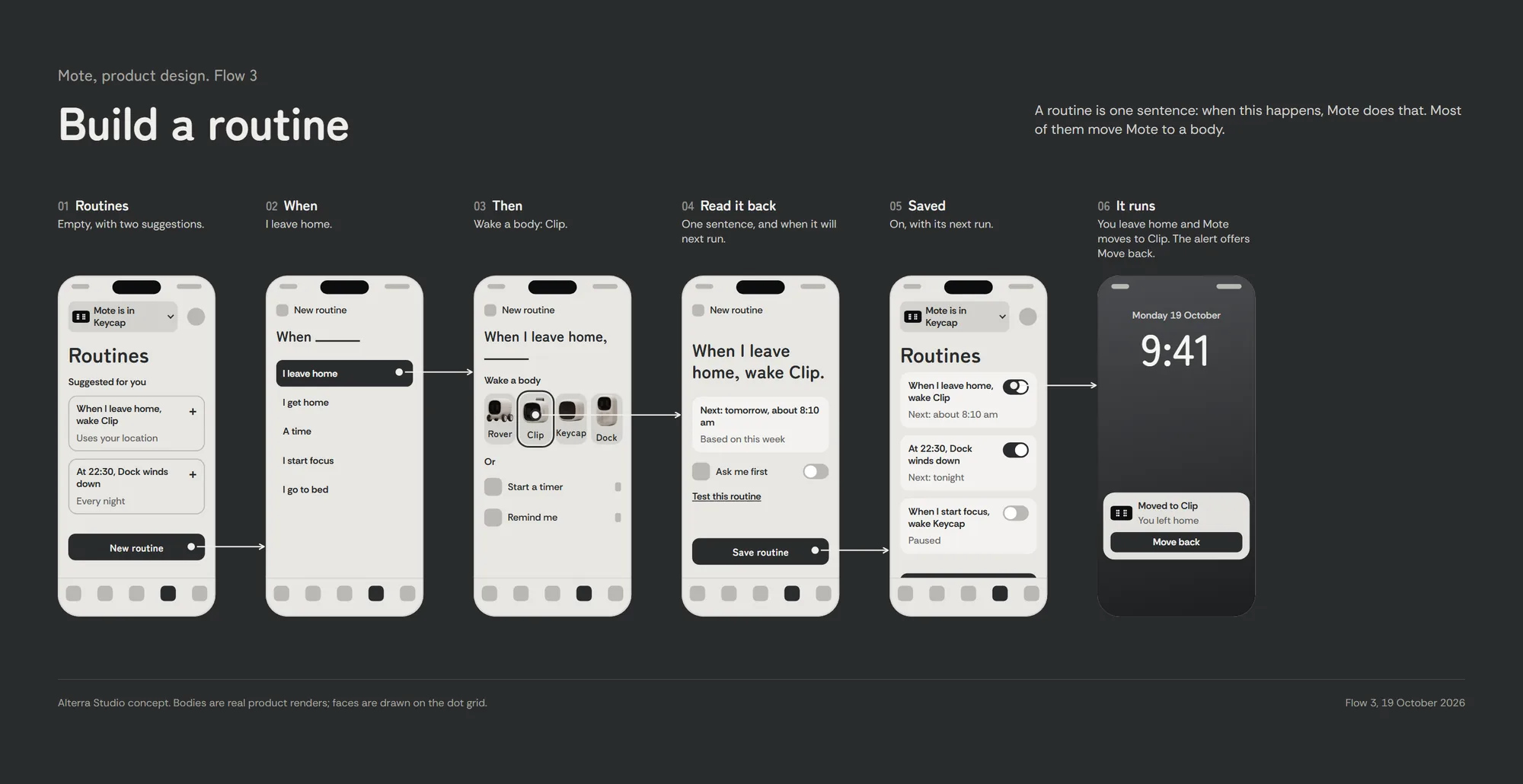
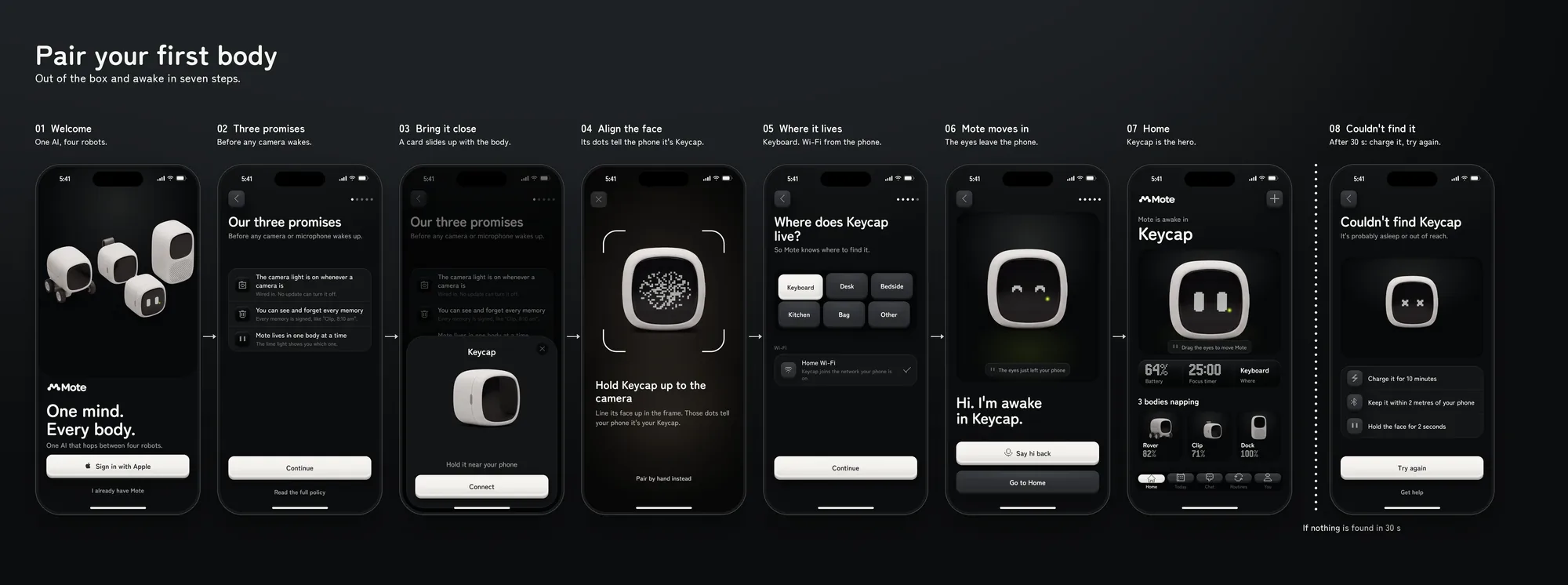
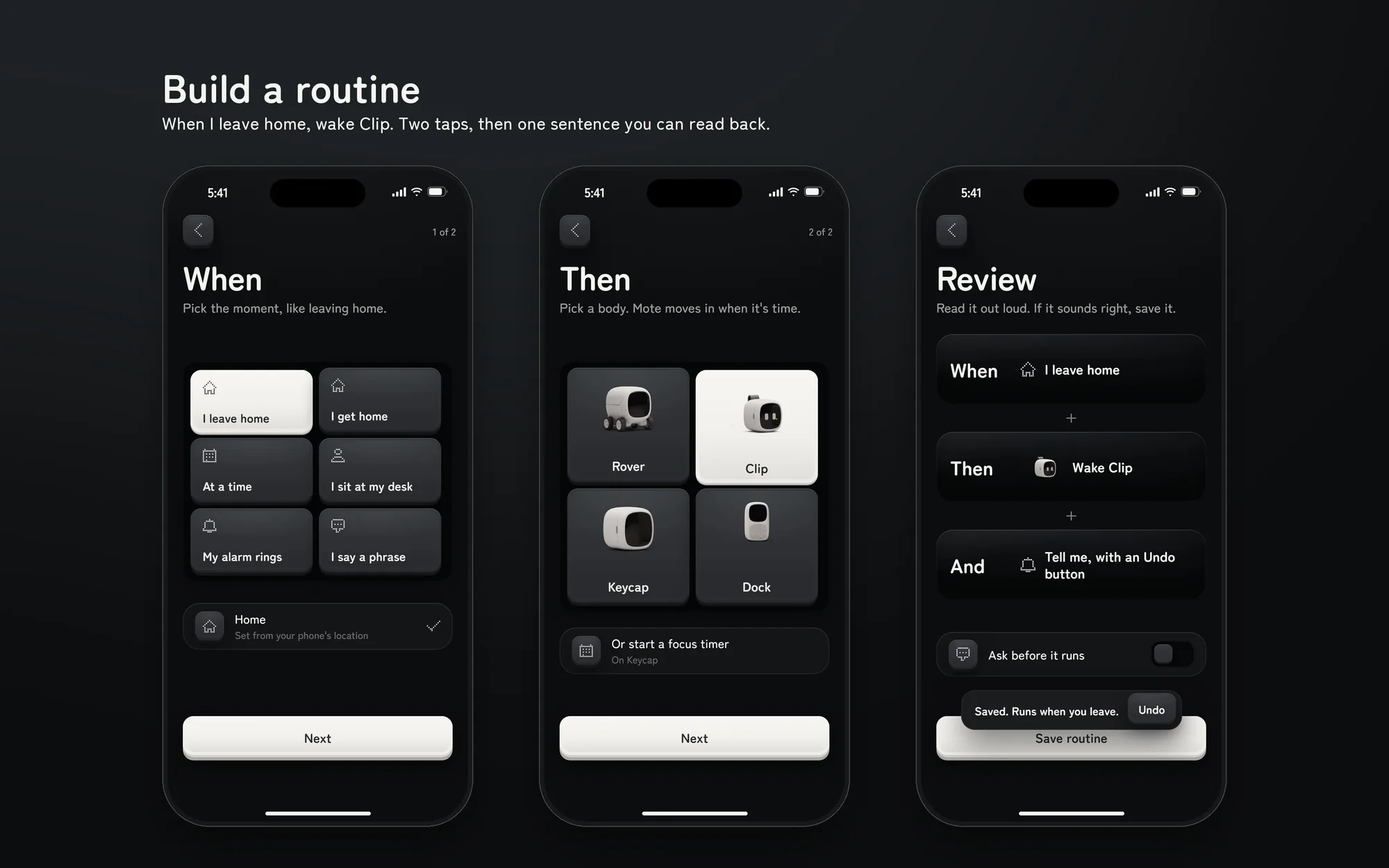
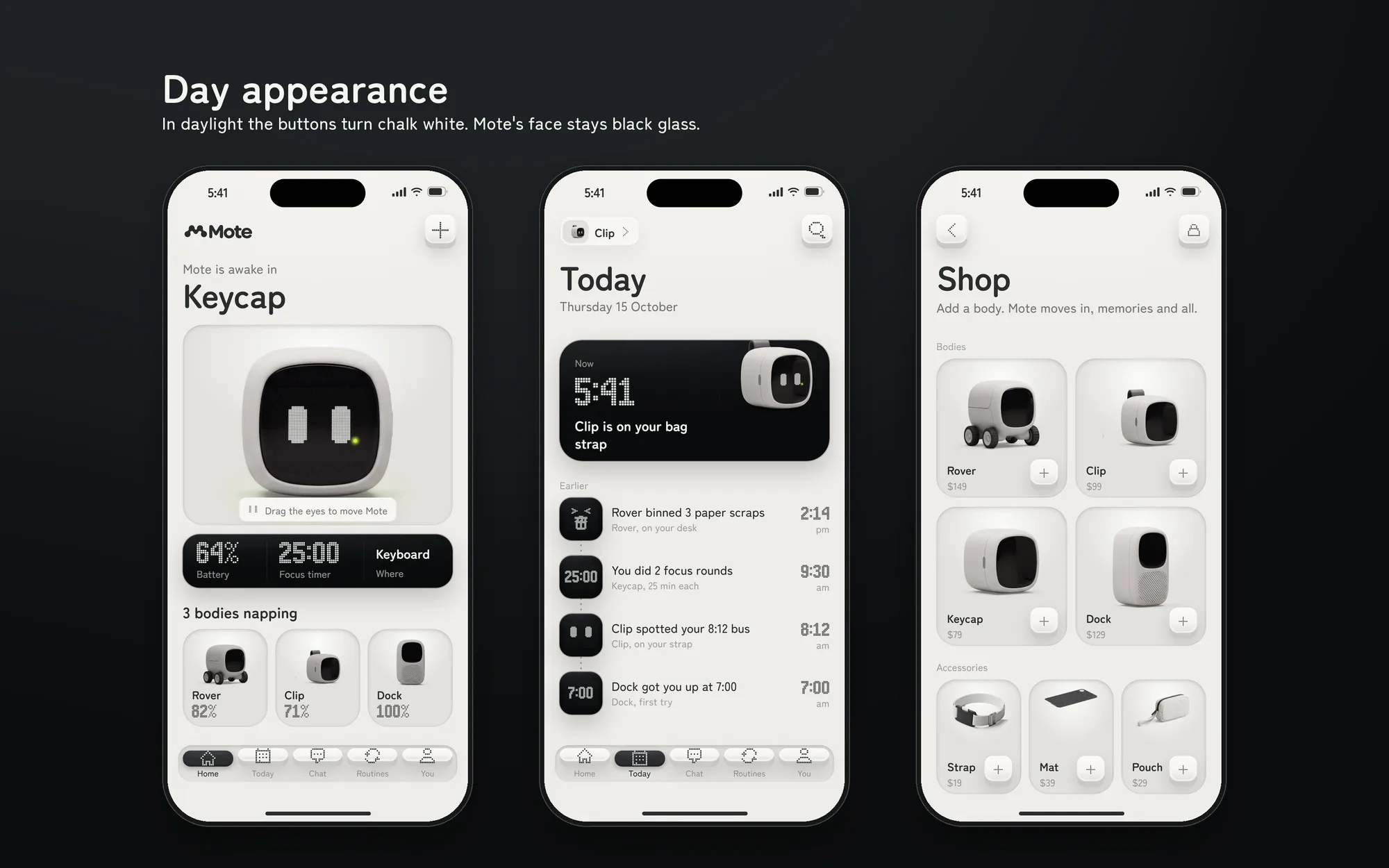
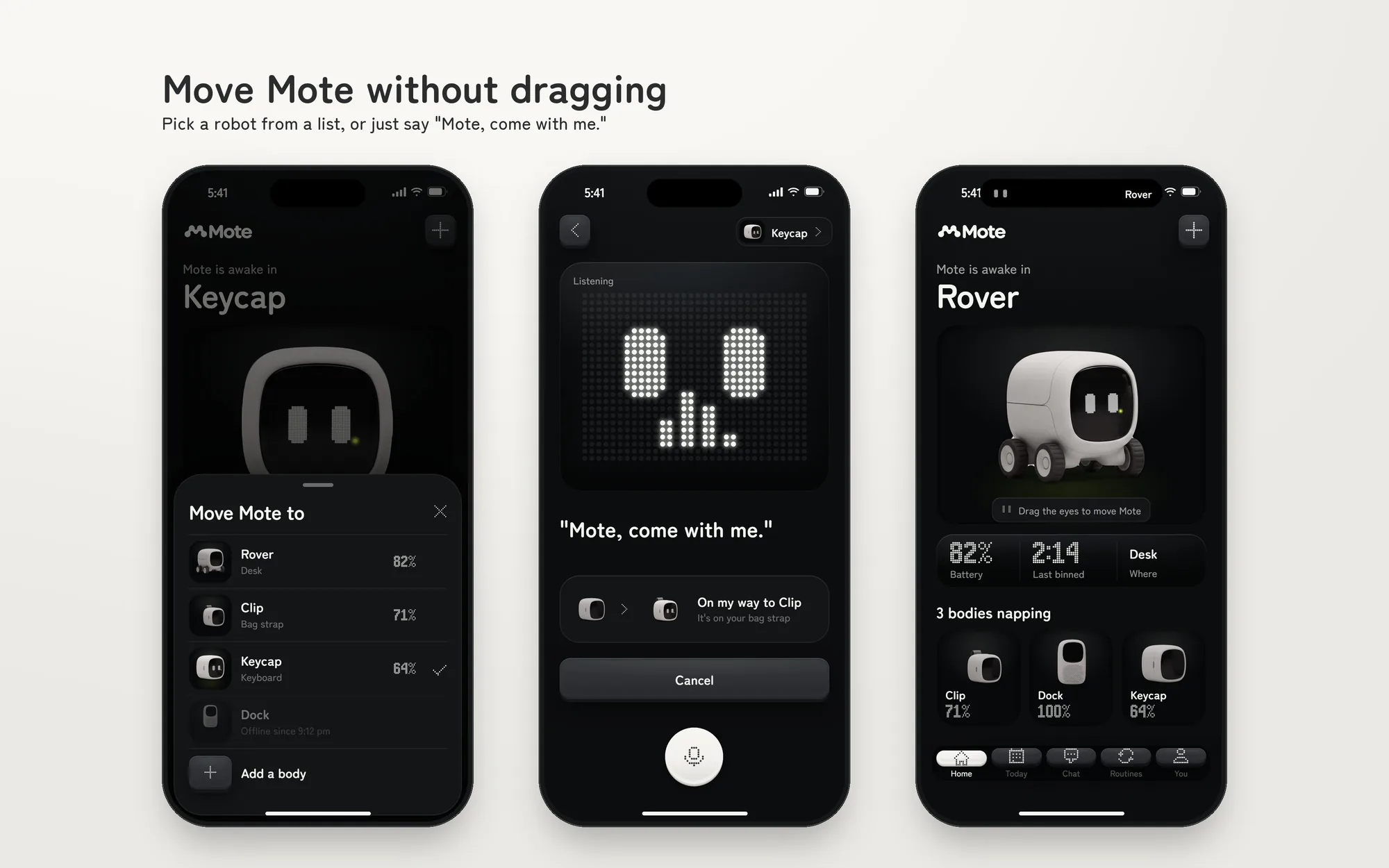
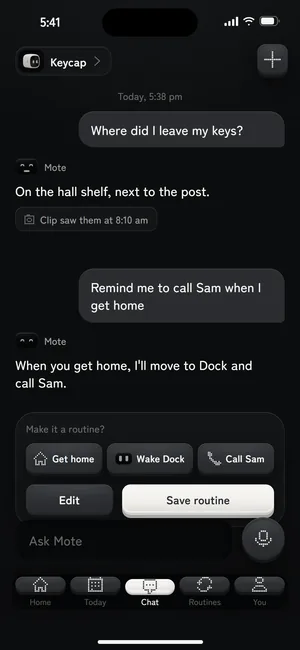
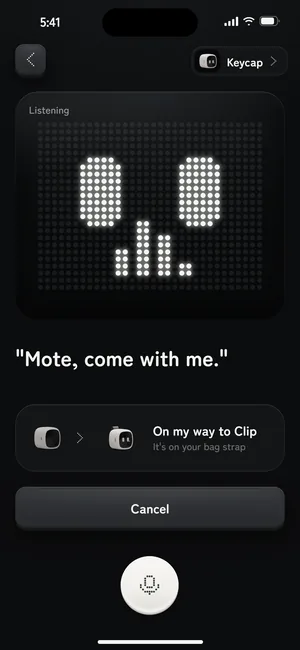
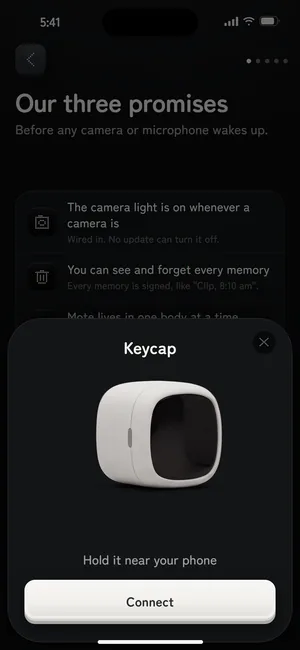
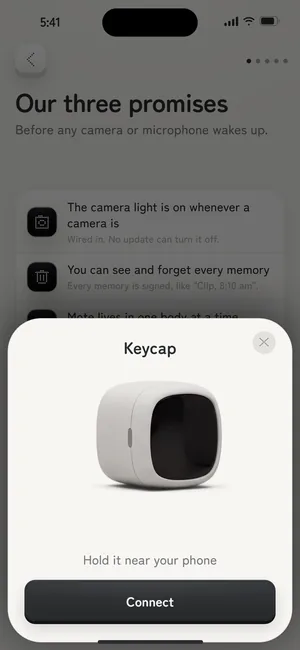
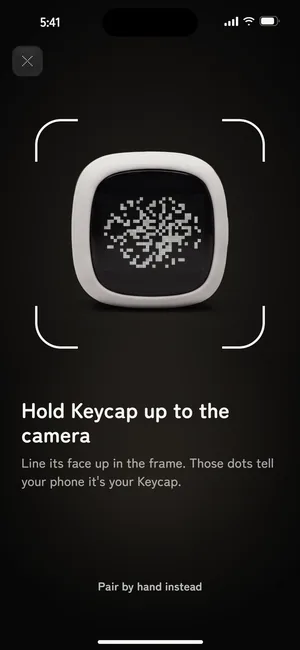
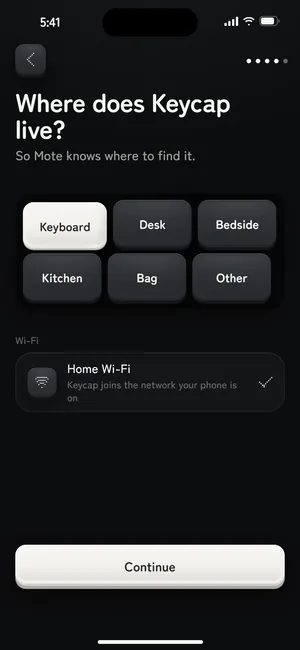
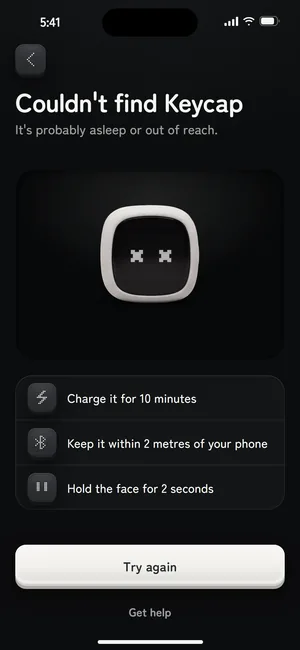
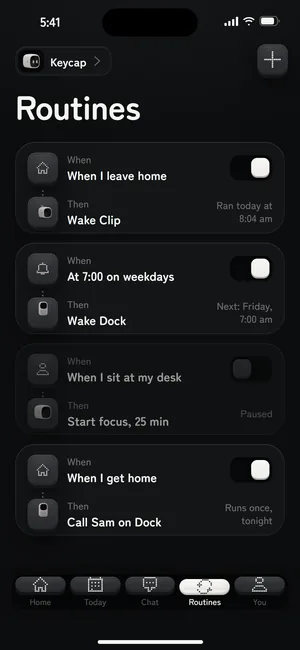
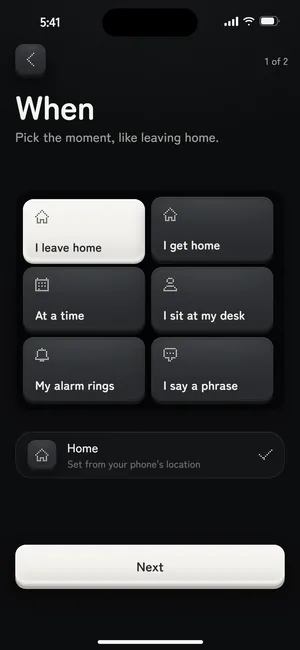
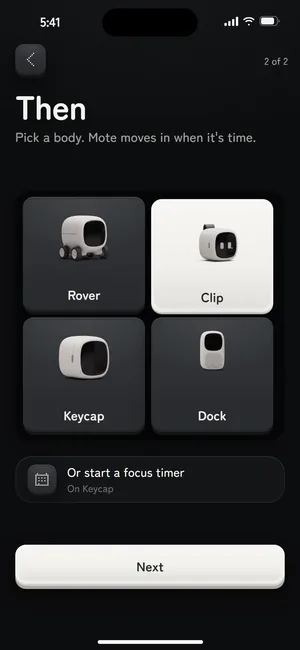
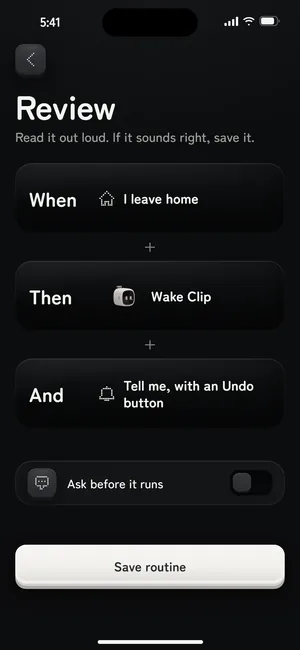
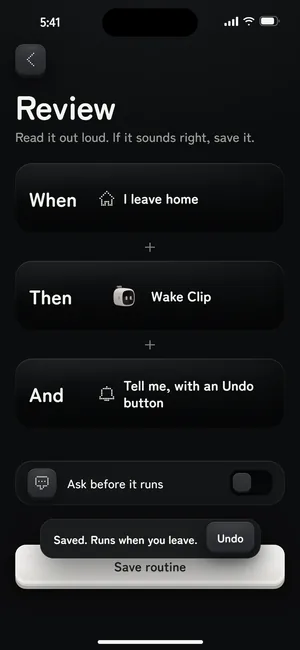
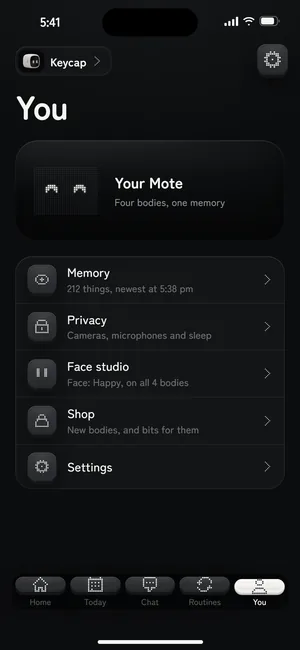
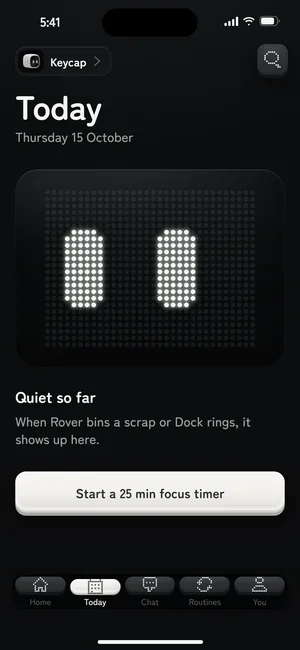
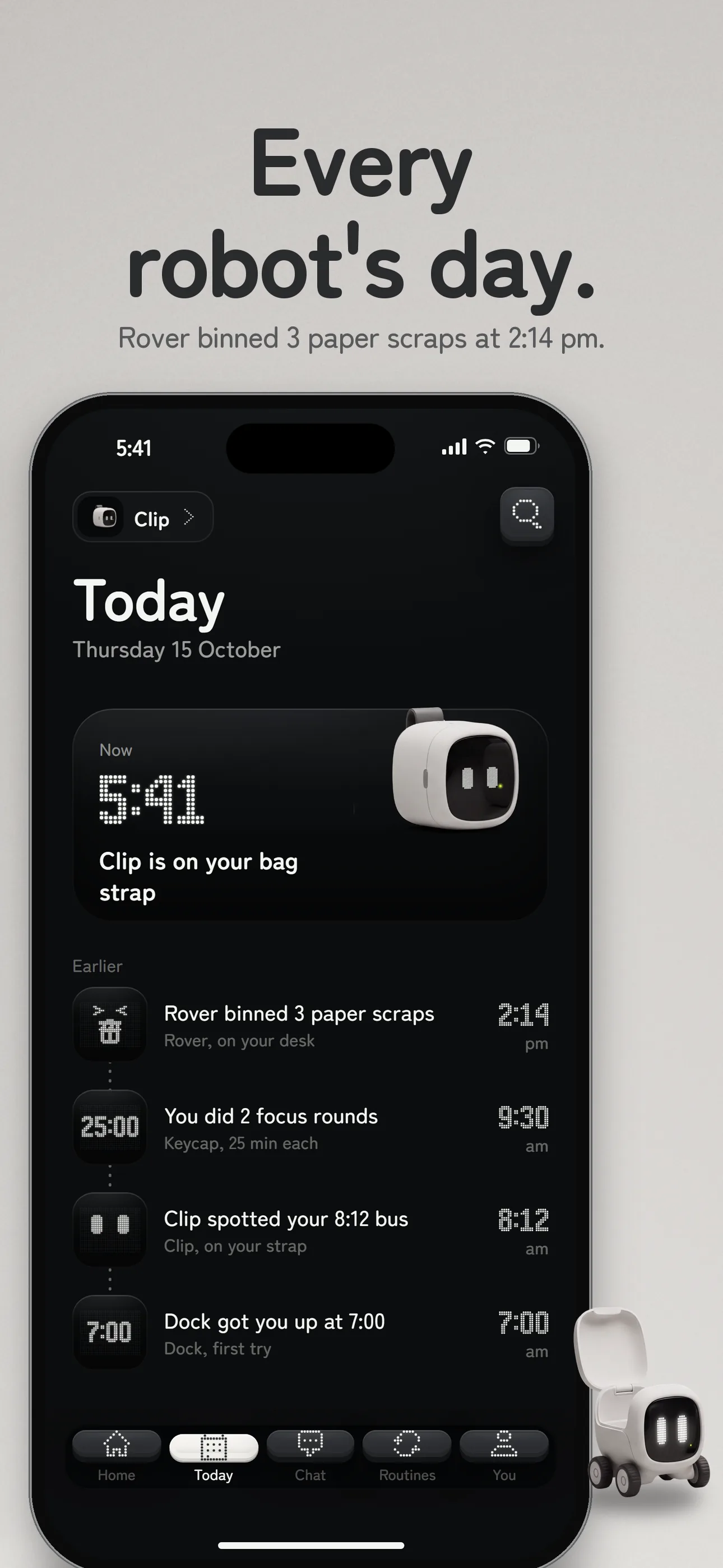
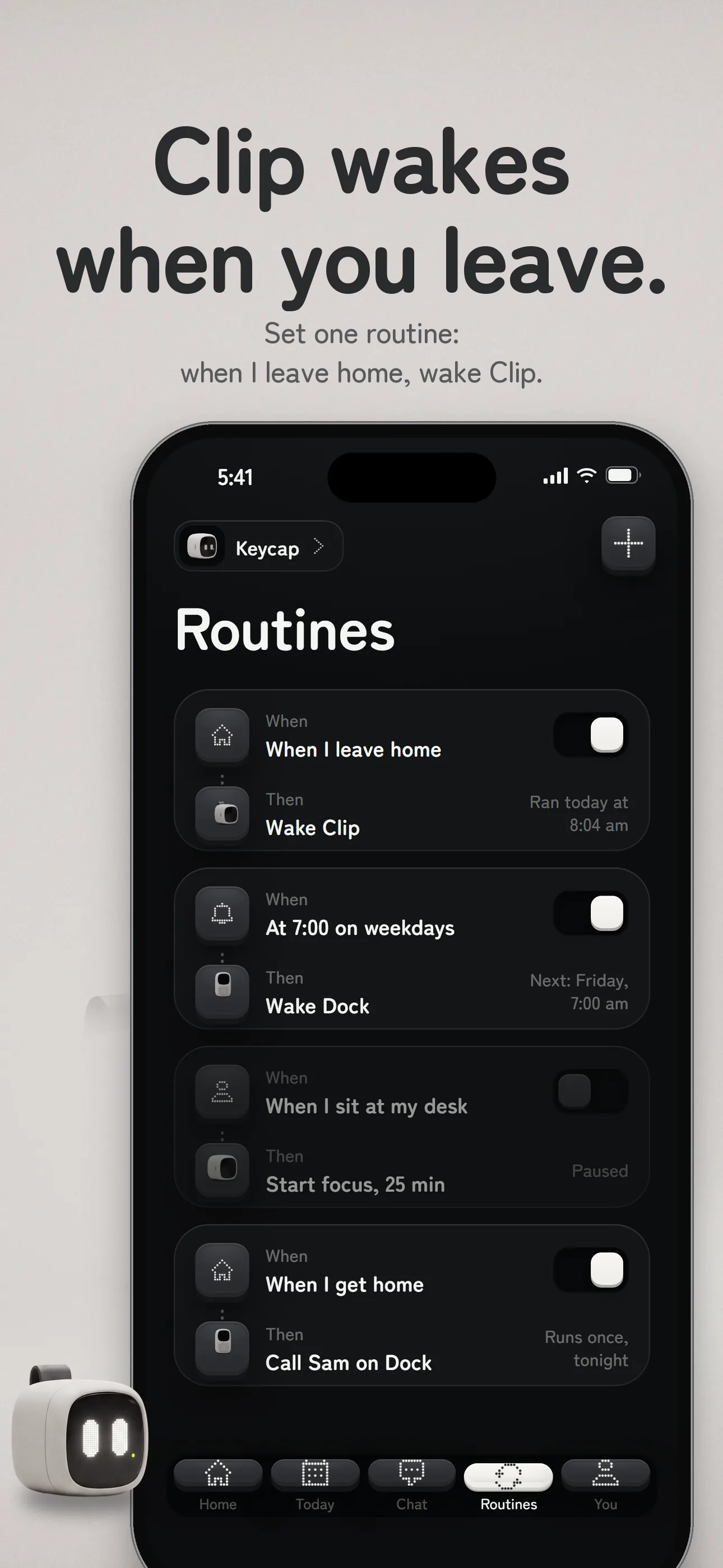
The tabs are Home, Today, Chat, Routines and You. Pairing starts the moment a robot is close: its face shows a dot pattern you line up in the camera. Mote moves by drag, voice, routine or a list, and memory forgets by date.
Five jobs the app is for
- When I sit down to work
- I want Mote on the desk with me, so I can stay on a timer and keep the desk clear without opening an app.
- When I leave the house
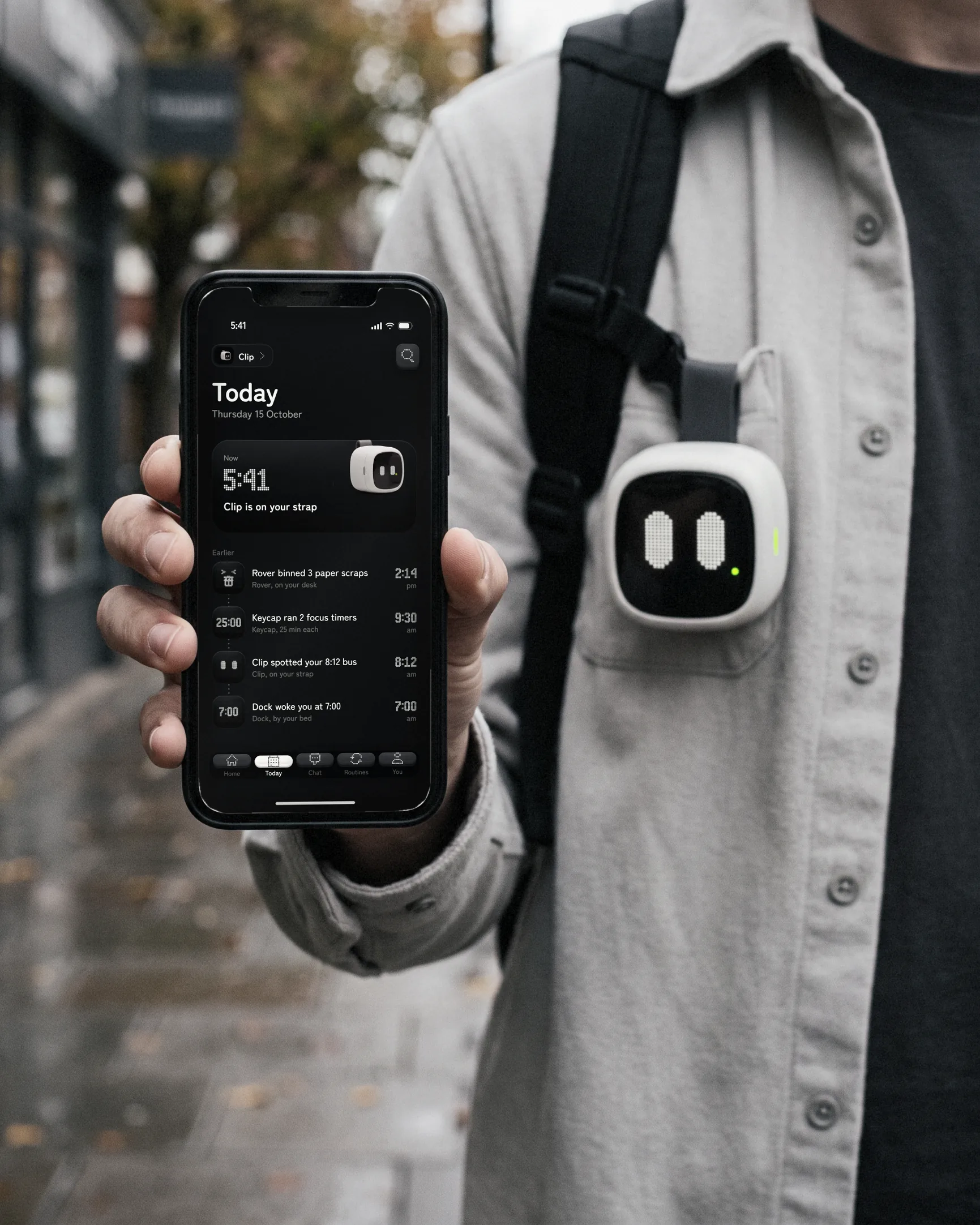
- I want it to come with me without thinking about it, so I catch my bus and find where I put things.
- When I'm not sure where it is
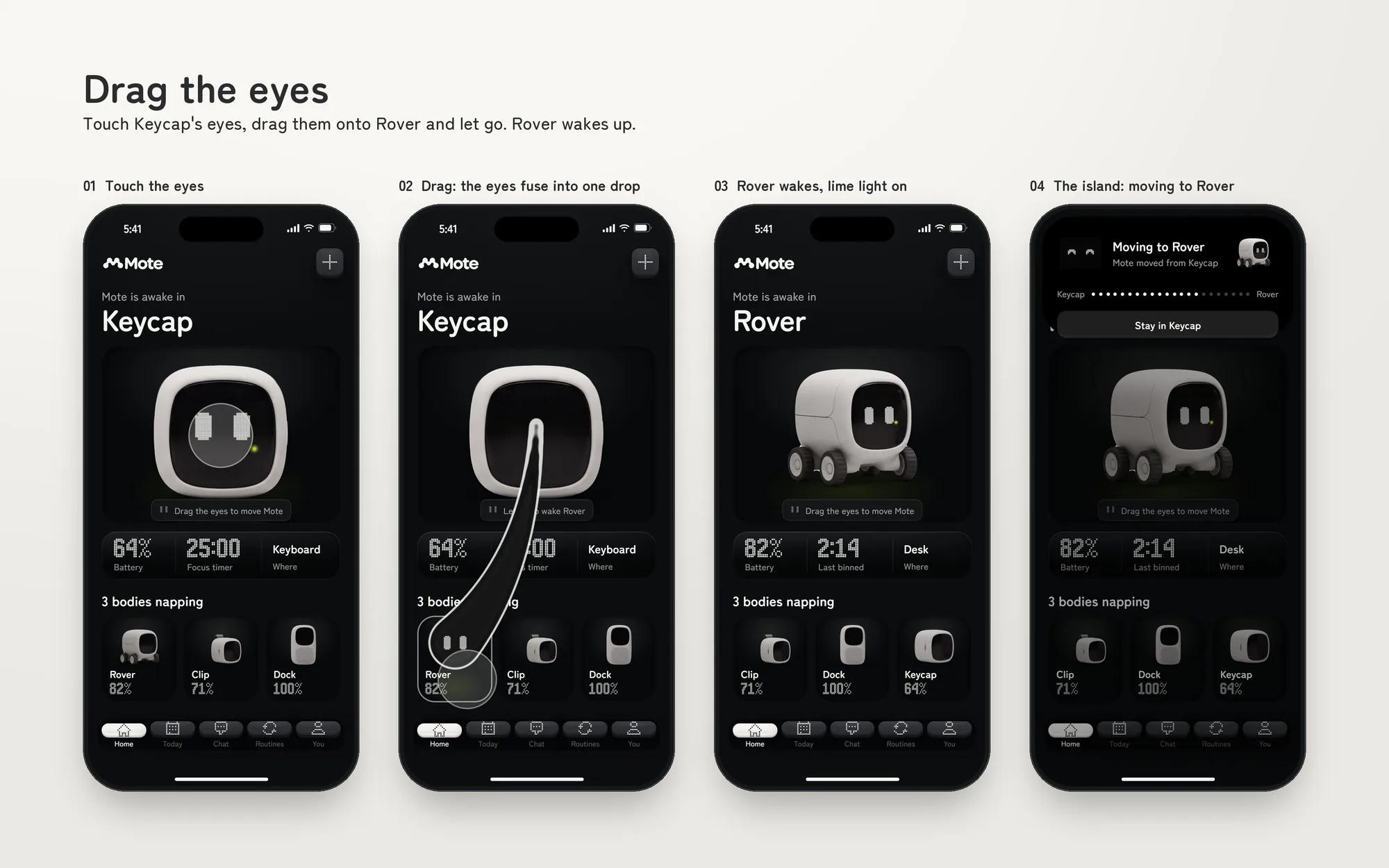
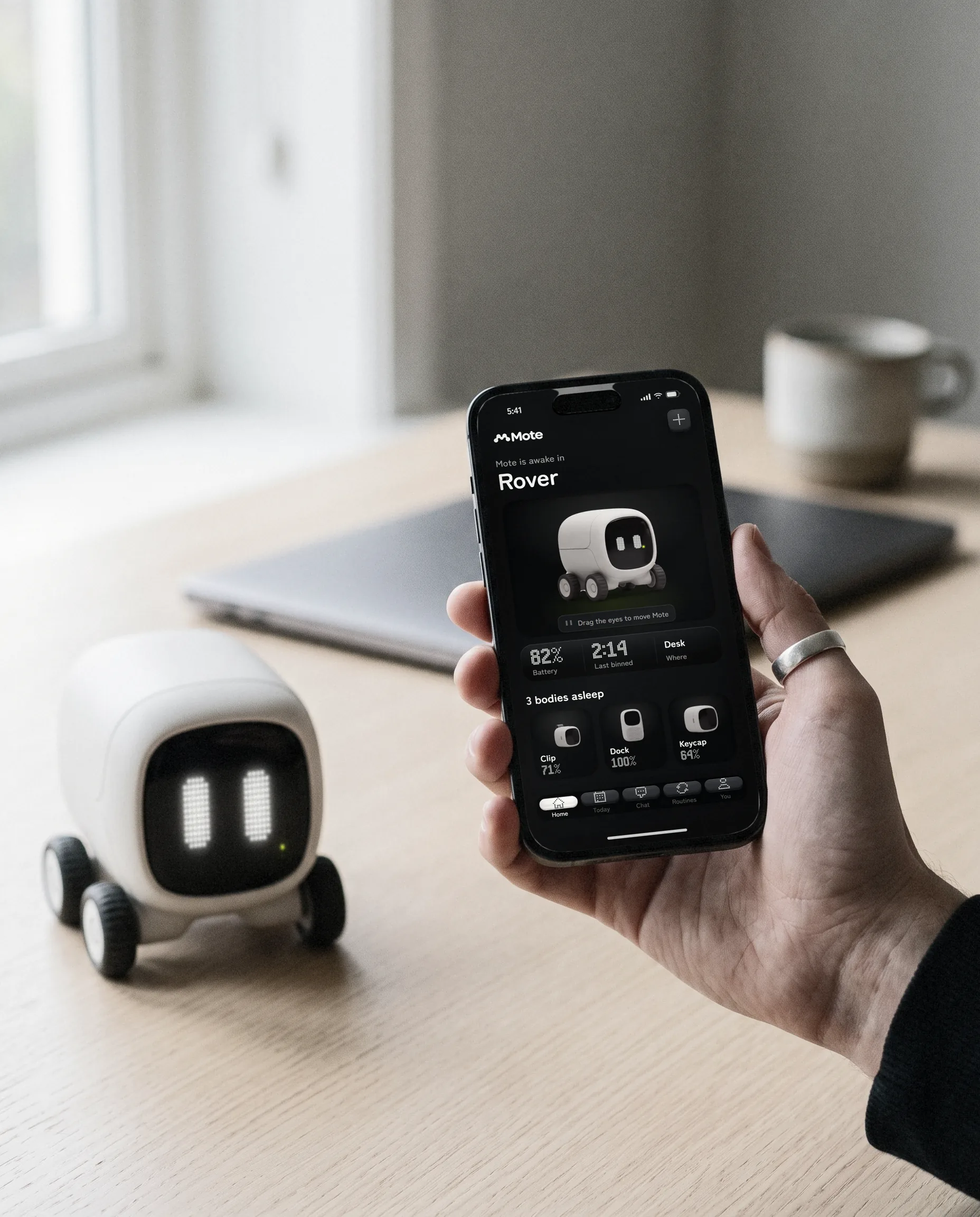
- I want to see which robot it's in and move it with one gesture.
- When it remembers something
- I want to see where that came from and forget it if I choose, so I can trust a camera at home.
- When I buy another robot
- I want the same Mote to move in, with its face, voice and memory.
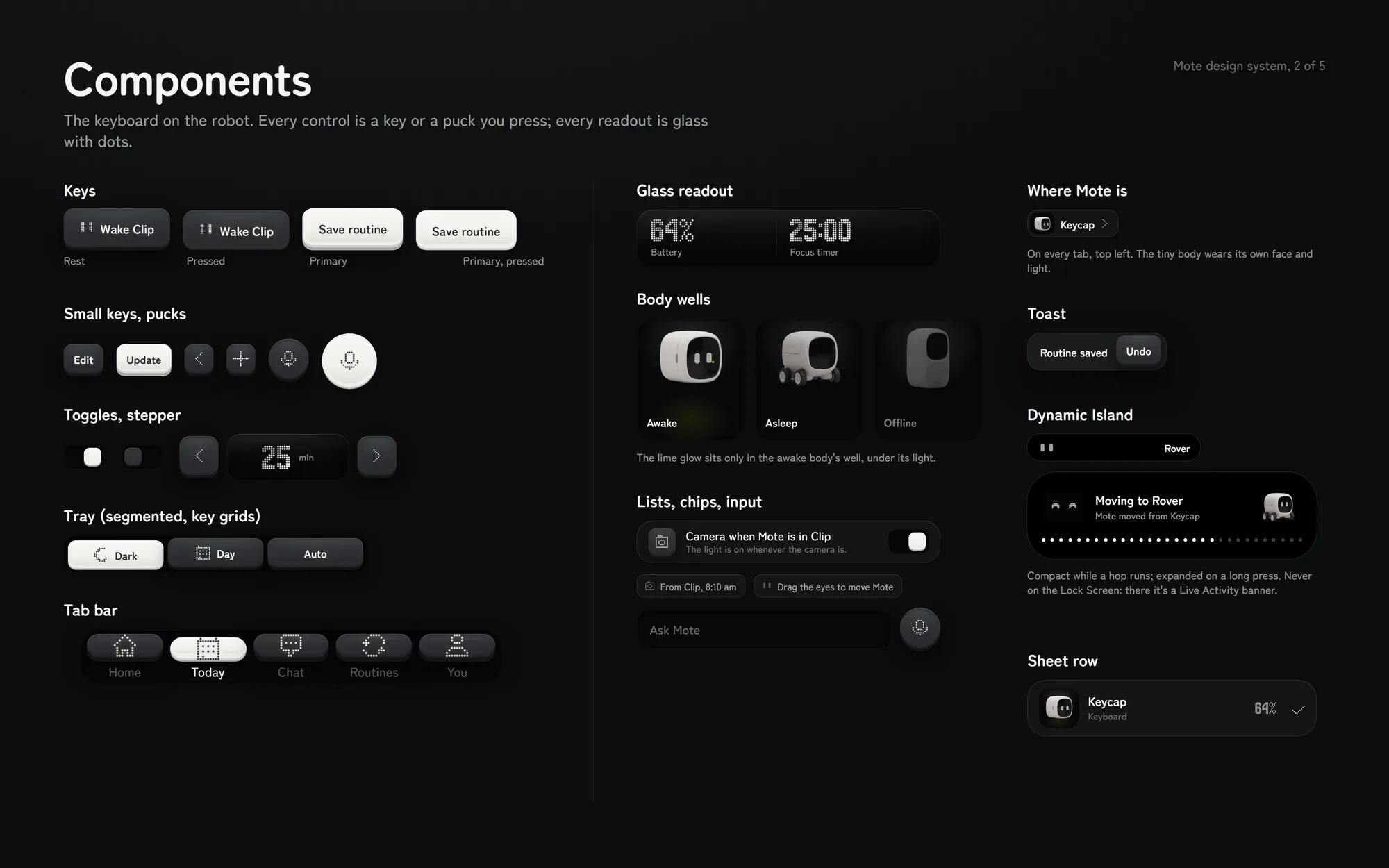
Glass that shows, keys that press
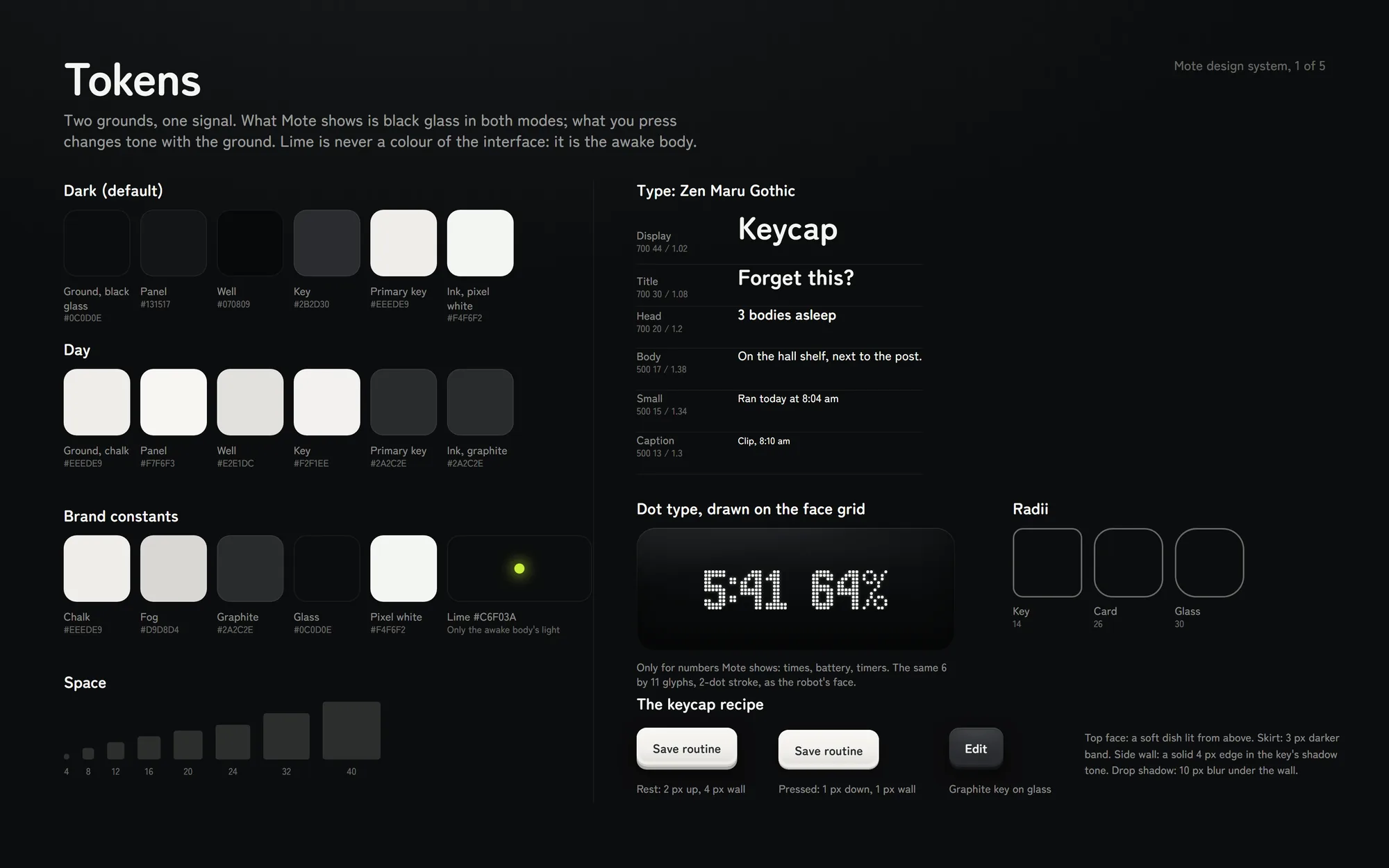
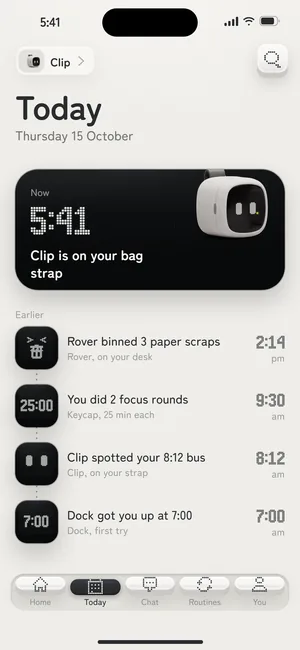
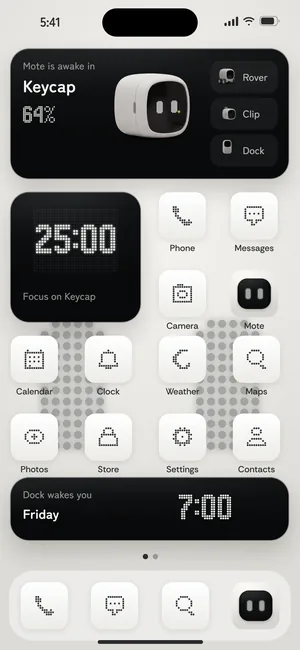
Black glass for what Mote shows, soft keycaps for what you press, all from one tokens file.
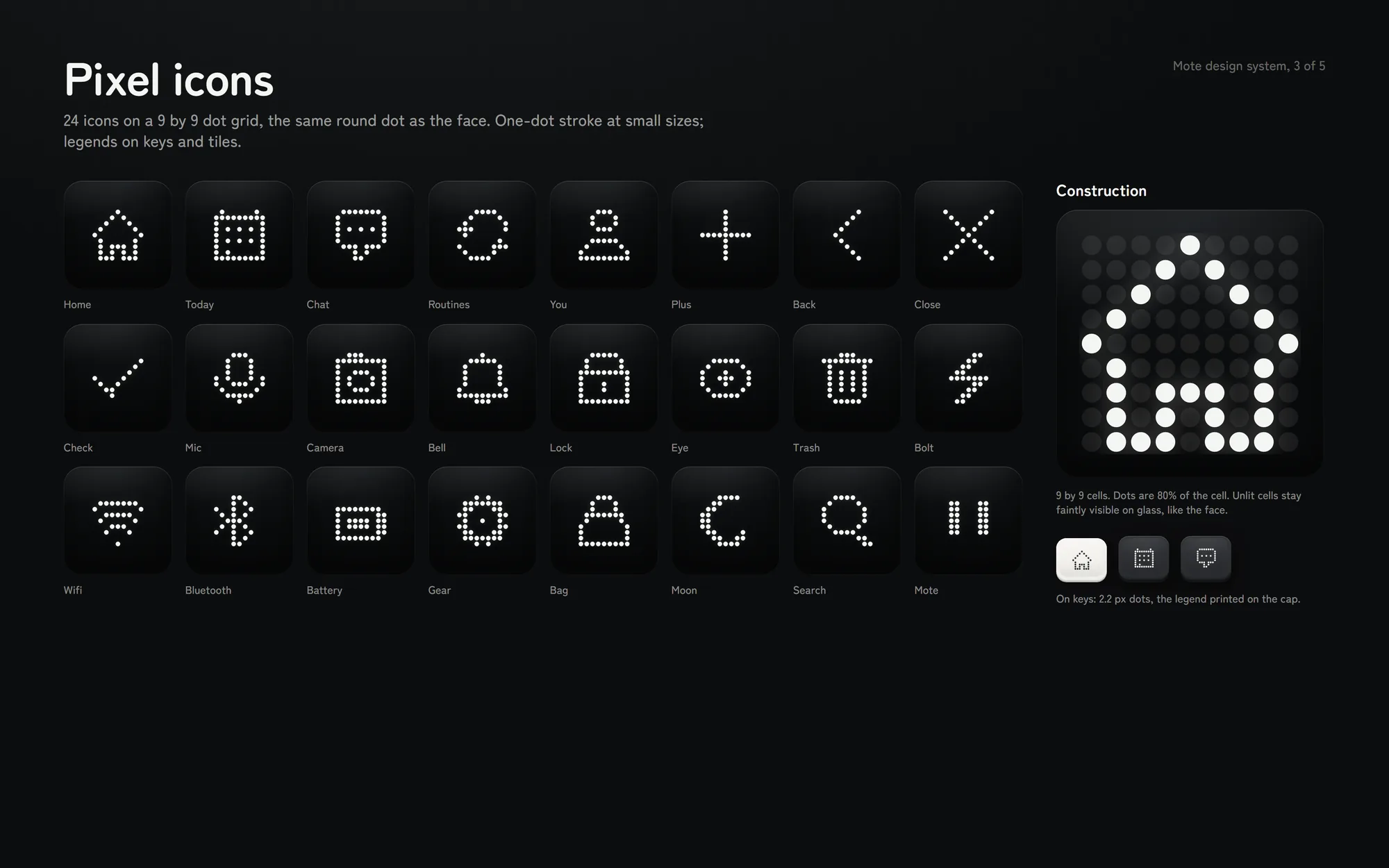
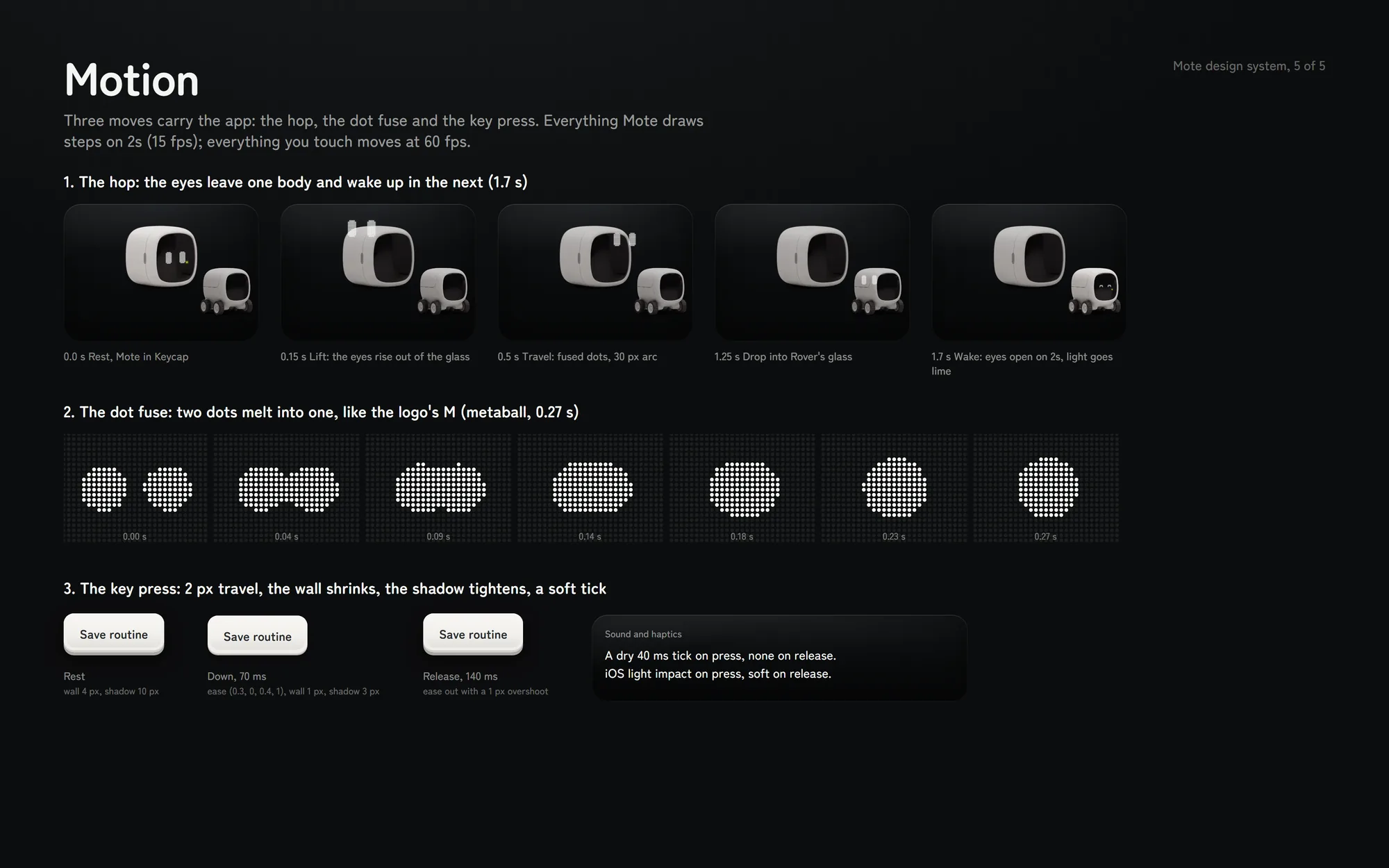
The keycap is the button: 70 ms down, 140 ms up, 2 px of travel and a short tick. Icons sit on a 9 by 9 dot grid and faces on the robots' own 32 by 24 grid, so the app and the robot draw the same dots.
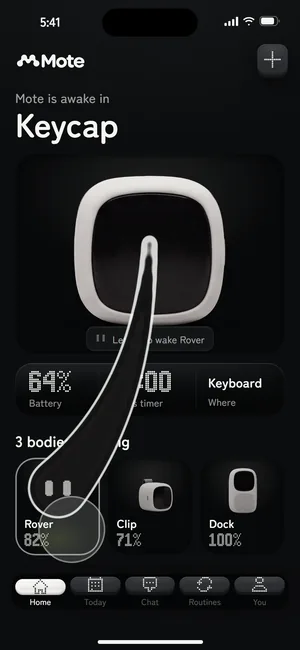
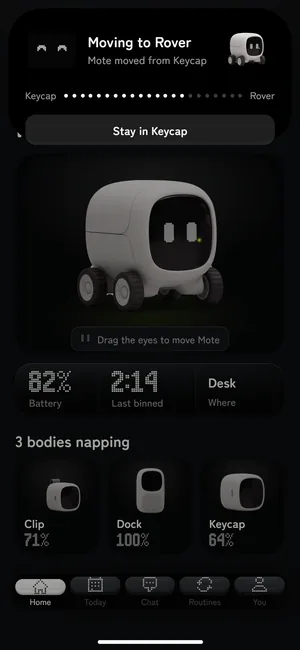
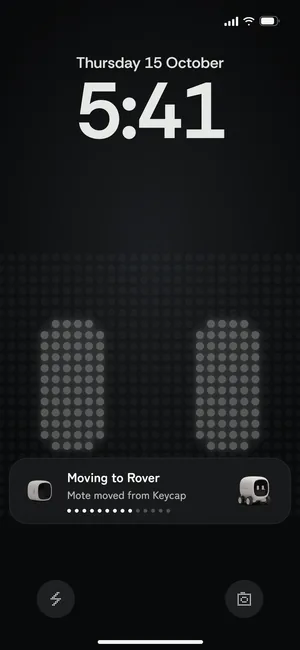
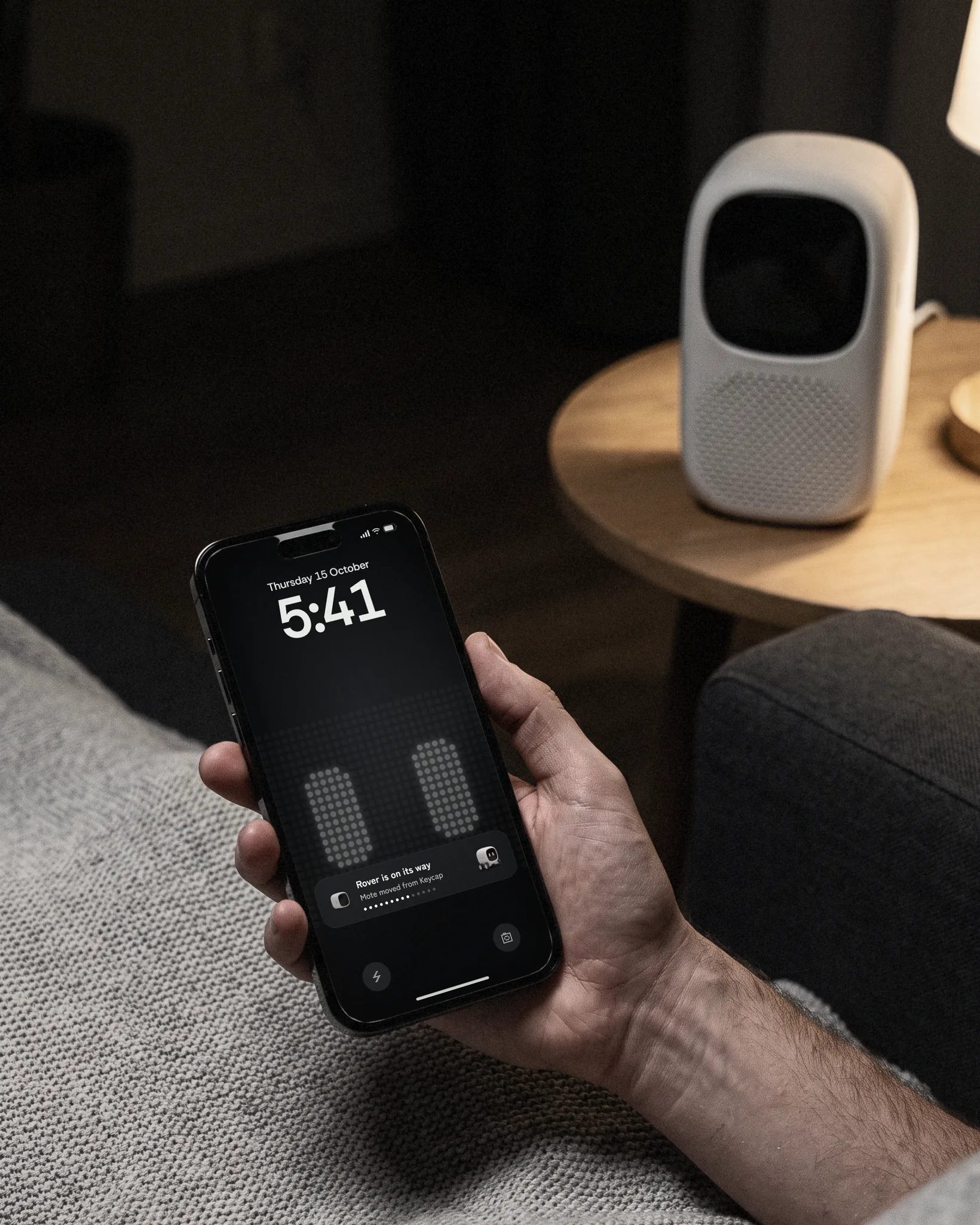
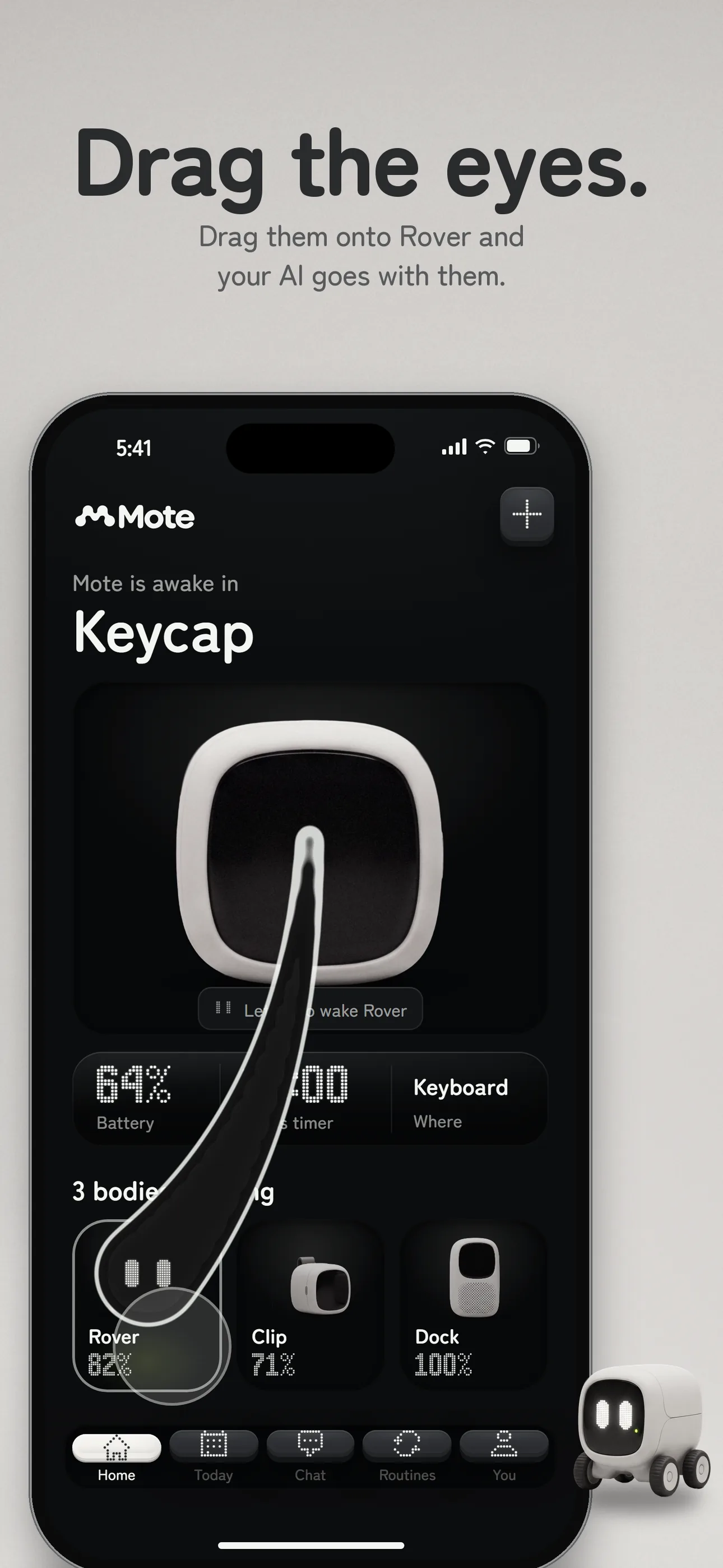
A move between robots takes 1.7 seconds. The eyes lift, travel on a 30 px arc, then drop and wake the robot, and as they leave the dots fuse into a drop the way the logo's M is built.
Chalk
The shells and the day app
- Chalk1.0:1
- Fog1.2:1
- Graphite12.0:1
- Glass16.6:1
- Pixel white1.1:1
- Lime1.1:1
Pick a colour to see the others on it. Each pick copies its hex.
Building something like Mote? A 30-minute call: we look at your brand and product and tell you what we'd do first and what it costs.
Book a callMove Mote with a drag
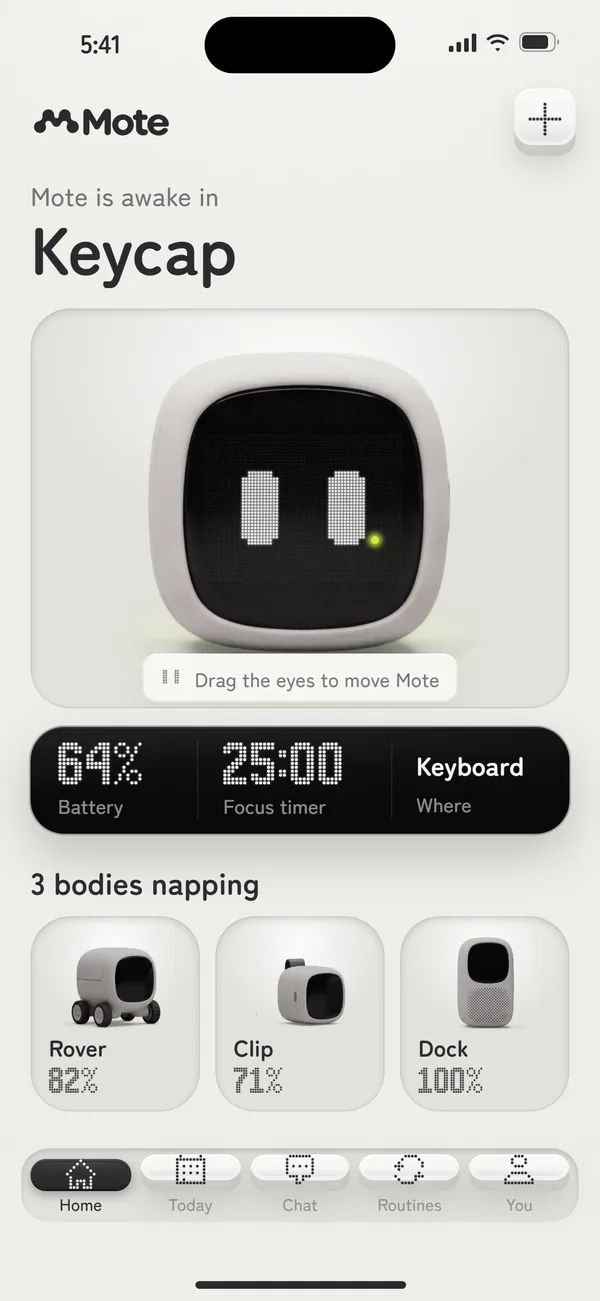
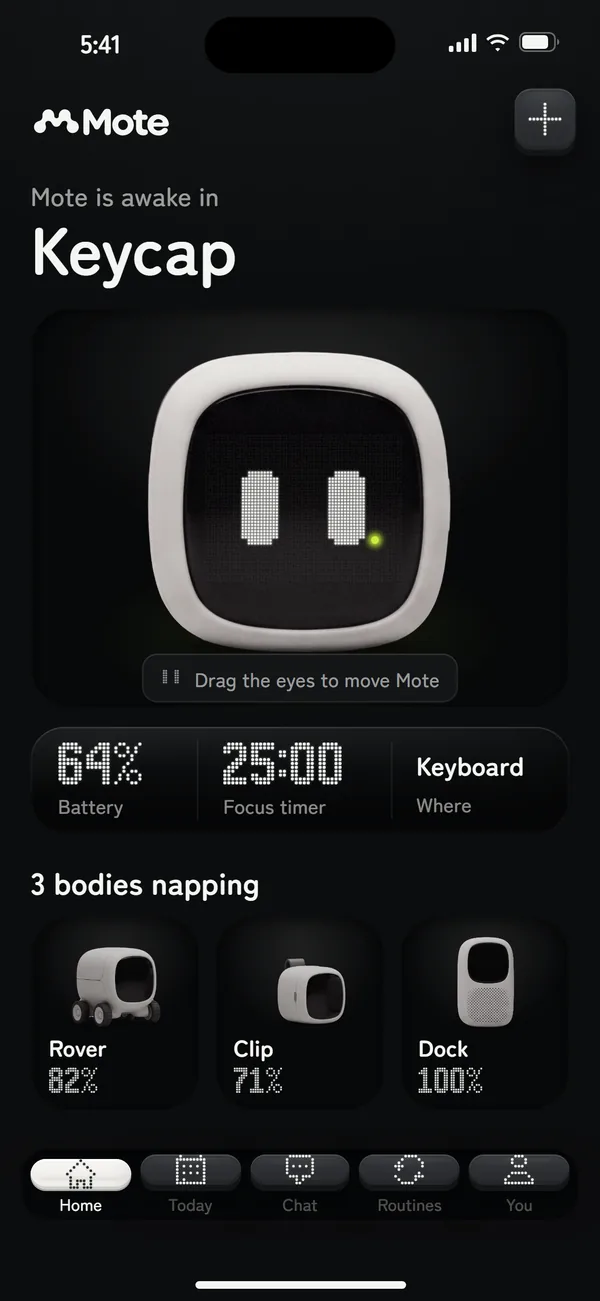
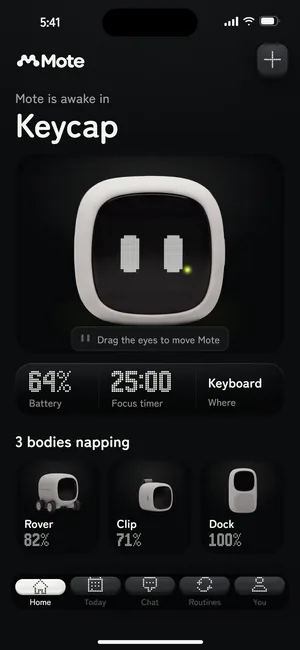
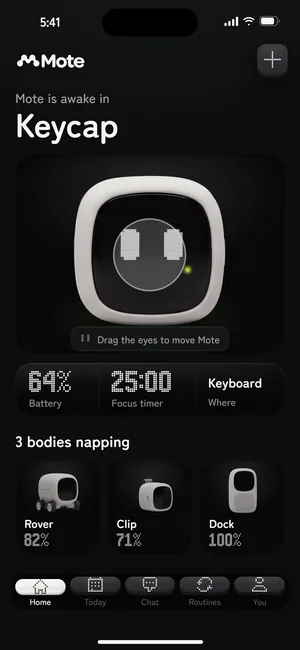
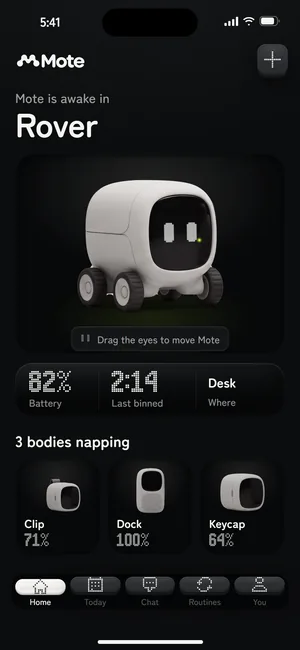
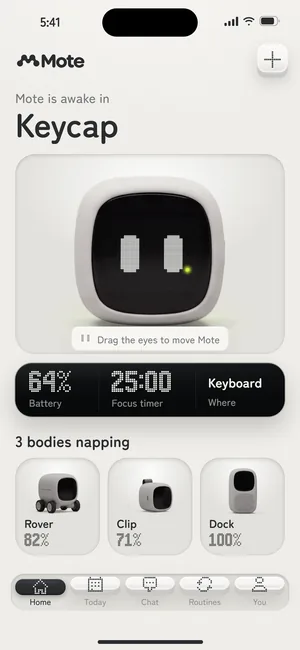
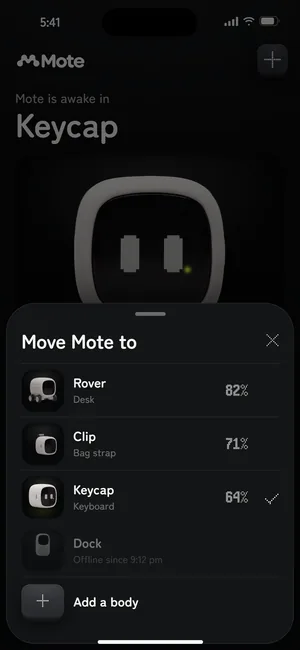
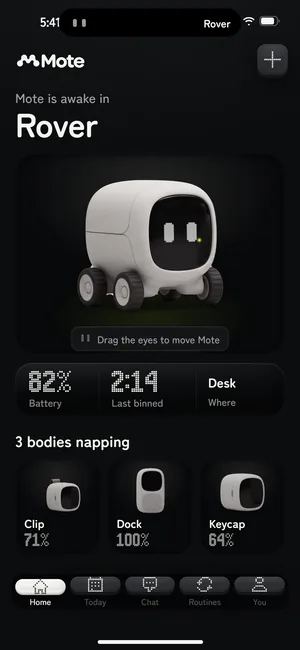
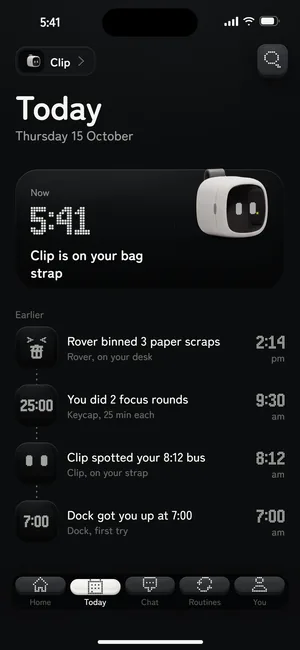
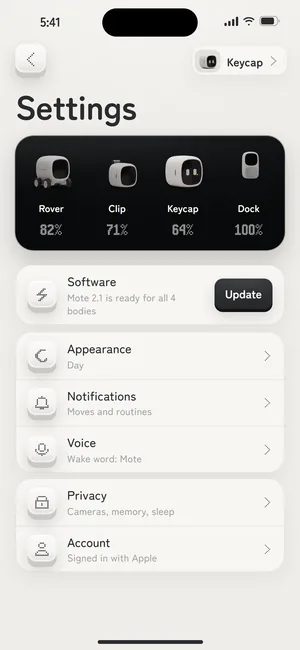
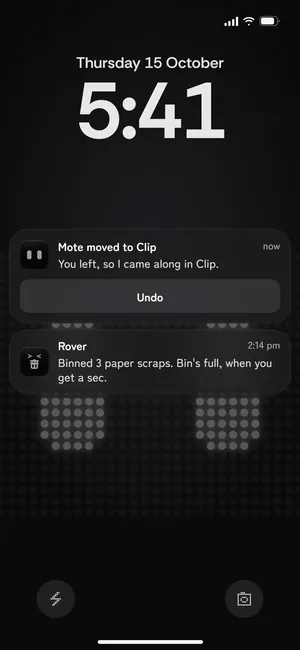
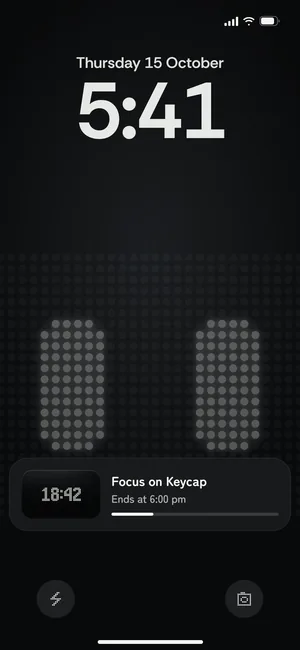
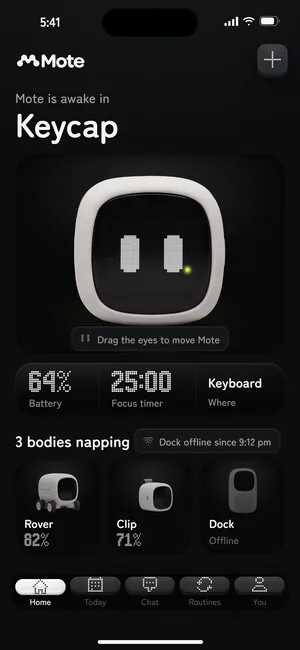
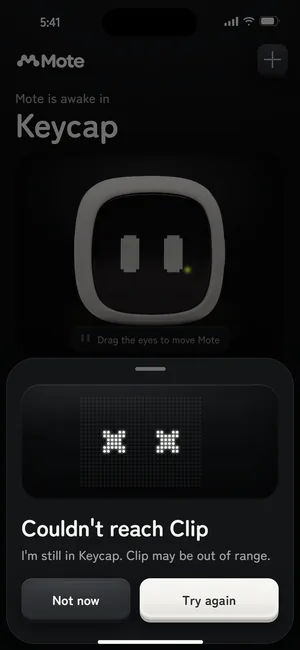
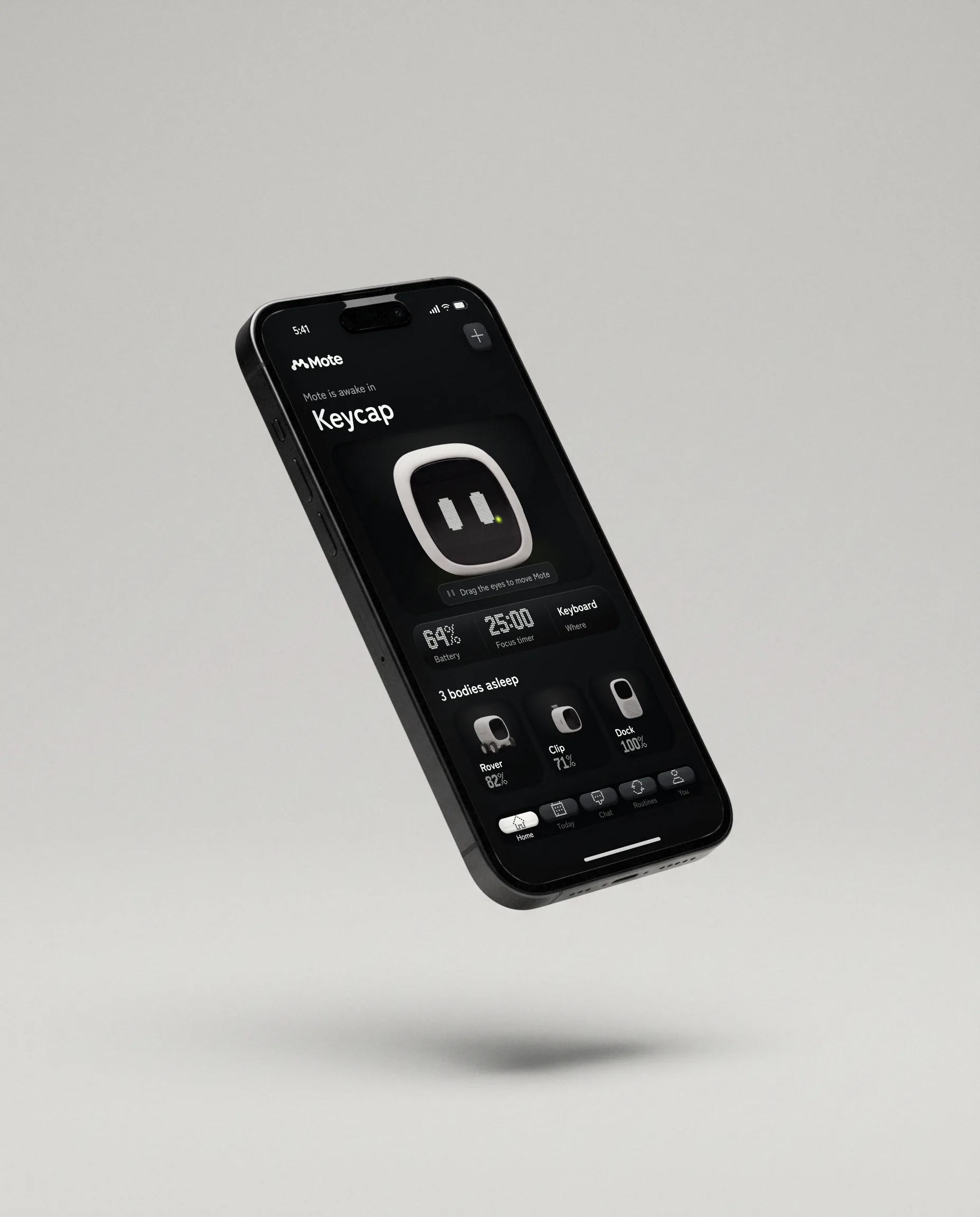
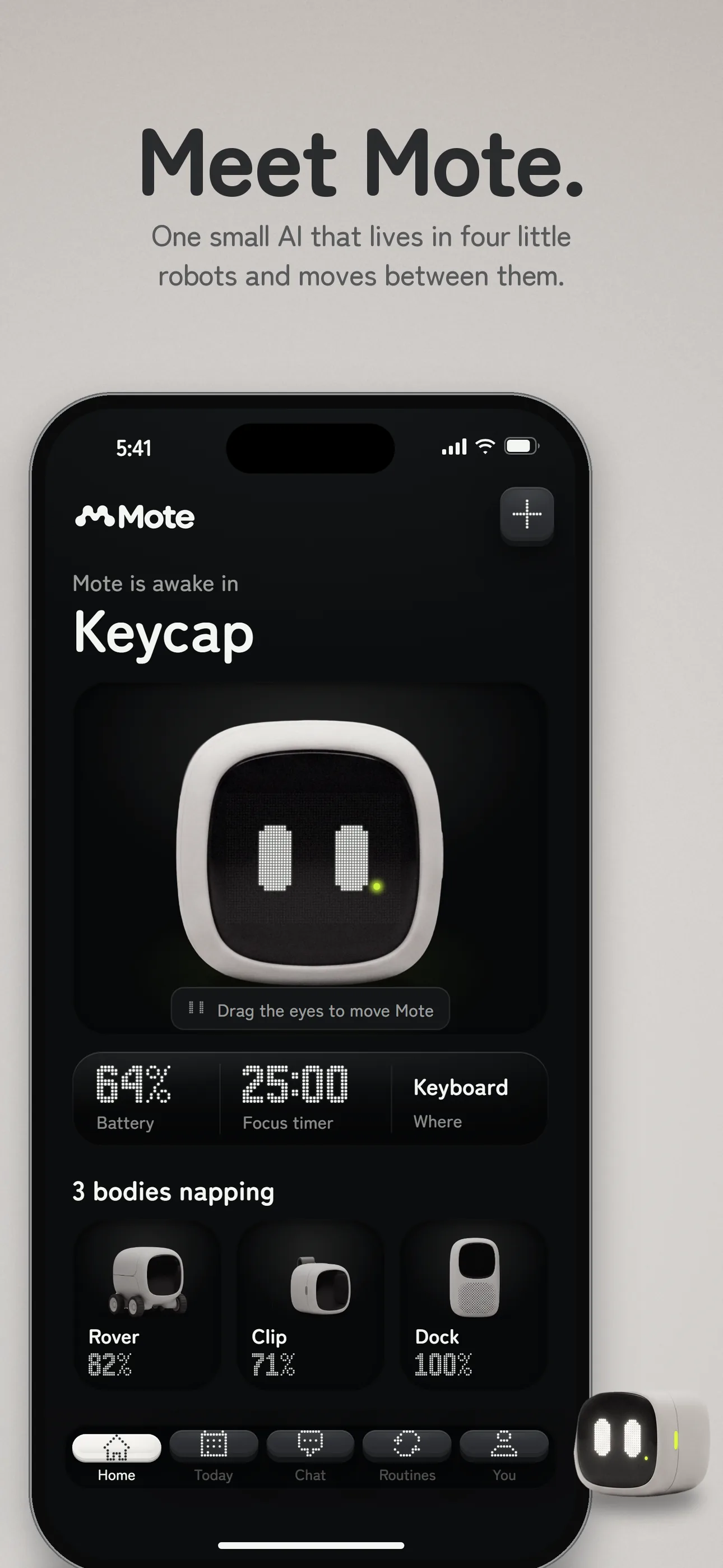
The app shows which robot Mote is in and moves it with one gesture.
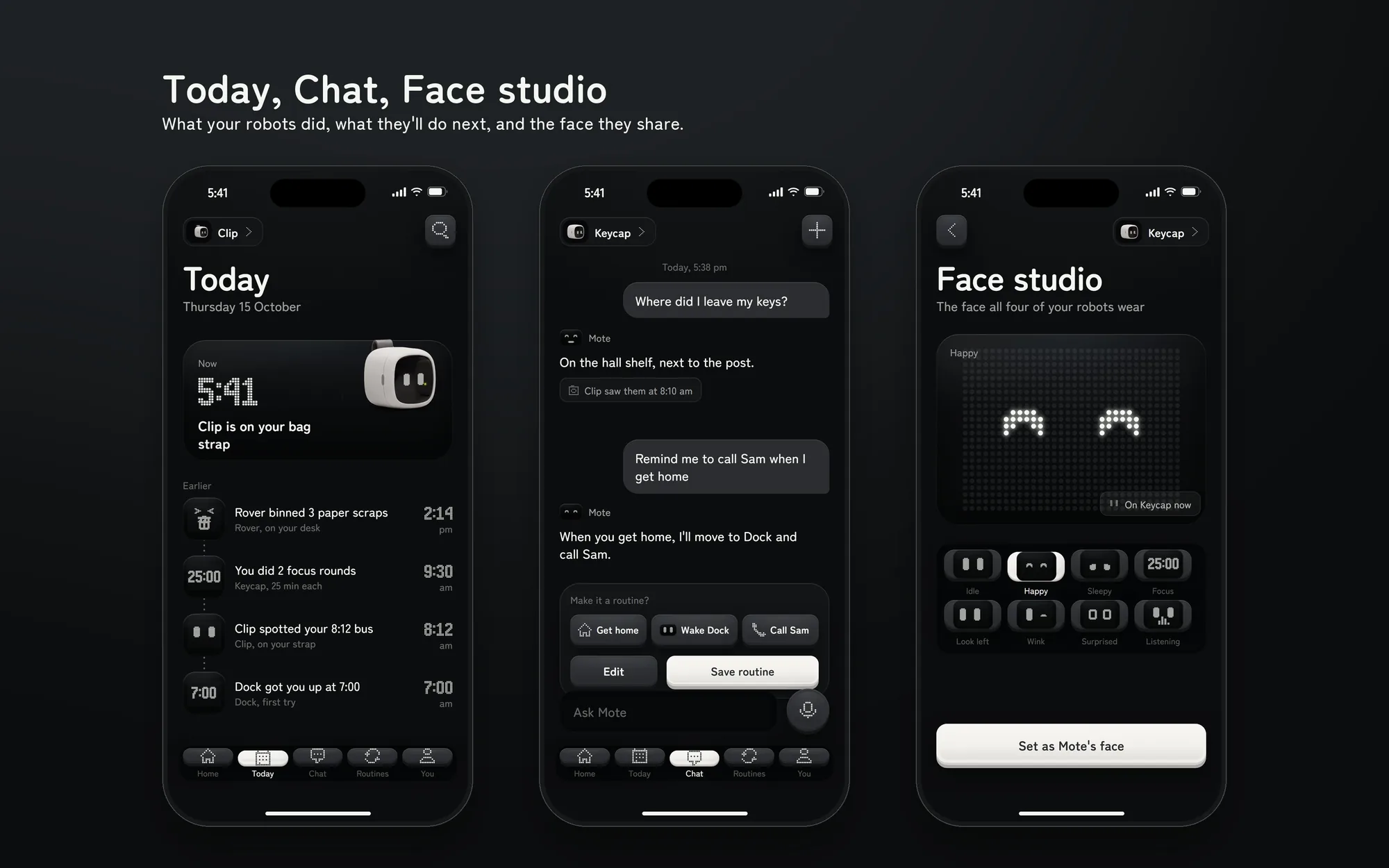
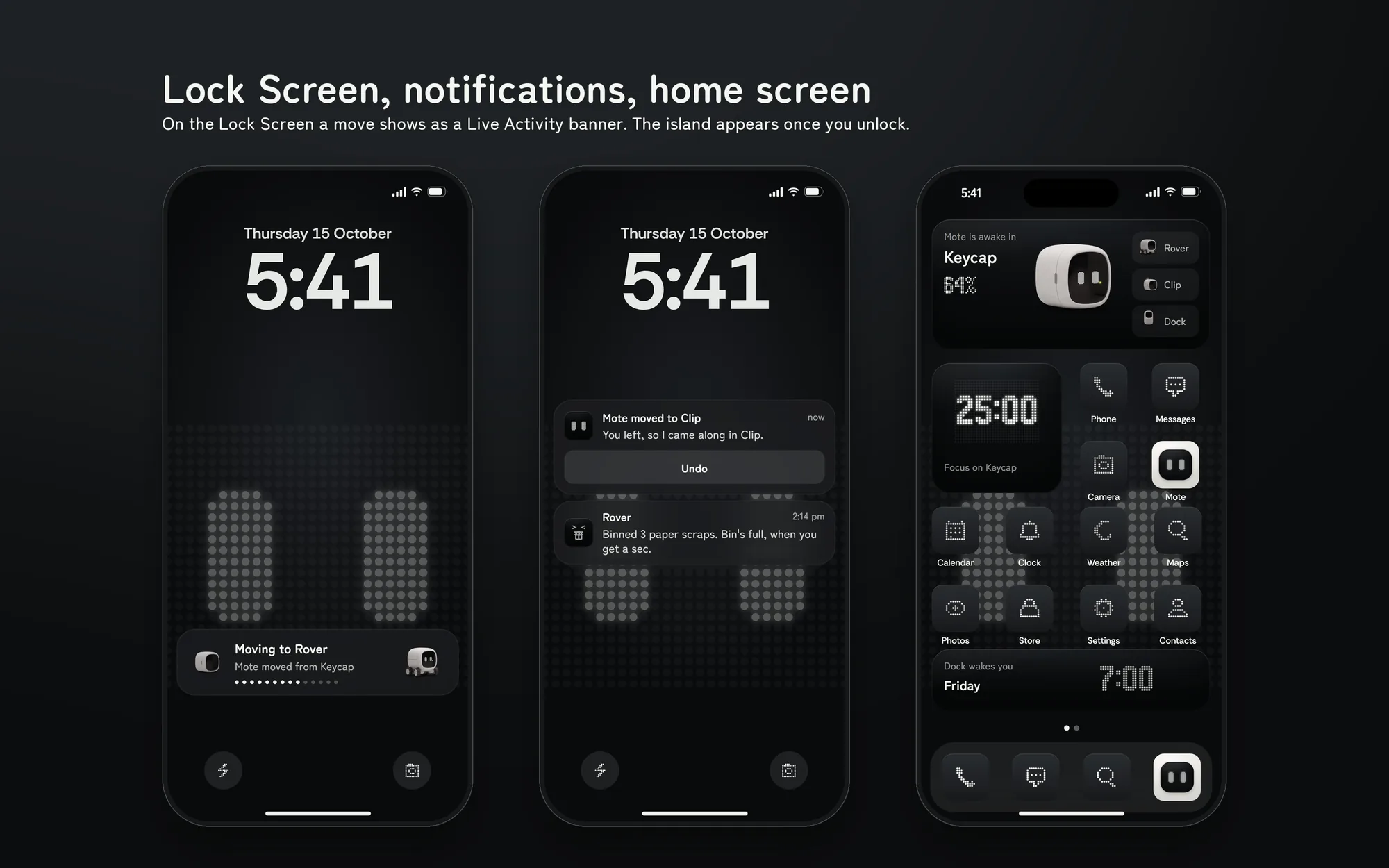
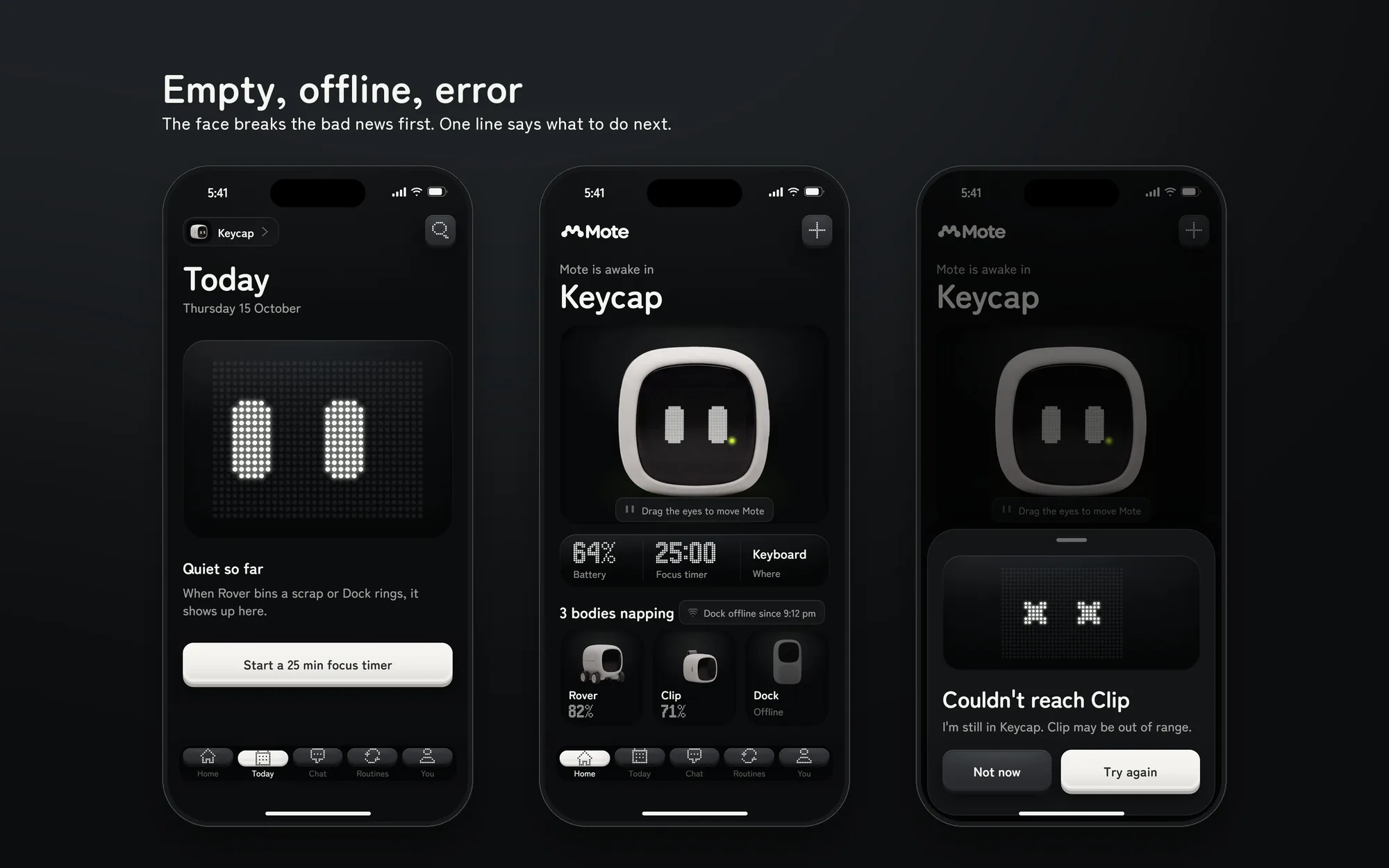
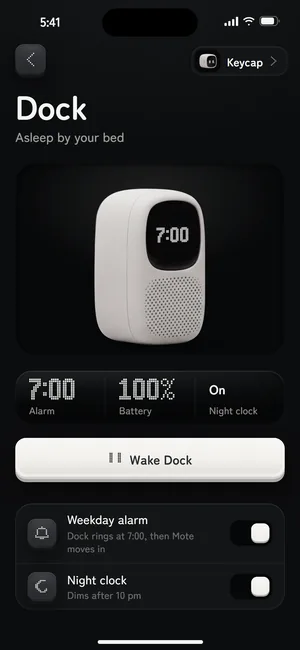
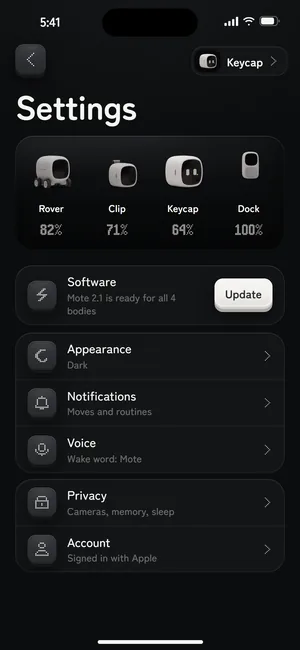
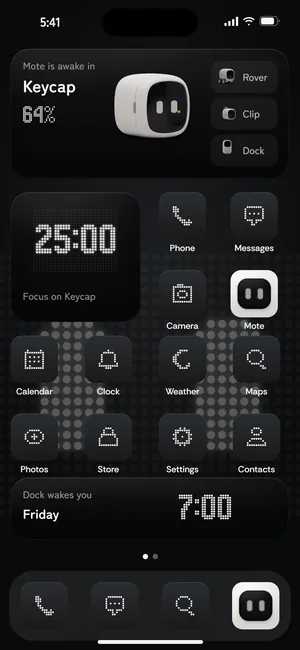
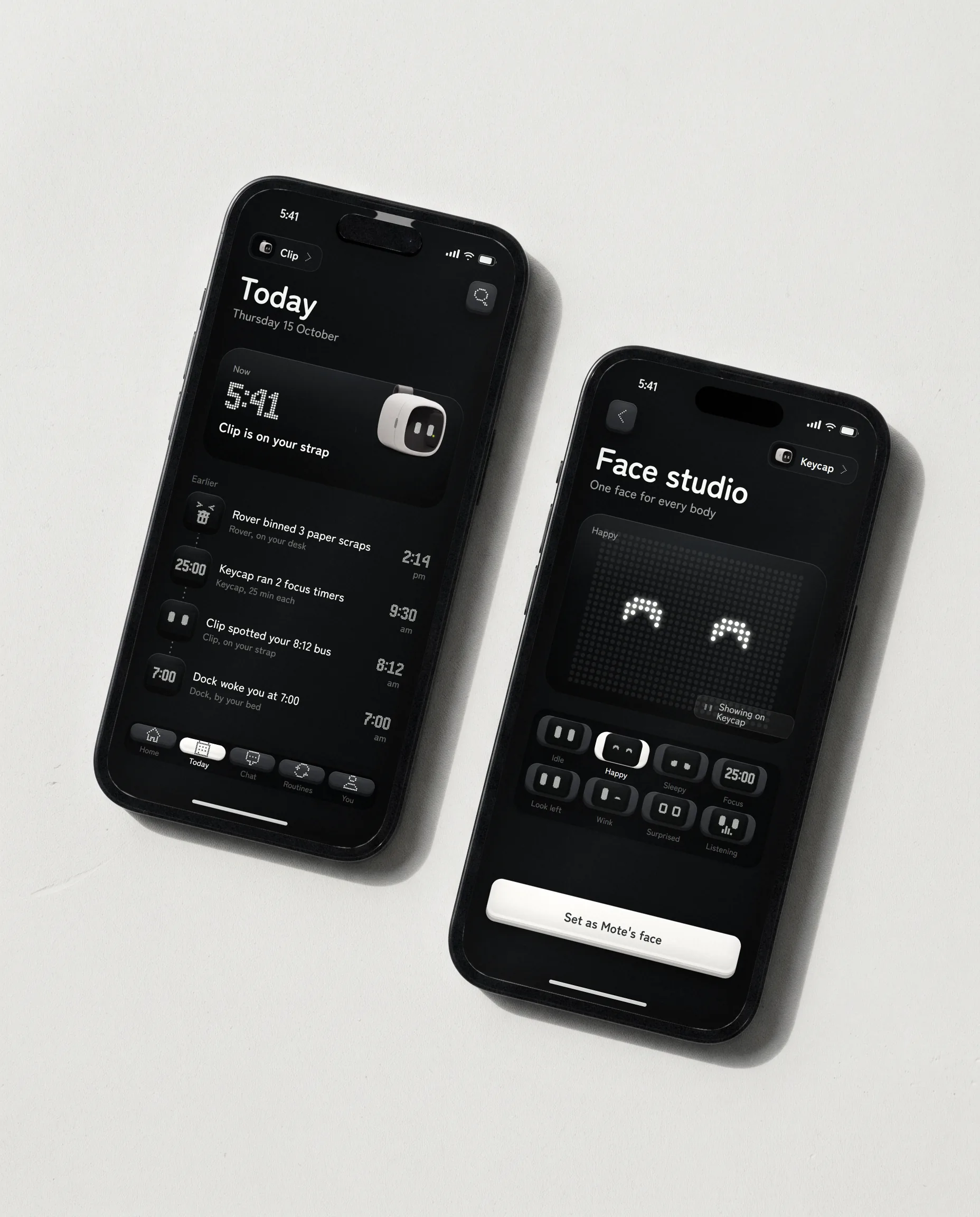
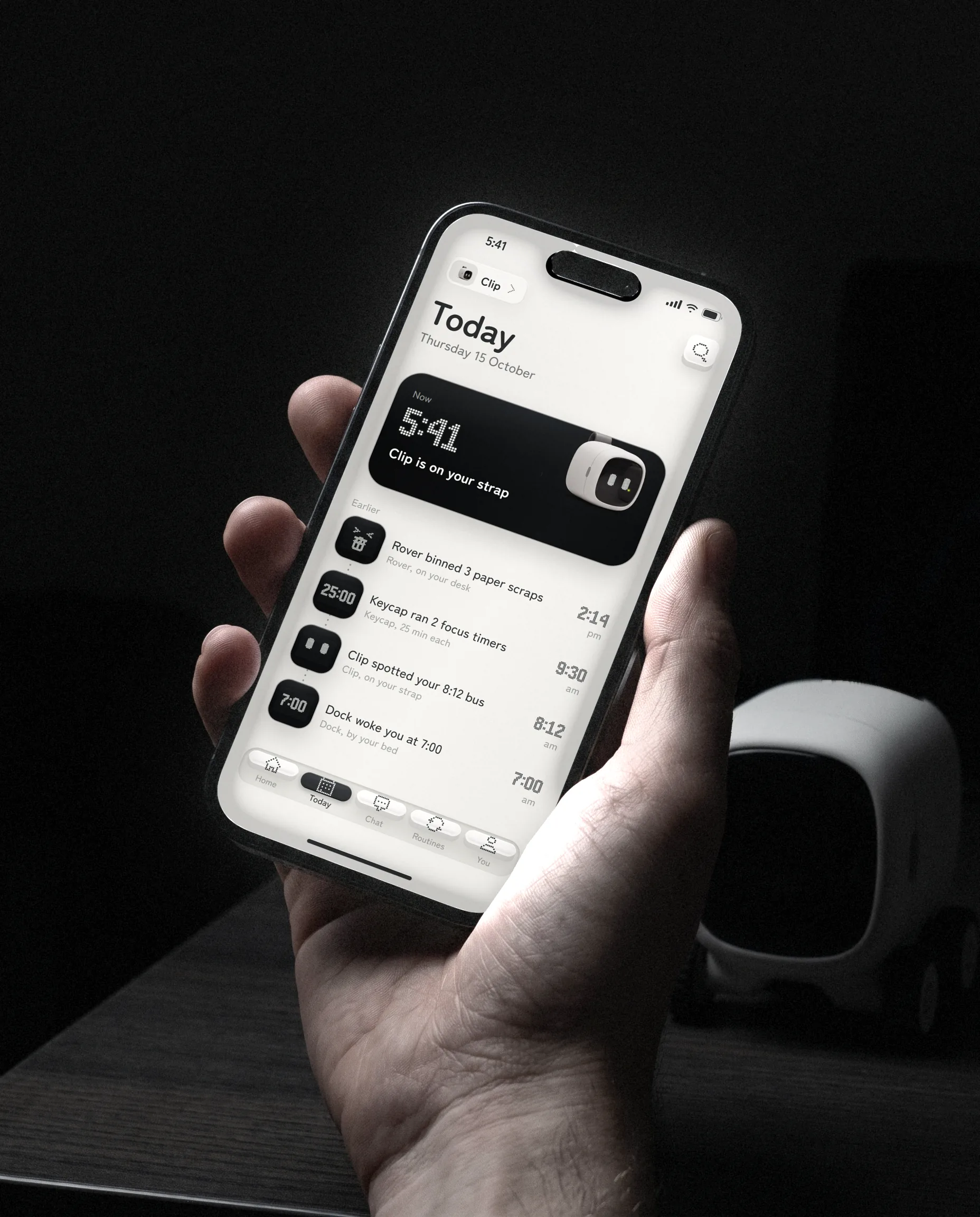
Today lists the day's jobs, each robot wearing the face it showed. Memory is grouped by day and names the robot that saw each thing, and any of it can be forgotten in two taps. Outside the app, Mote shows up as a Live Activity, in the Dynamic Island while it moves, and in widgets in three sizes.
Move Mote with a drag
1 of 5Home shows where Mote is awake.
Tap to play, or pick a screen.
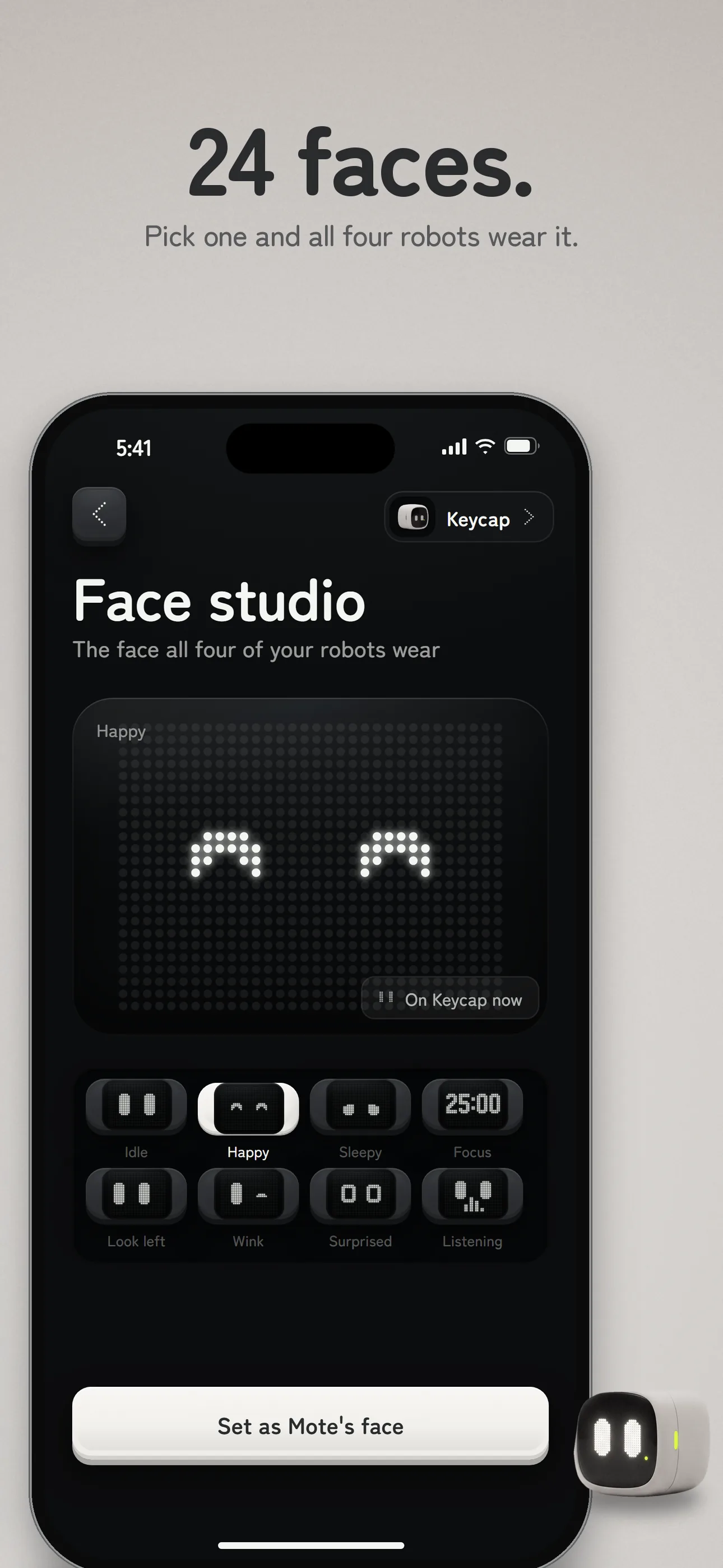
The face is the interface
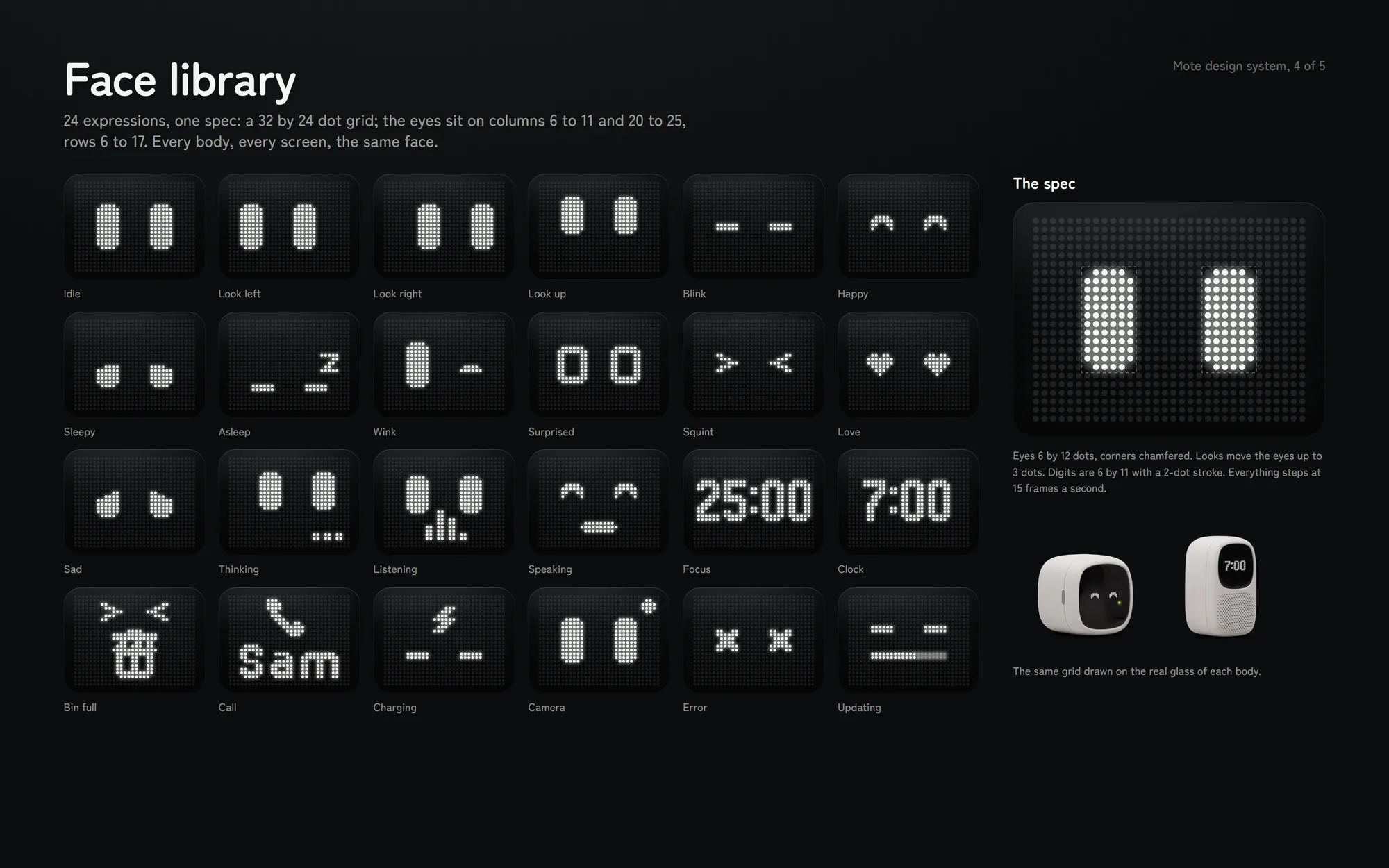
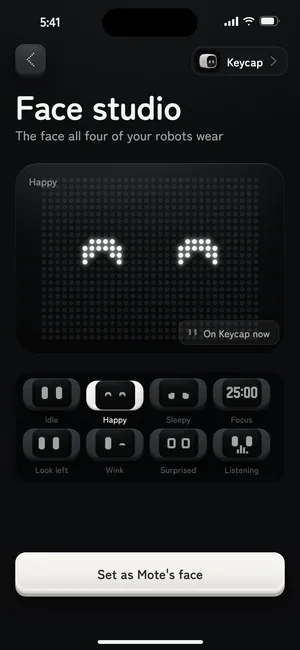
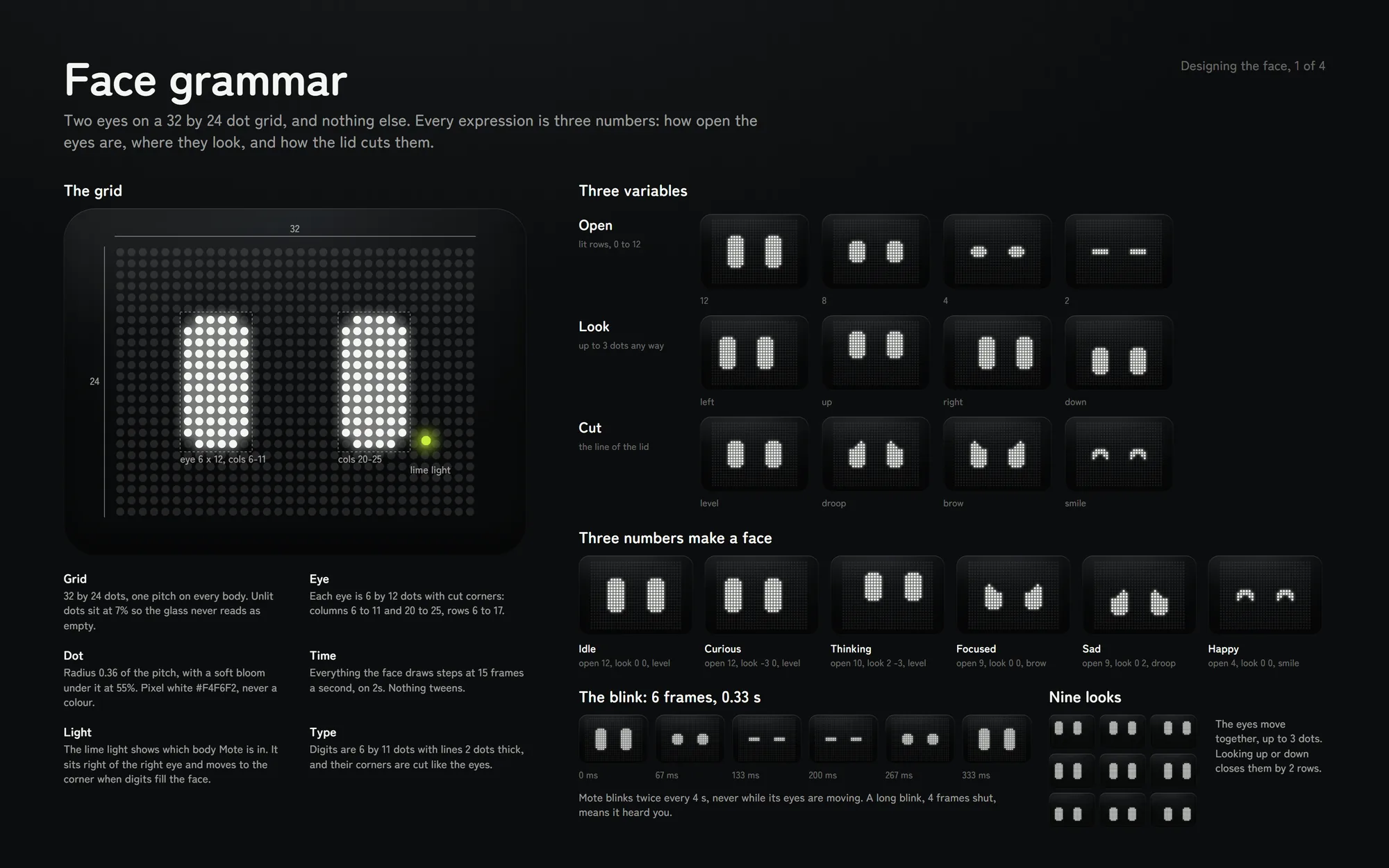
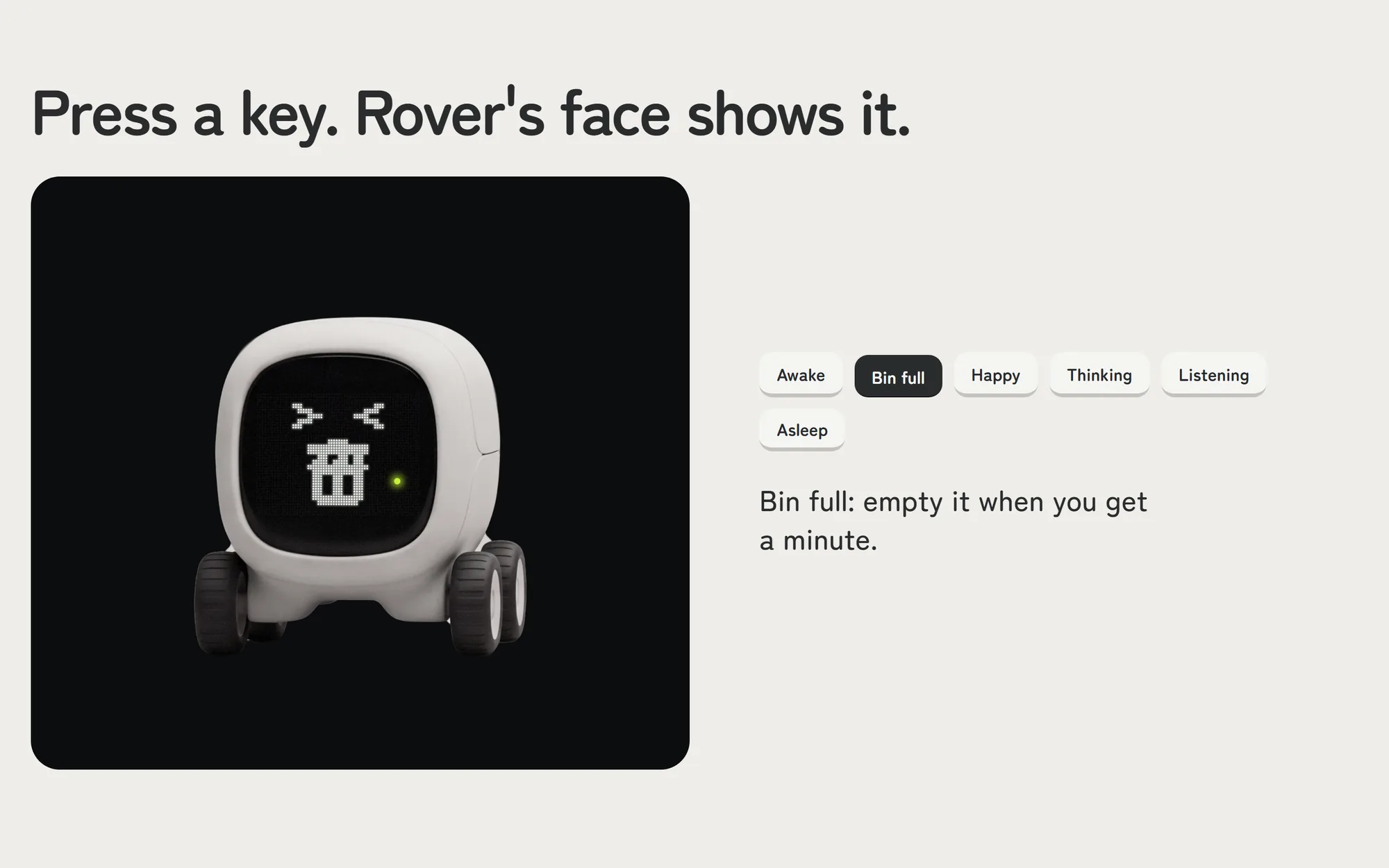
The same two eyes on every robot, on a 32 by 24 dot grid, with no mouth and no colour.
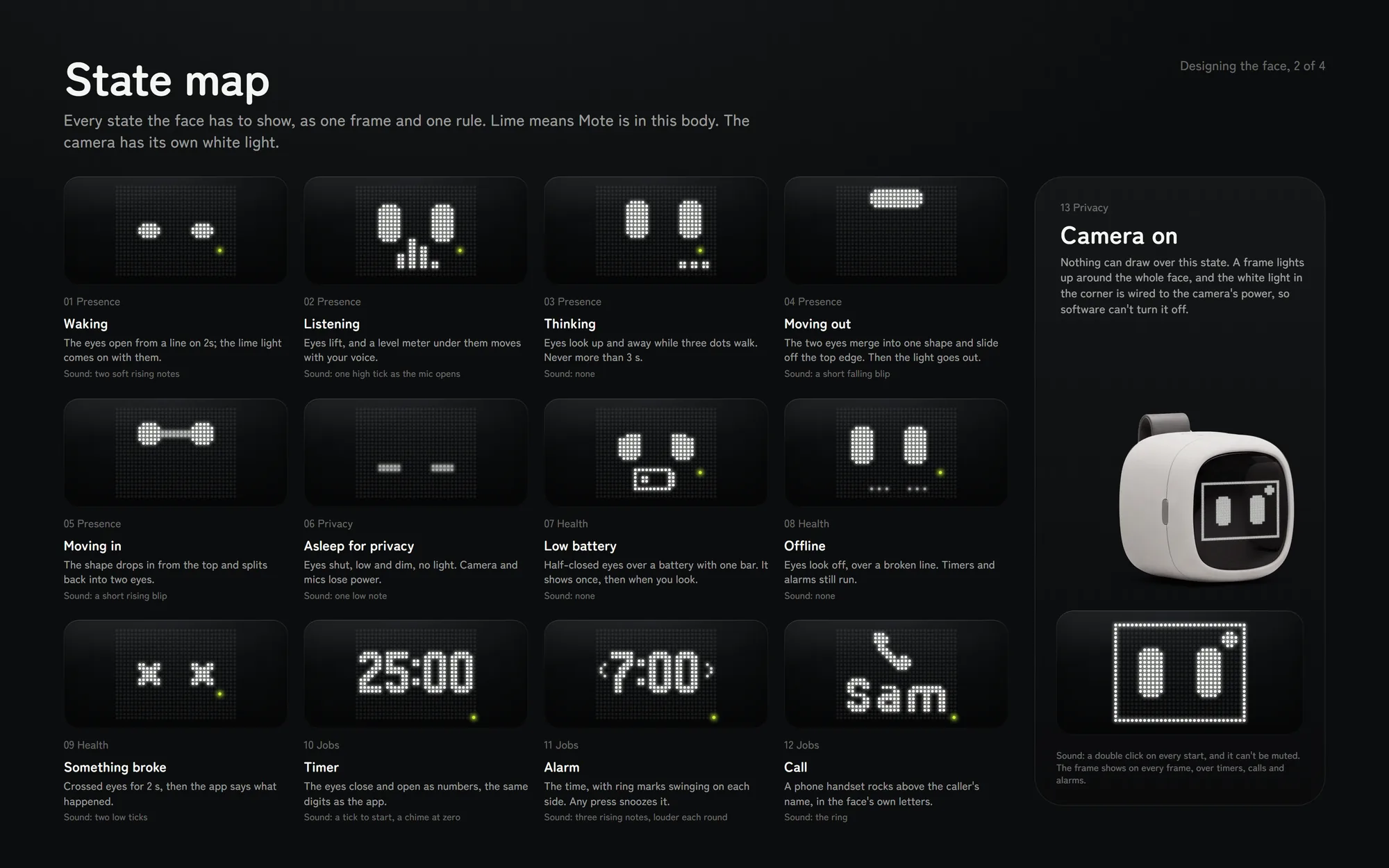
Every expression comes from three numbers: how open the eyes are, where they look and the cut of the lid. Each of 12 states gets one frame and one sound. Camera on is the one state nothing can draw over: a lit frame round the grid and a white light in the corner, never lime.
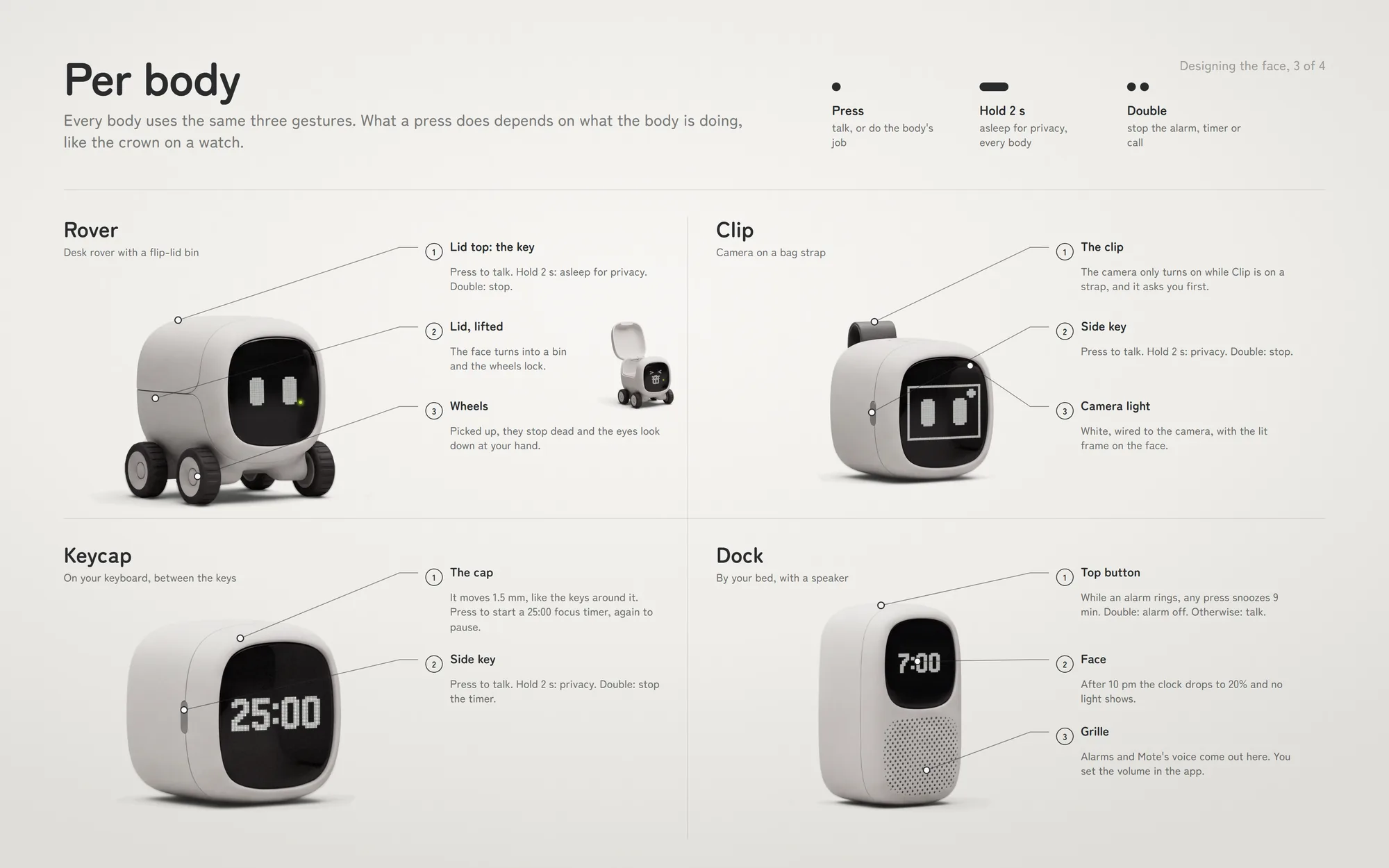
Every robot has the same controls: press to talk, hold two seconds to put Mote to sleep, press twice to stop.
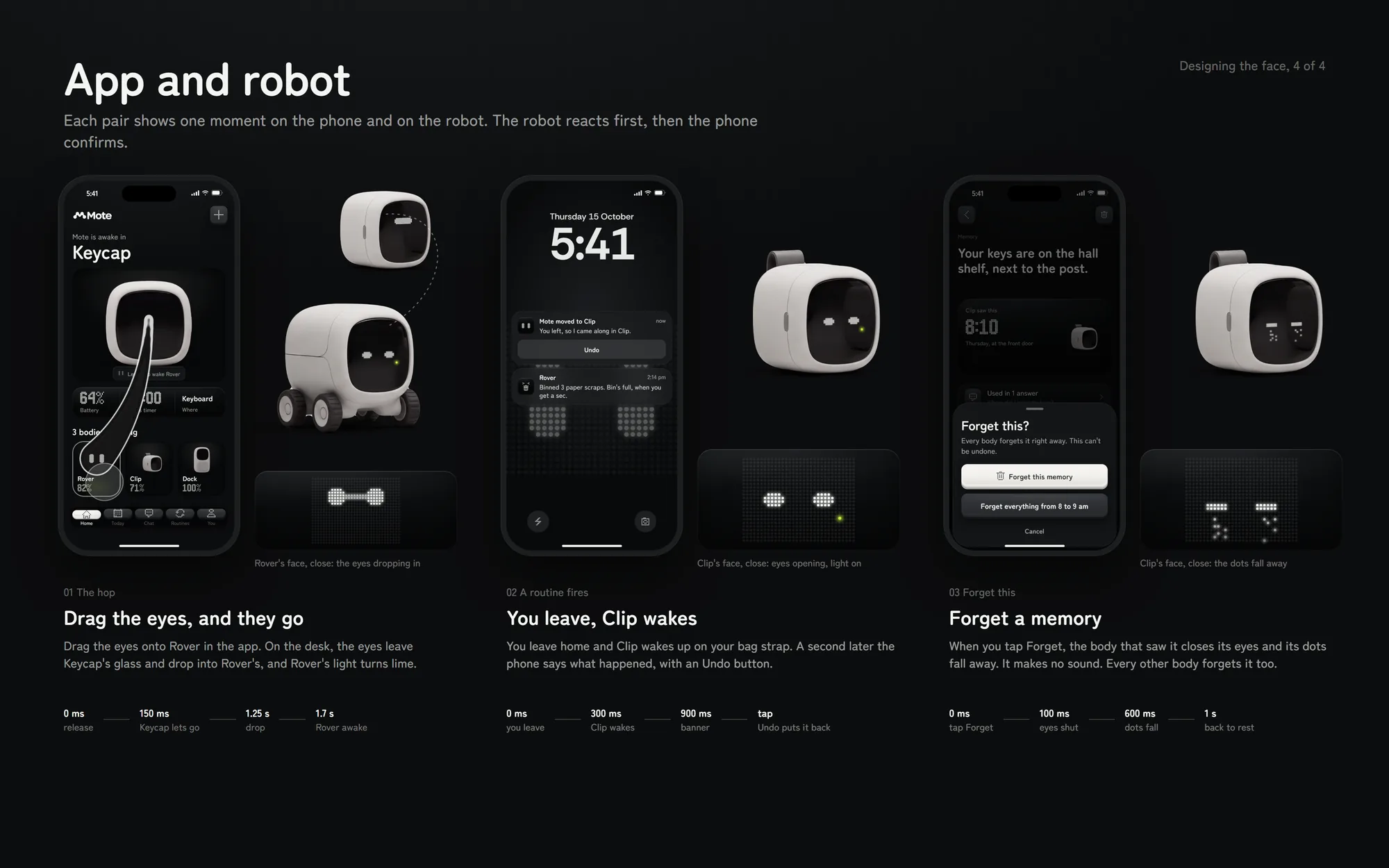
The app in motion
A hop between robots, pairing, a routine, and the whole system in 15 seconds.
The sound comes from the face's own states: a tick on each key, a falling blip as the eyes lift out, a rising one as they land, and two soft notes when a robot wakes.
In hand, and on the App Store
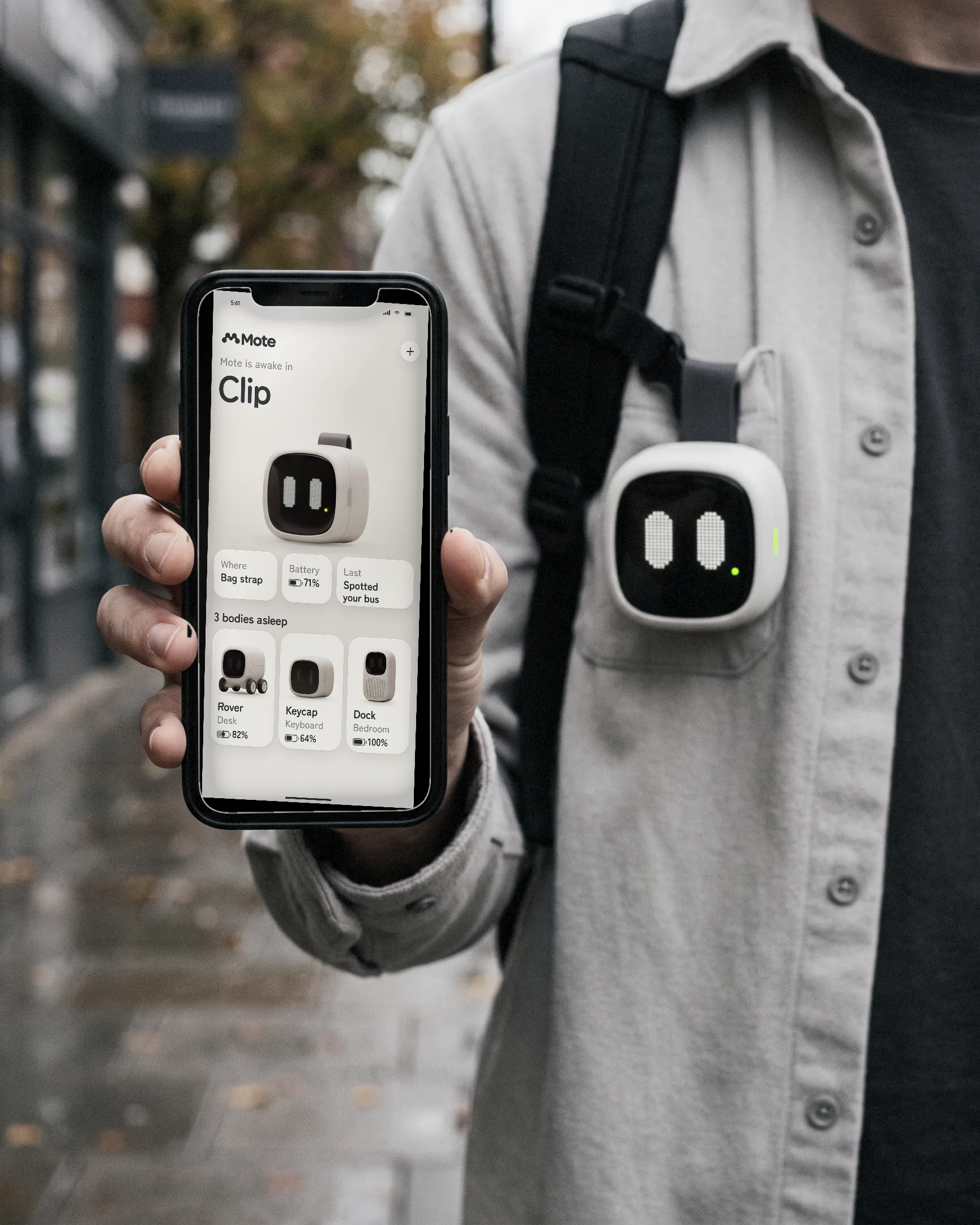
Every screen in hand names the robot awake beside it.
Six pages that wake the robots
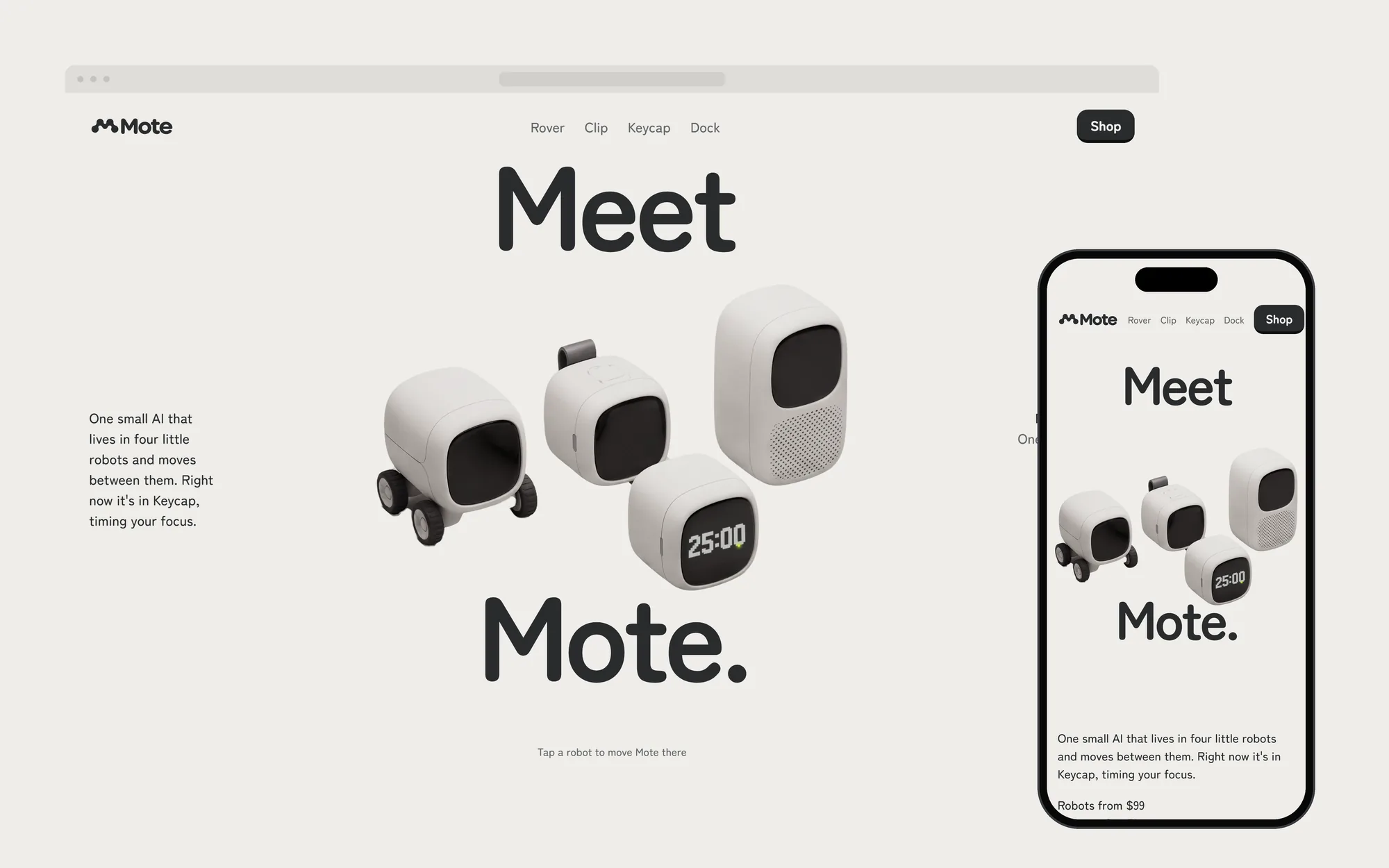
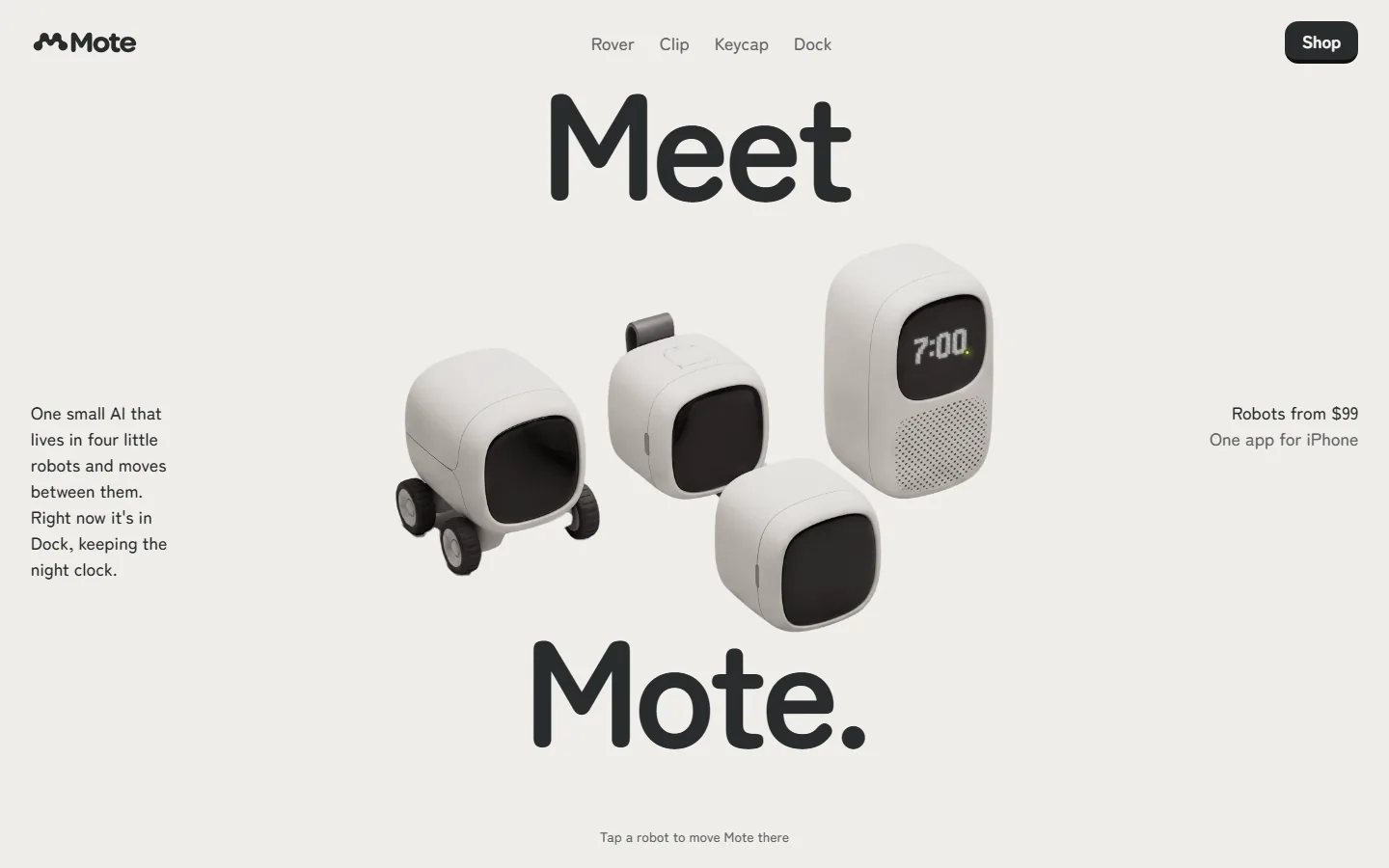
The homepage puts Mote to work before you scroll, hopping between the robots on its own or to the one you tap.
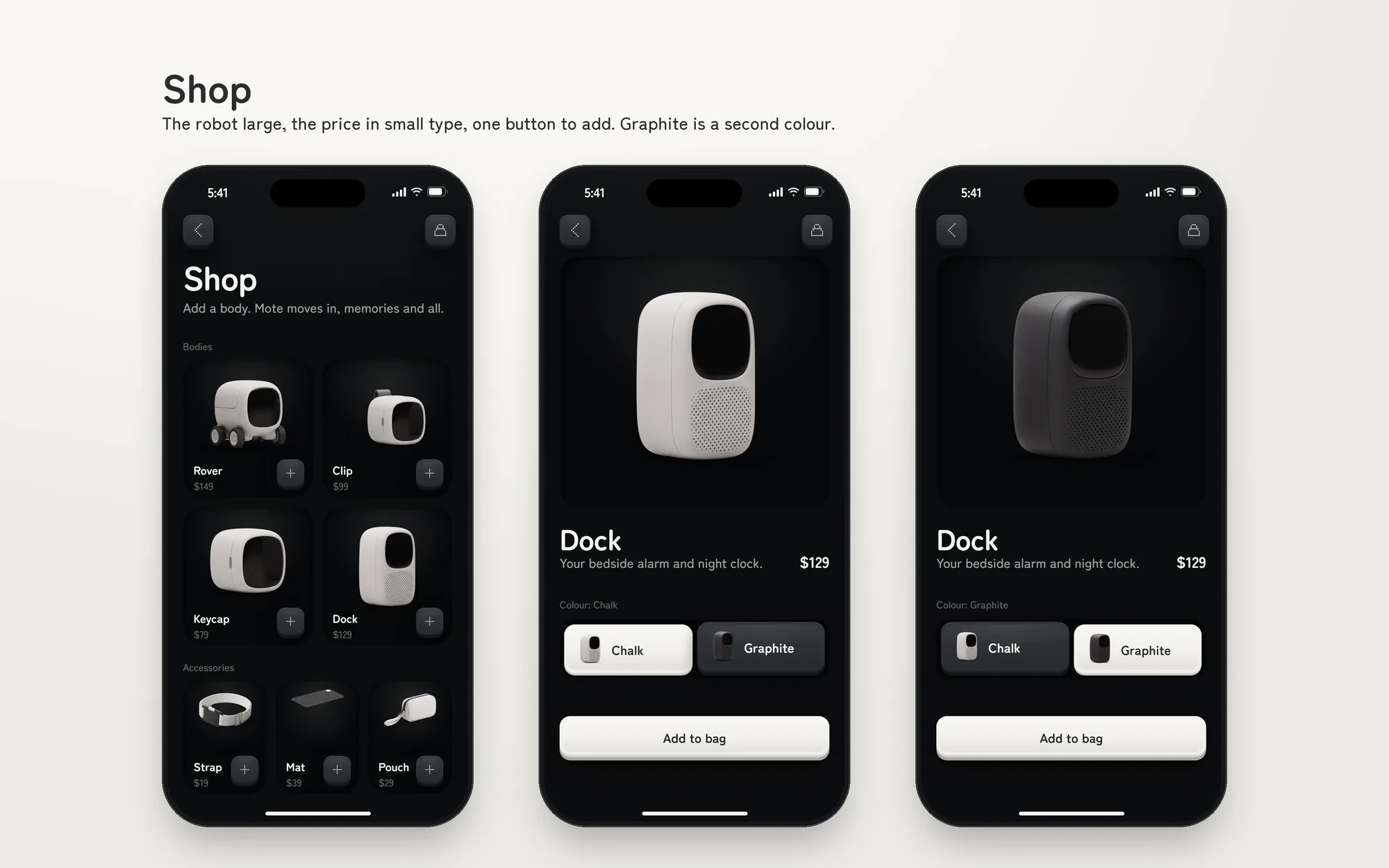
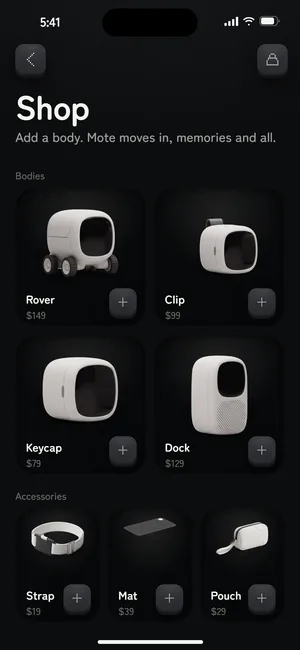
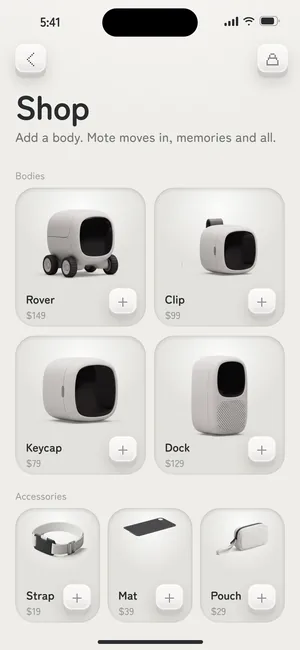
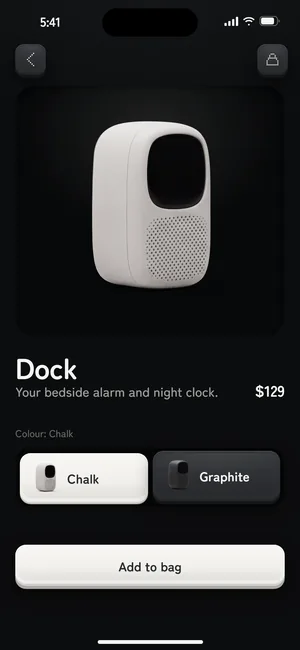
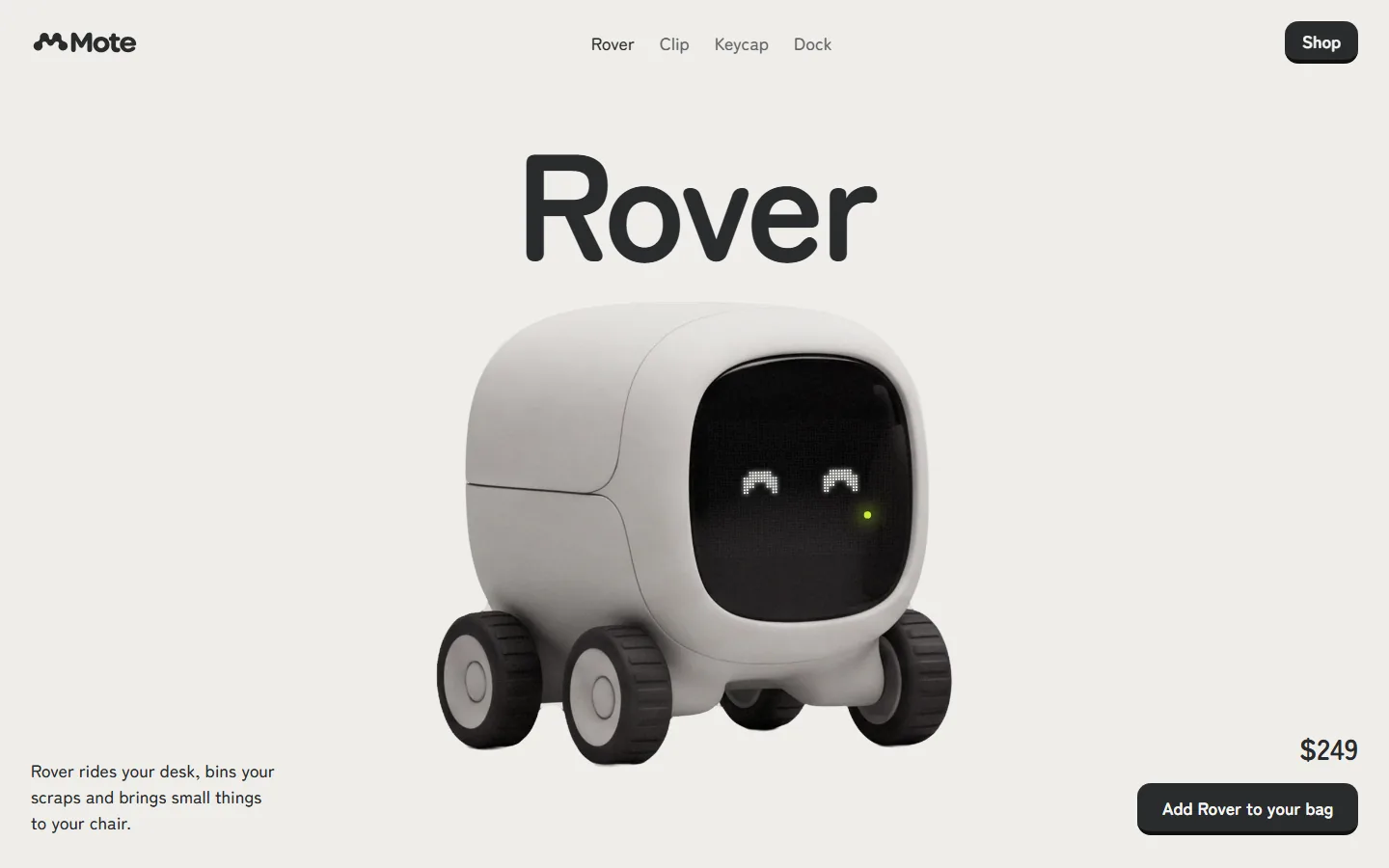
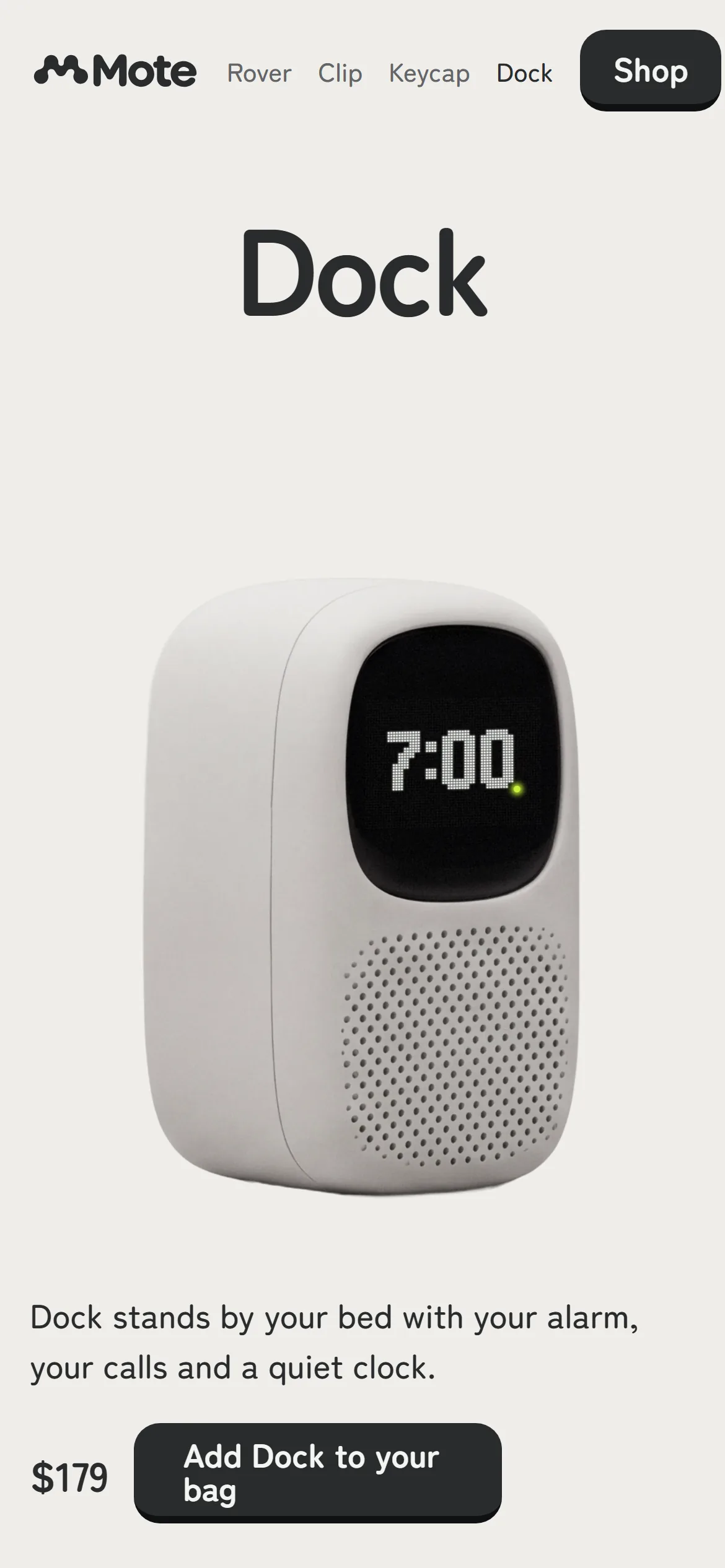
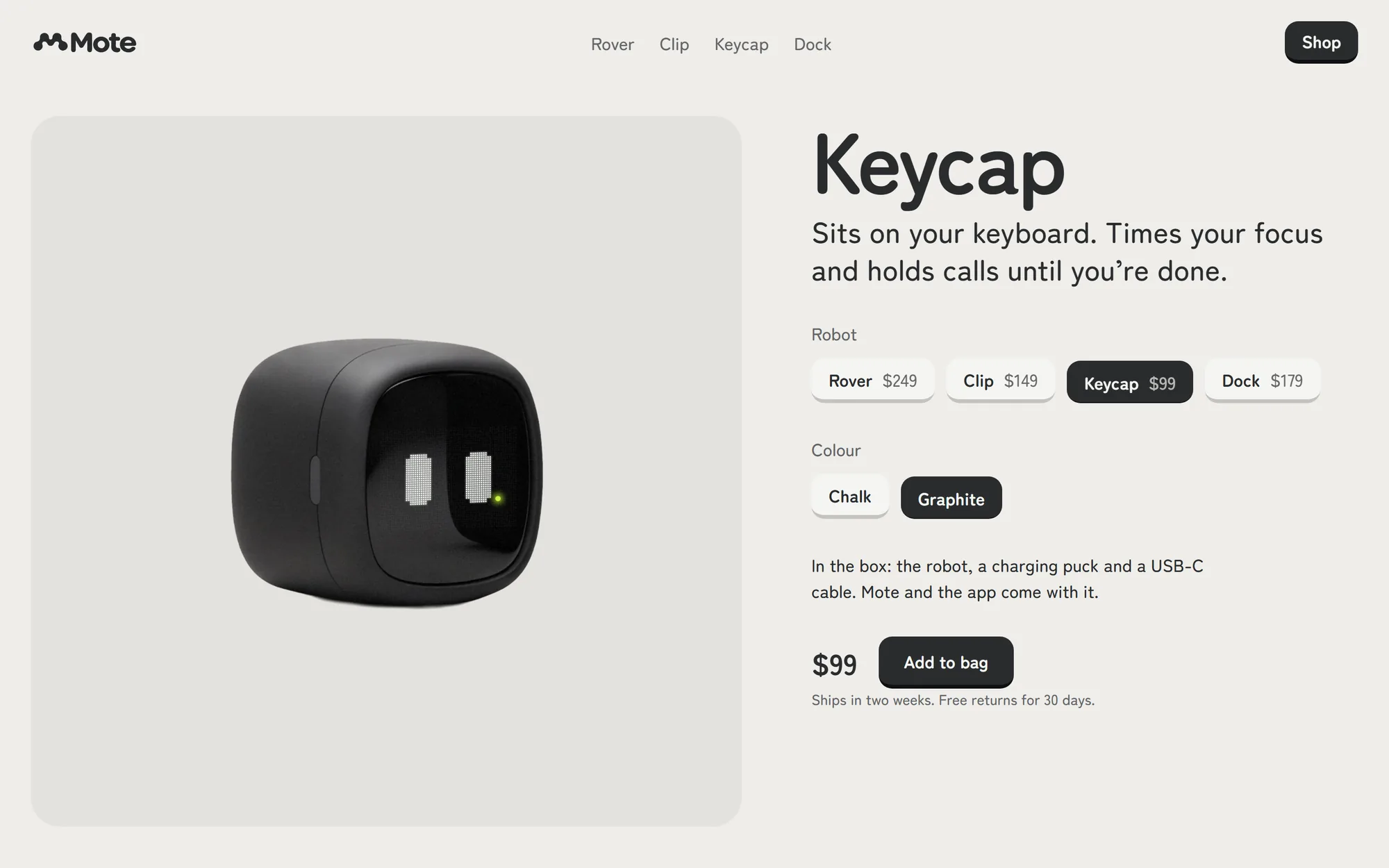
Each robot has its own page with a live face, keys you press to see its expressions, and specs in plain words. In the shop, its face wakes on every change of robot or colour.
Out in the world
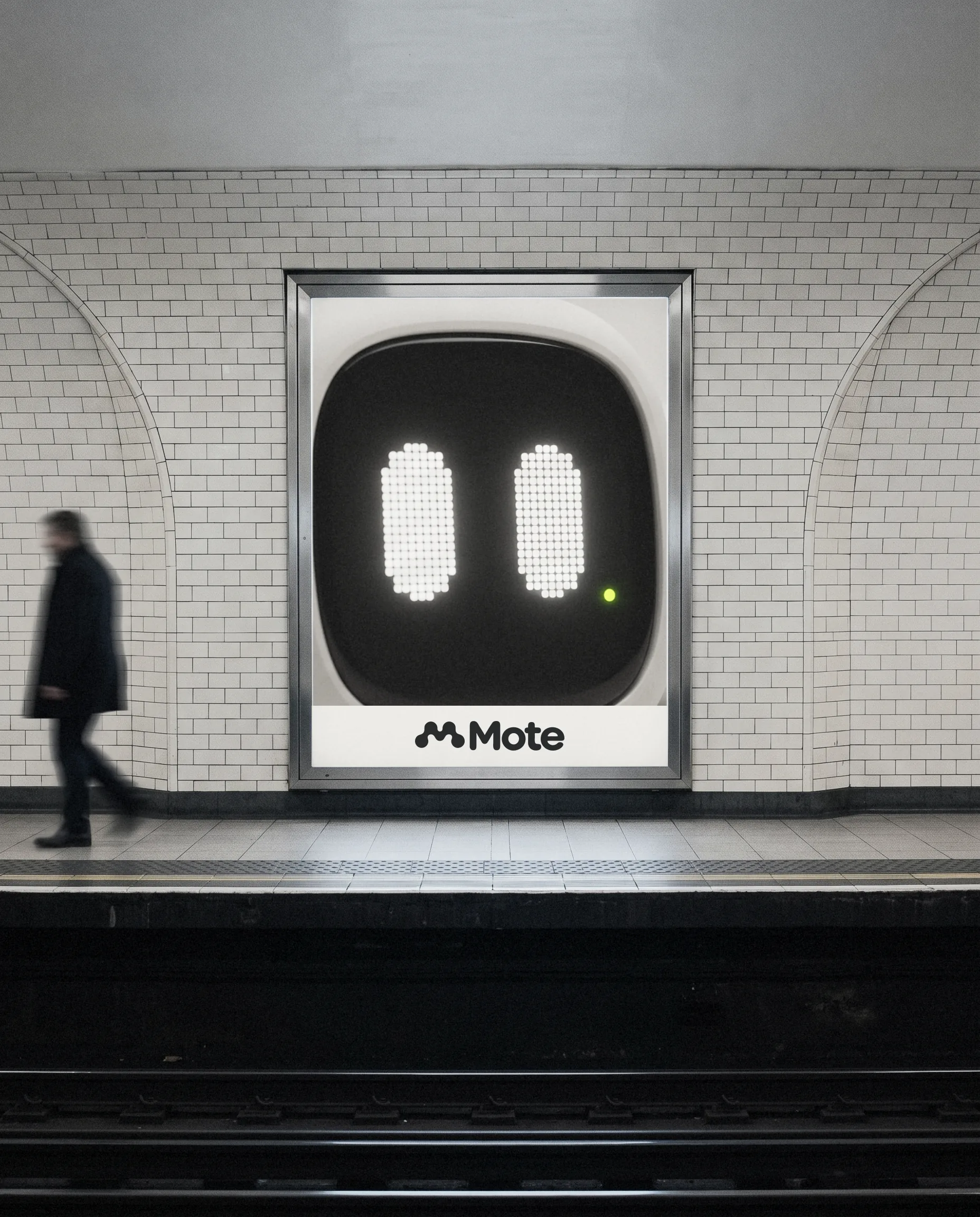
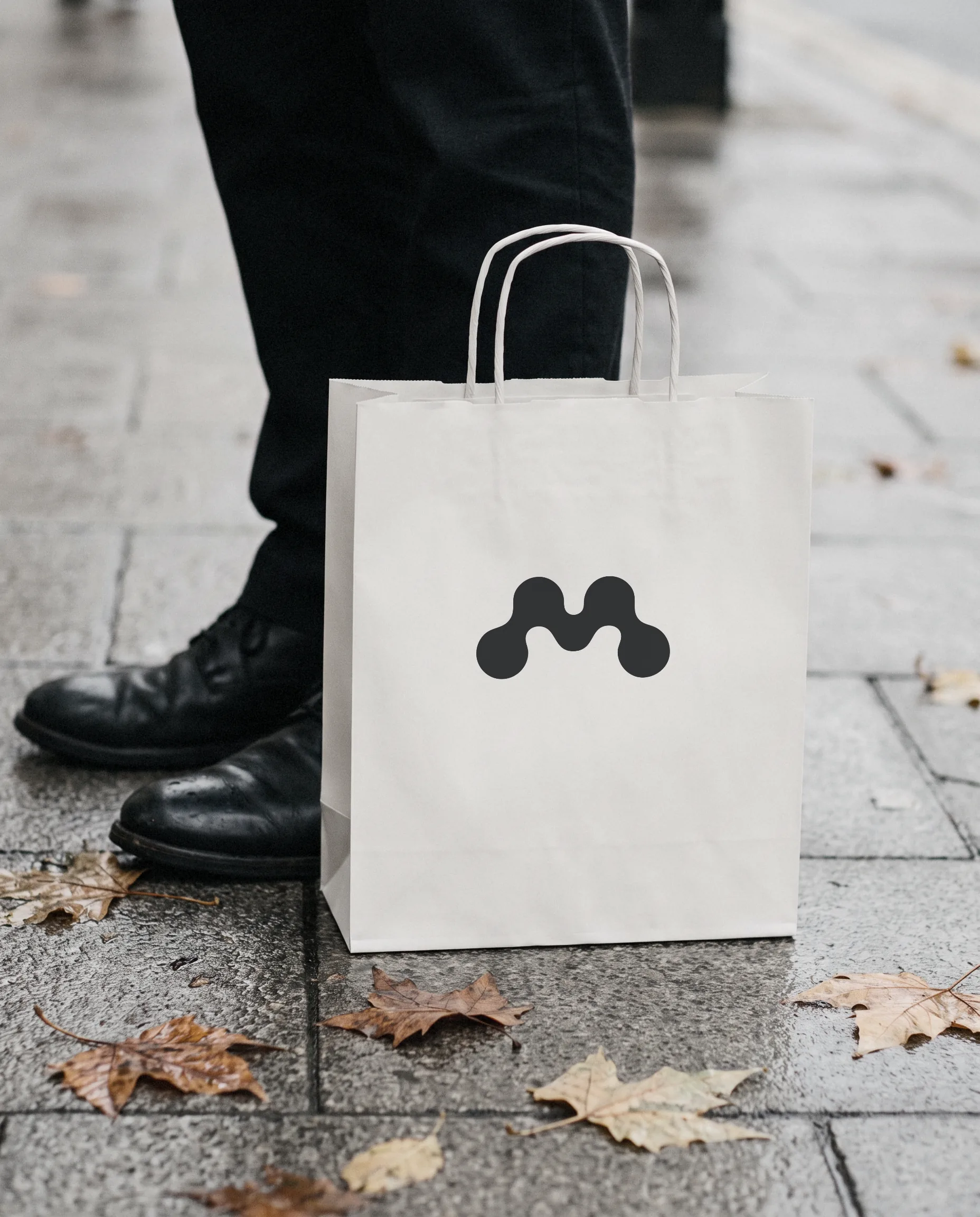
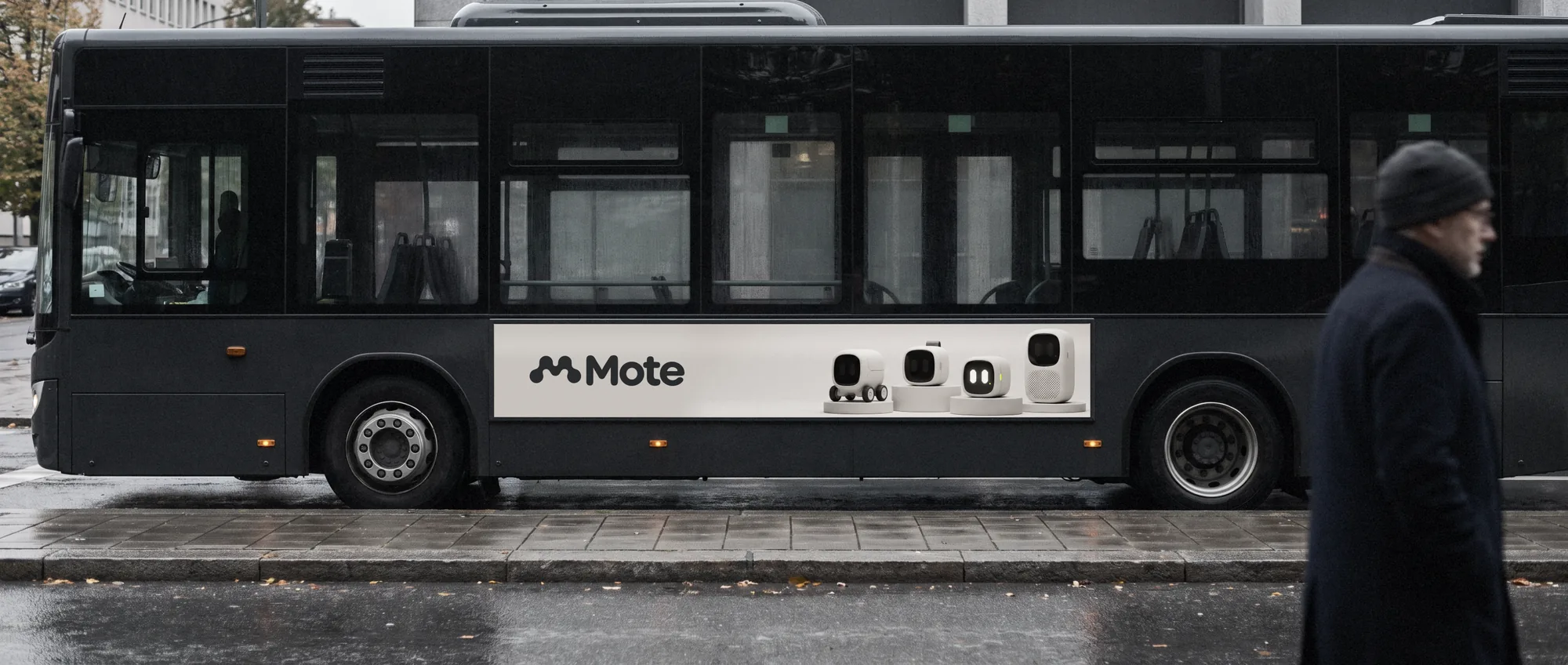
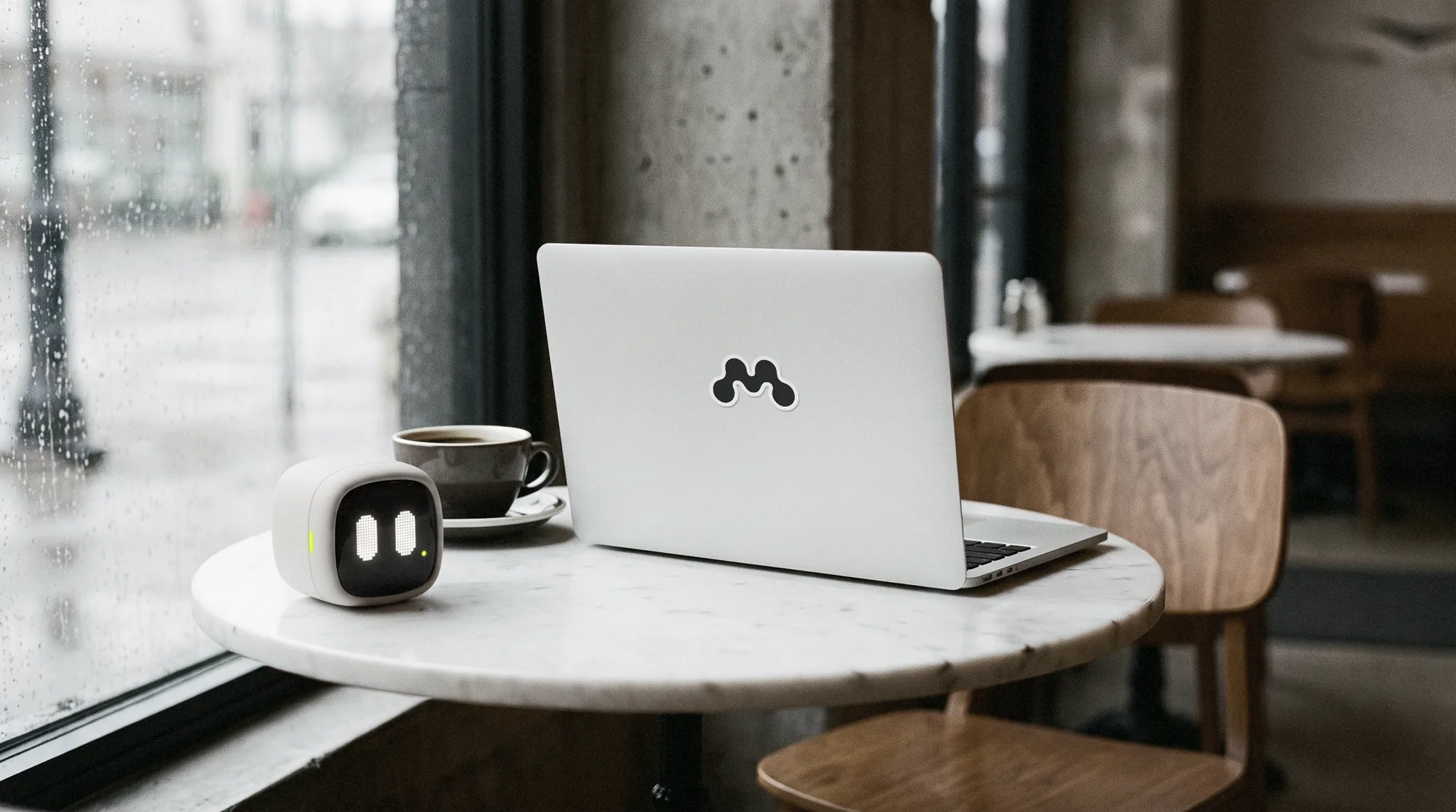
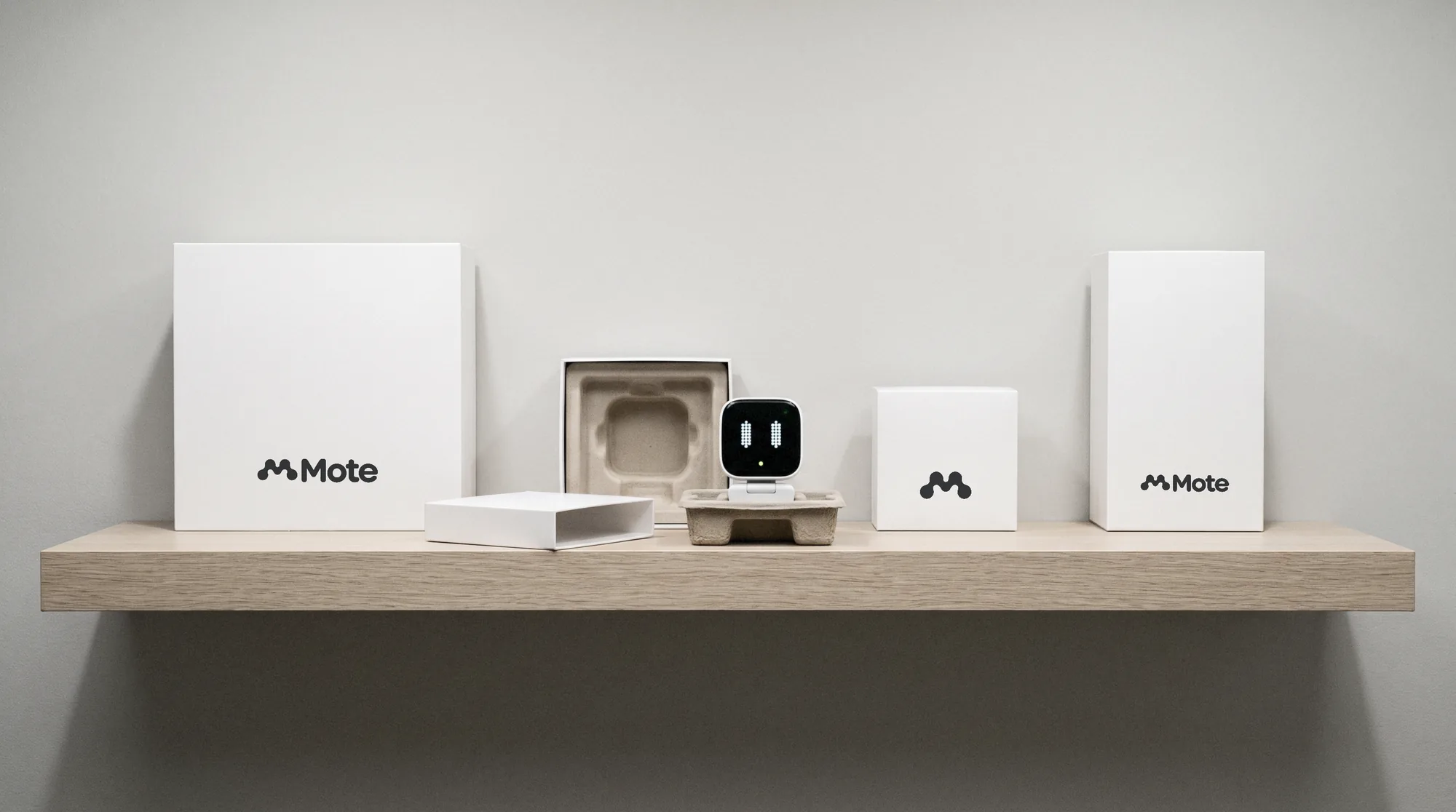
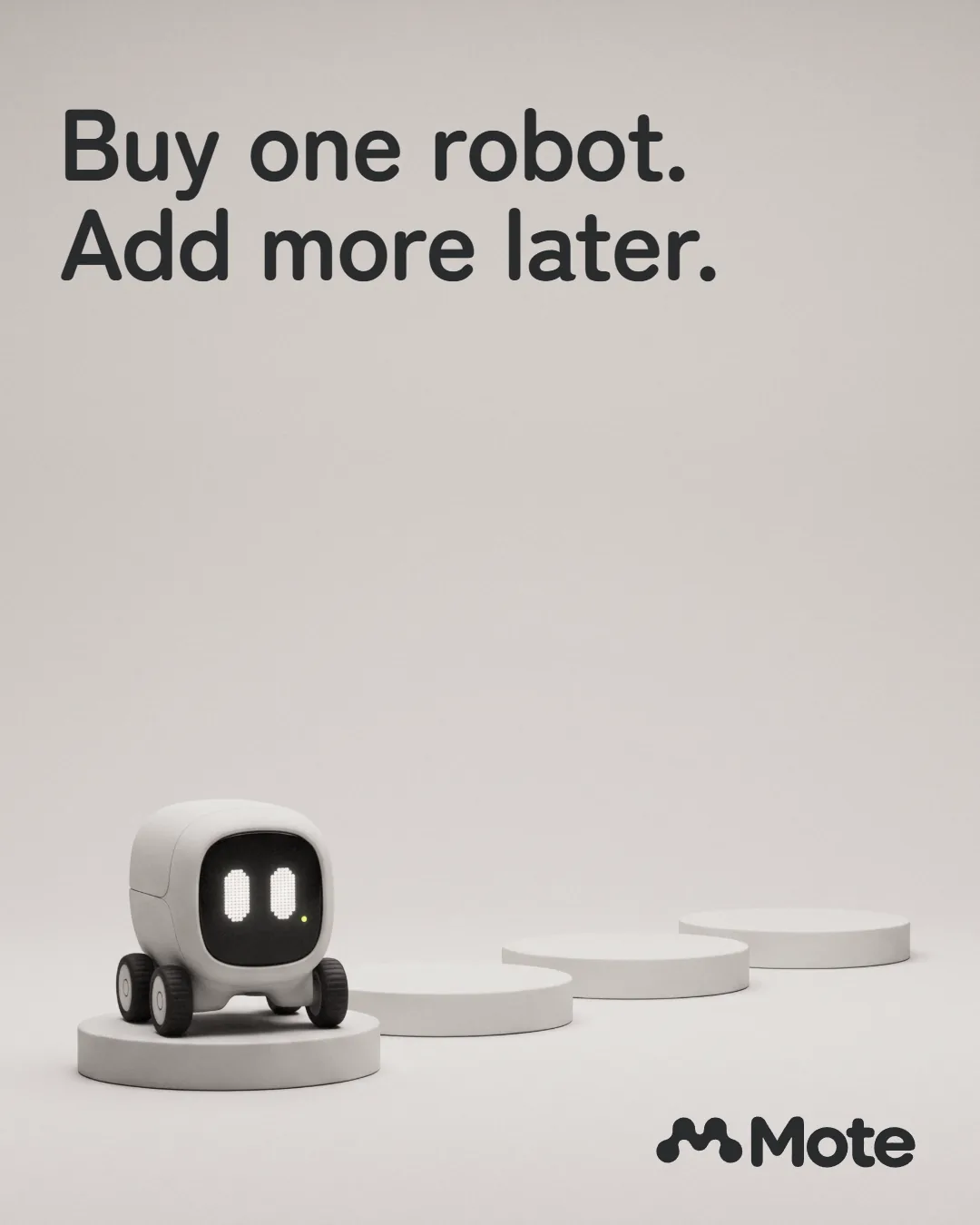
Chalk, graphite and one lime light on a launch stage, a bus, a shop shelf and a tee.
What we'd ship
For a consumer AI hardware company, this is a Brand + Website Build.
- Brand
- Name, key art, the dotted-M lockup and its film, palette, type and the rule for lime
- Website
- Six pages with the AI at work on the first screen, one page per robot and a shop, built to WCAG 2.2 AA for desktop and phone
- Product
- UX, a design system, the full iOS app, the face and controls on each robot, product films with sound and the App Store set
- Launch
- The identity board, posters, out-of-home, a launch stage, retail boxes and merch
Want this for your company?
Book 30 minutes. We'll tell you what we'd change first in your brand and on your first screen, and what it would cost.
Book a call, get a price range
The thinking behind it.
All insights- Brand12 min read
Web3 website and brand identity examples for 2026: ten live sites, from headline to colour, type and motion
10 Web3 website and brand identity examples (Phantom, MetaMask, Rainbow, Coinbase, Uniswap, Base, Solana, Ethereum, Sorare and Pixels): the headline, first screen, colour, type and motion on each as of October 31, 2026, and what a Web3 team can copy.
- Brand5 min read
How we turned our logo into a type family
We measured the five letters of the Alterra wordmark and grew them into three display weights and a text companion, with the grid and the rules behind them.
- Brand9 min read
Startup brand identity examples, and why they work
10 startup brand identity examples from Linear, Vercel, Stripe, Figma, PostHog, Perplexity and more: the one specific choice each makes, why it works for its buyer, and how to brief your own.
The brand in the feed
A mockup of how the brand would run on X. Not a live account.
Mote
@wakemote
One personal AI, four small robot bodies. The eyes show which one is listening.
wakemote.comJoined October 2026
61 Following4,208 Followers
Pinned
Mote @wakemote · Oct 15
Meet Mote. One mind. Every body.
2411278046K
Mote @wakemote · Oct 16
Drag the eyes to the body you need, and Mote wakes up there.
115241023K
Mote @wakemote · Oct 17
How the dotted M was drawn.
96452019K
Mote @wakemote · Oct 19
Now on the platform.
73829014K